


Answered
[InDesign] Can't select/remove object in any way
Greetings,
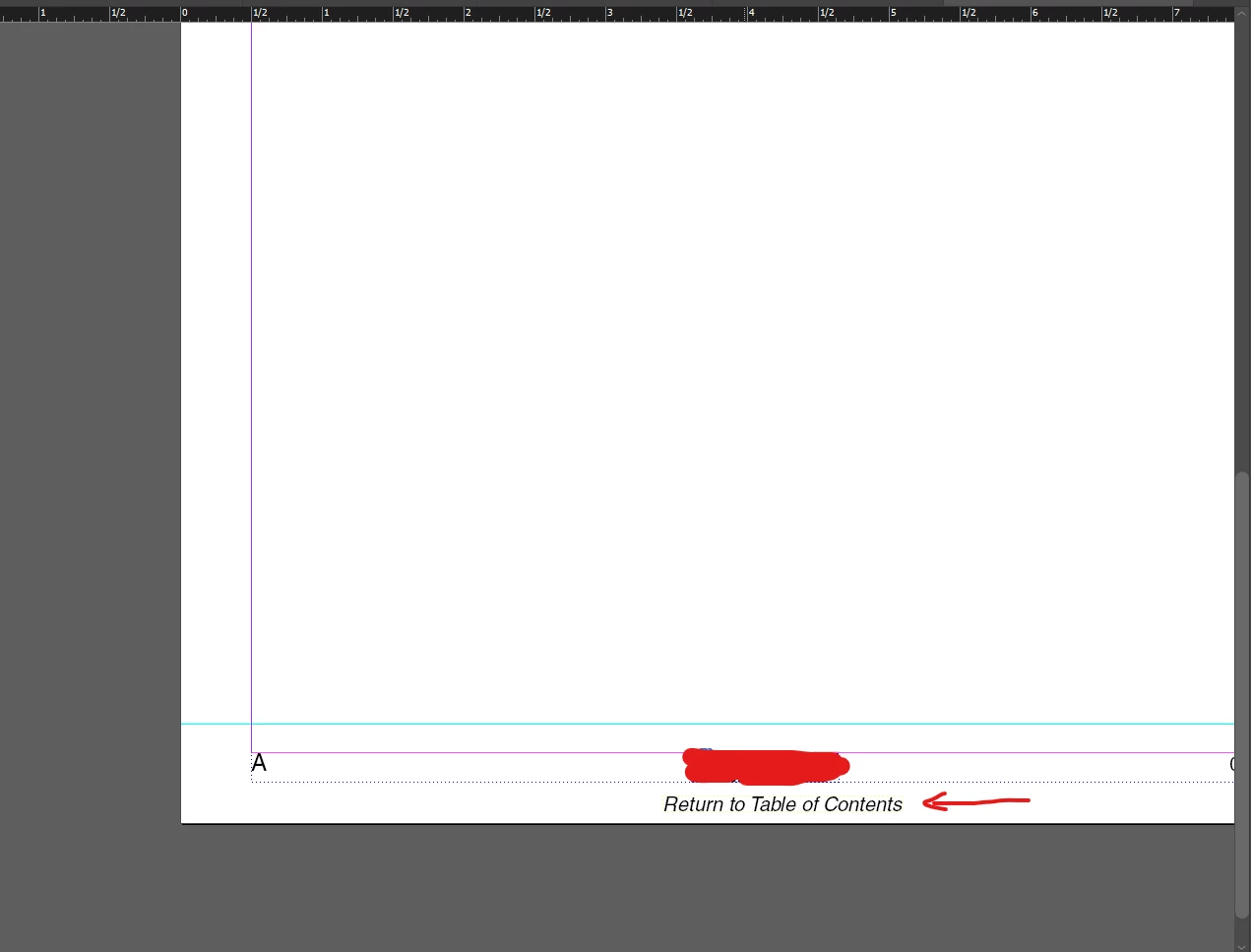
I seem to have encountered a strange issue with an InDesign file, where there is an object on a Master Page in one of the book files, that I want to remove, yet I cannot even select it (not even using force-select), see screenshot below for more detail. It's as if it is embedded into the page/background somehow, even though it's a text box as far as I can tell. I tried deleting the Master Pages with that item, then importing Master Pages without that object from other files in the Book, but then said object magically appears on the newly imported Master Pages as well, even though it's not there in any other file within the Book. Any ideas? It's the "Return to Table of Contents" box.
 AdChoices