Laiza_833
New Participant
December 12, 2016
Answered

InDesign CC2017 - Toolbar options missing that were previously there

  • December 12, 2016
  • 3 replies
  • 7400 views

Dear Forum

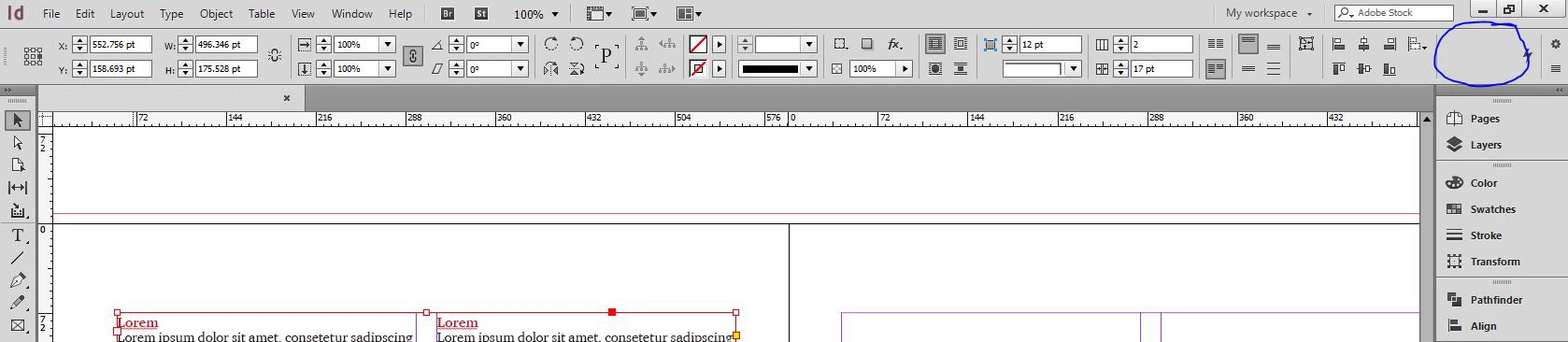
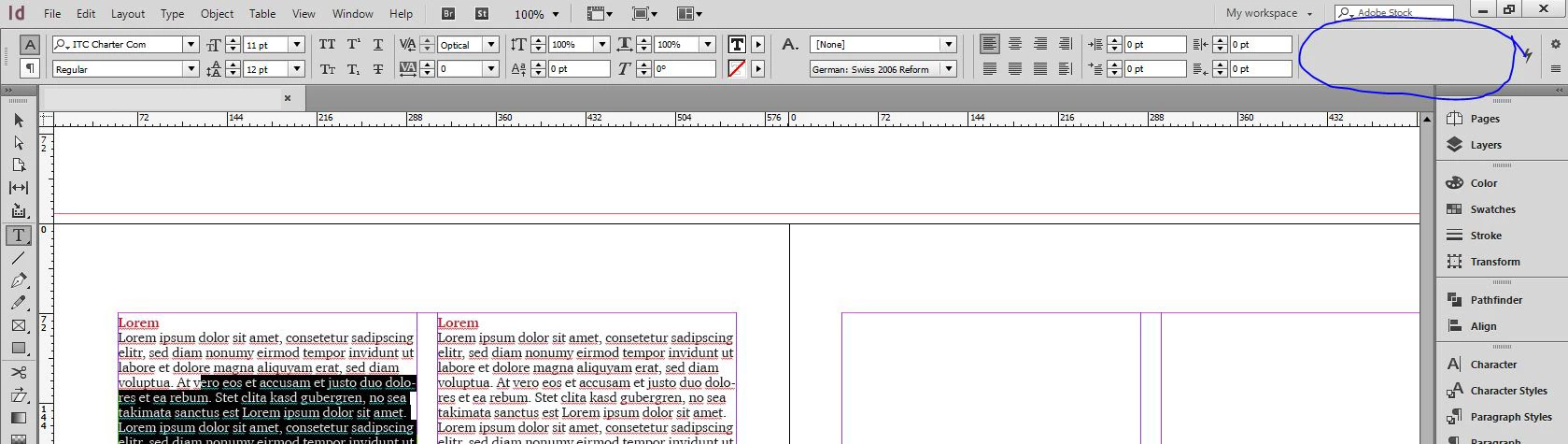
The recent update to 2017 made parts of my toolbar options (the horizontal strip on top) to disappear which is driving me crazy, as it removed exactly the options I use there most...! There's plenty of space of it as the workspace is the same, yet when you click on an object or text frame, it doesn't show them any more. I've already gone in on "customize control panel", but it only lets you control what is showing/hidden when you don't have anything selected. What I need, is to control what shows up when you select things like an object or text inside a frame. Or just get it back to how it was before, it always had space until the update (??)

For example, my align toolbar now only contains the align options without the distribution options, and my text options suddenly don't include the space before after anymore. That is super annoying as I have to manually go to the separate panels every time, it's delaying me. And there's plenty of space for the options up there. HELP pls someone???
This topic has been closed for replies.
Correct answer Geоrge

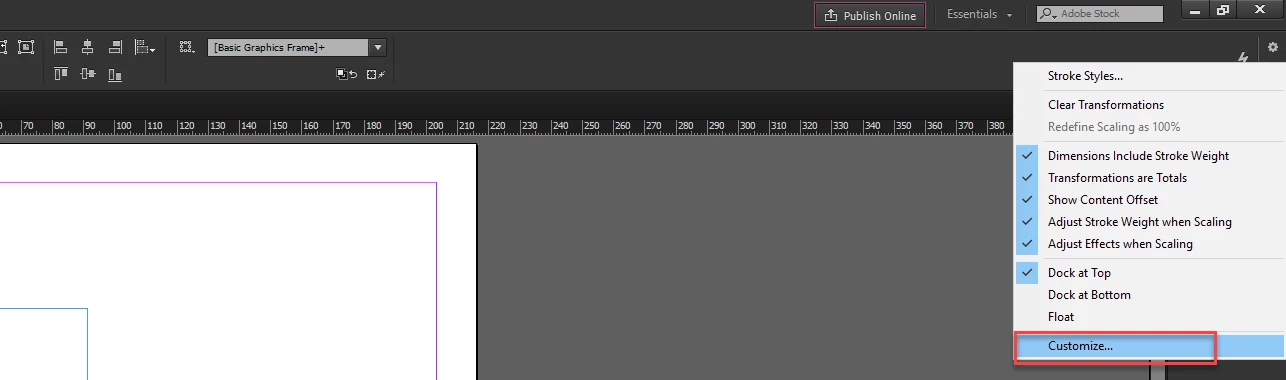
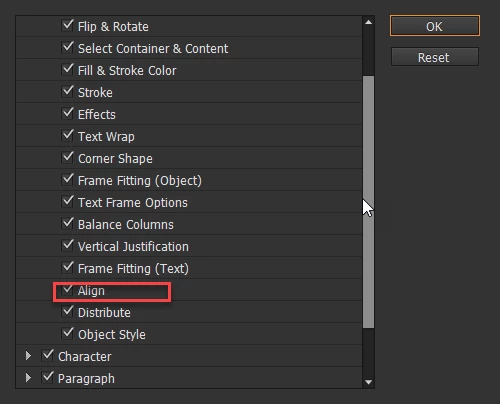
See images

Is there this checkbox enabled on your side?

If not - than check. If yes, than try to uncheck not needed to you checkboxes

3 replies

ntimesmany
New Participant
July 9, 2018

not helpful at all! i still cant find the options. baffles my mind to see a function essential like this, being removed arbitrarily.

Community Expert
July 9, 2018

Hi ntimesmany ,

the function is not removed. The UI changed so you may disable showing other functions so that there is space for the one you need access to. It also depends on your screen as Barb already said.

Can you show a screenshot of your Control Panel when a rectangle is selected on the page?

Hope we can guide you to see your favourite tools again.

Regards,
Uwe

Barb Binder
Community Expert
December 12, 2016

This is a huge issue for people who upgraded to 2015.4 or 2017 but are still using smaller or low-resolution monitors.

Take a look at this post to understand both what is going on, and how to deal with it.

https://www.rockymountaintraining.com/adobe-indesign-frame-fitting-buttons/

And in the first screen shot, just click the ¶ button on the far left of the control panel to be able to see all of the paragraph commands. Click the A to see all of the character commands. You can hide buttons there too, but if you are willing to switch views, you won't need to.

~Barb at Rocky Mountain Training
Geоrge
GeоrgeCorrect answer
Brainiac
December 12, 2016

See images

Is there this checkbox enabled on your side?

If not - than check. If yes, than try to uncheck not needed to you checkboxes

Remember, never say you can't do something in InDesign, it's always just a question of finding the right workaround to get the job done. © David Blatner
Laiza_833
Laiza_833Author
New Participant
December 12, 2016

Hi George - yes I had both align and distribute options clicked in on those options, hence my confusion. In the meantime, the options suddenly re-appeared now. I didn't change anything so unfortunately I can't give insight on how to solve this issue, other than that they disappear and re-appear on their own. Thanks Barb for the link - hopefully that will be useful for other frustrated users and myself when this issue reappears!