phoemelas55373142
Participant
July 26, 2020
Answered

InDesign export to PDF loses bleed

  • July 26, 2020
  • 1 reply
  • 538 views

I feel like I've double checked everything but I still can't seem to get the bleed to show up in the PDF. I'm sorry if I'm missing something obvious but I can't find what's wrong. 

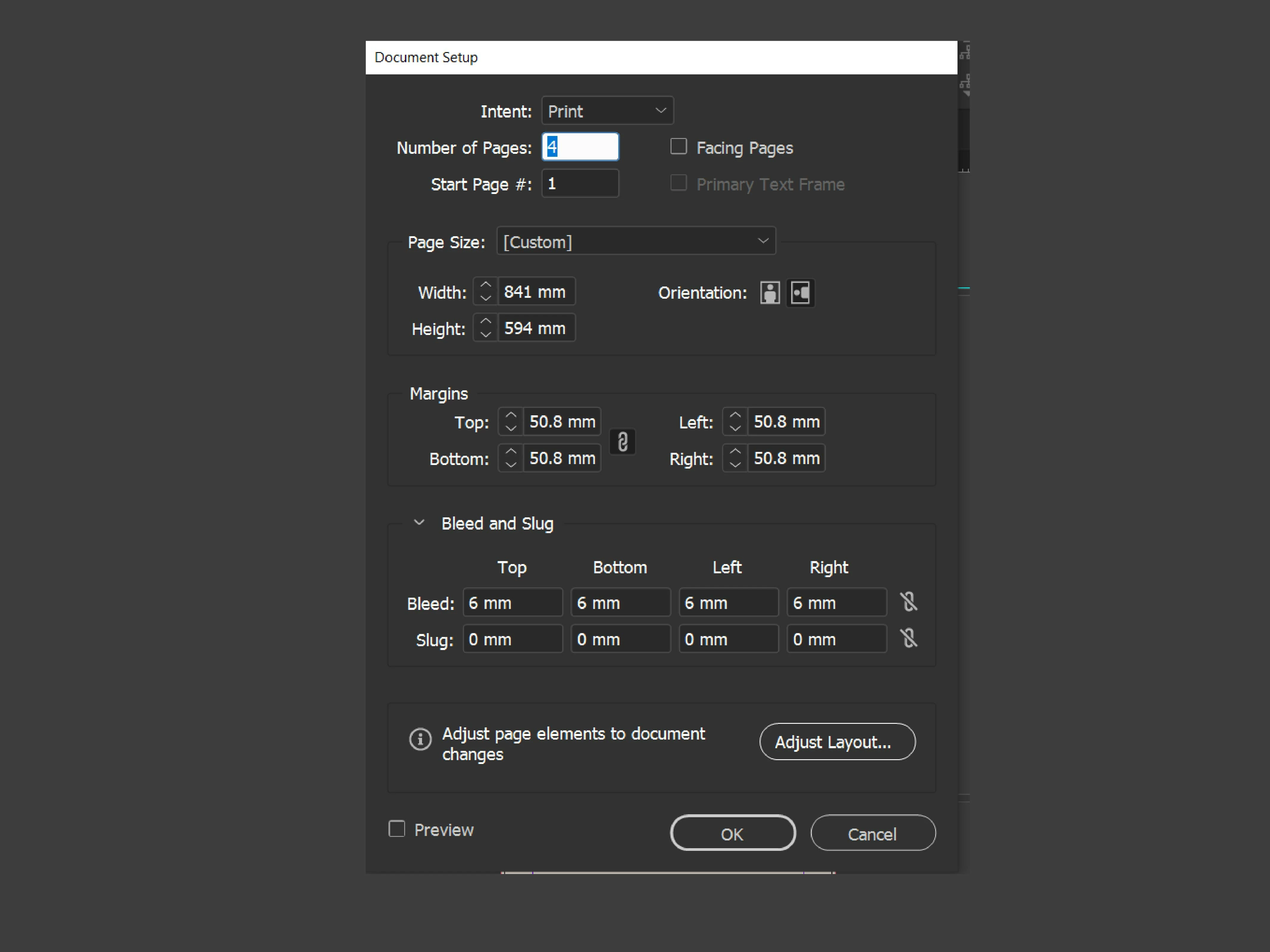
Document Setup

Document

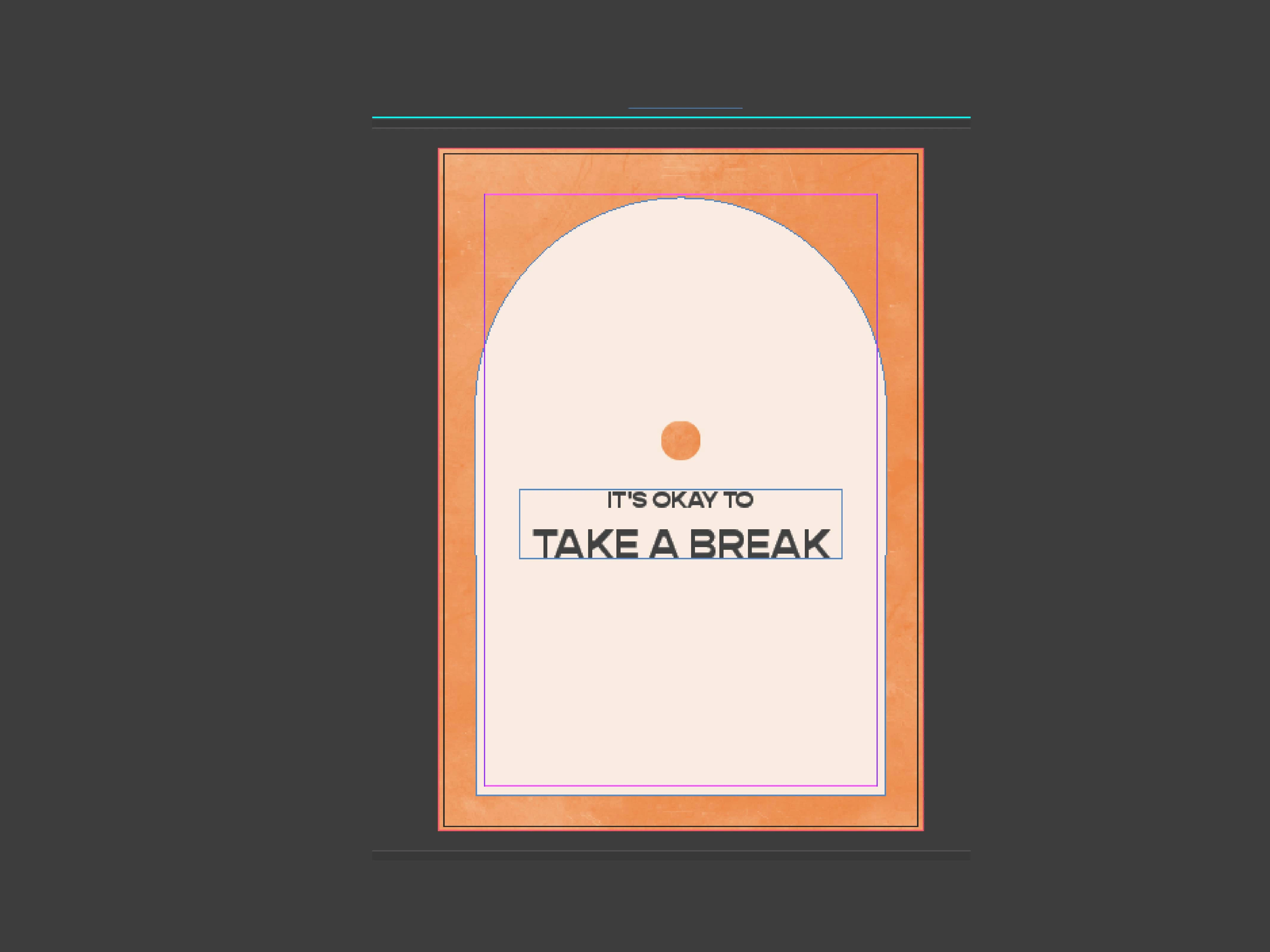
 3 Preview > Bleed

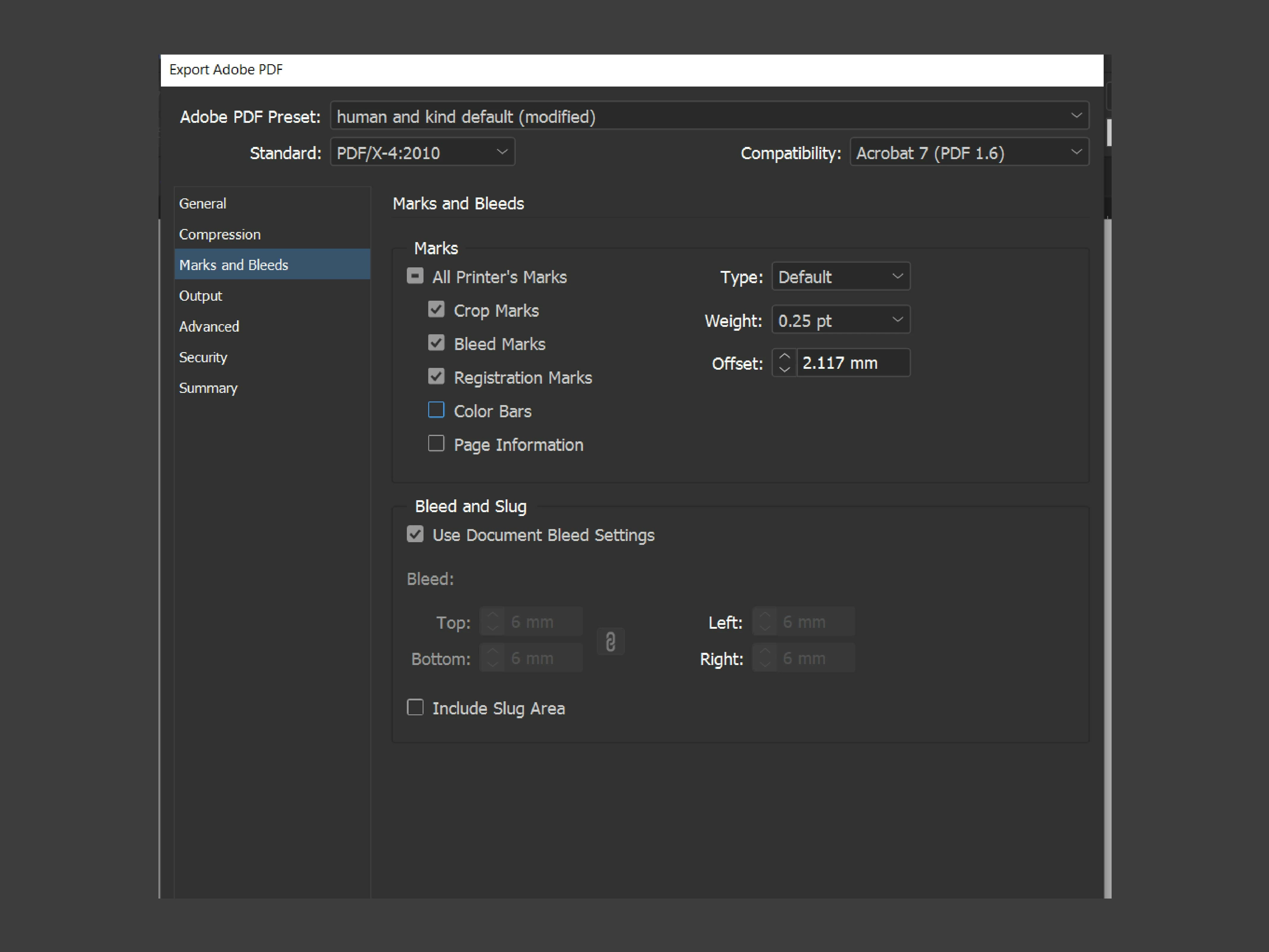
 4 Export > Margin and Bleeds
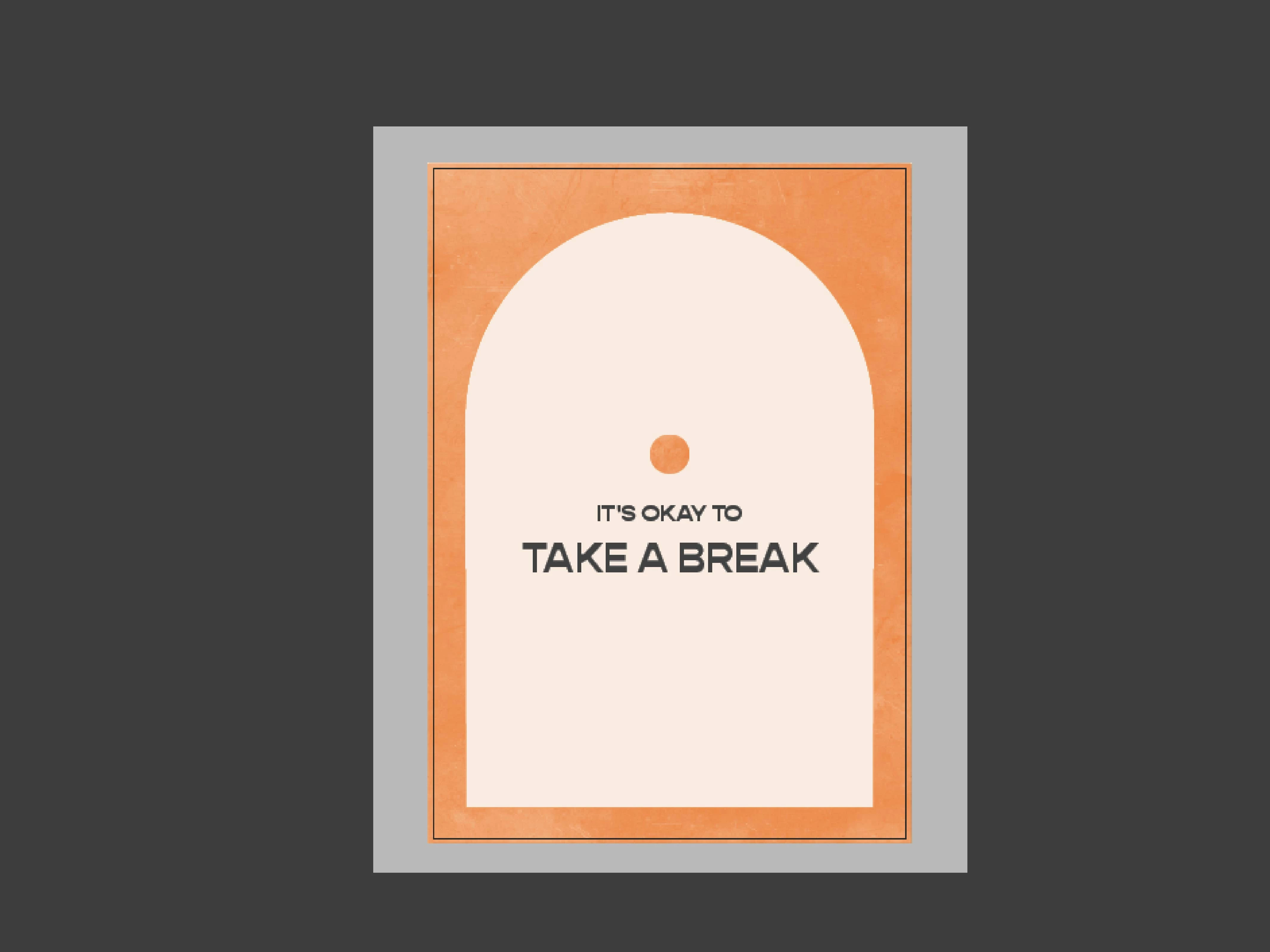
5 PDF view
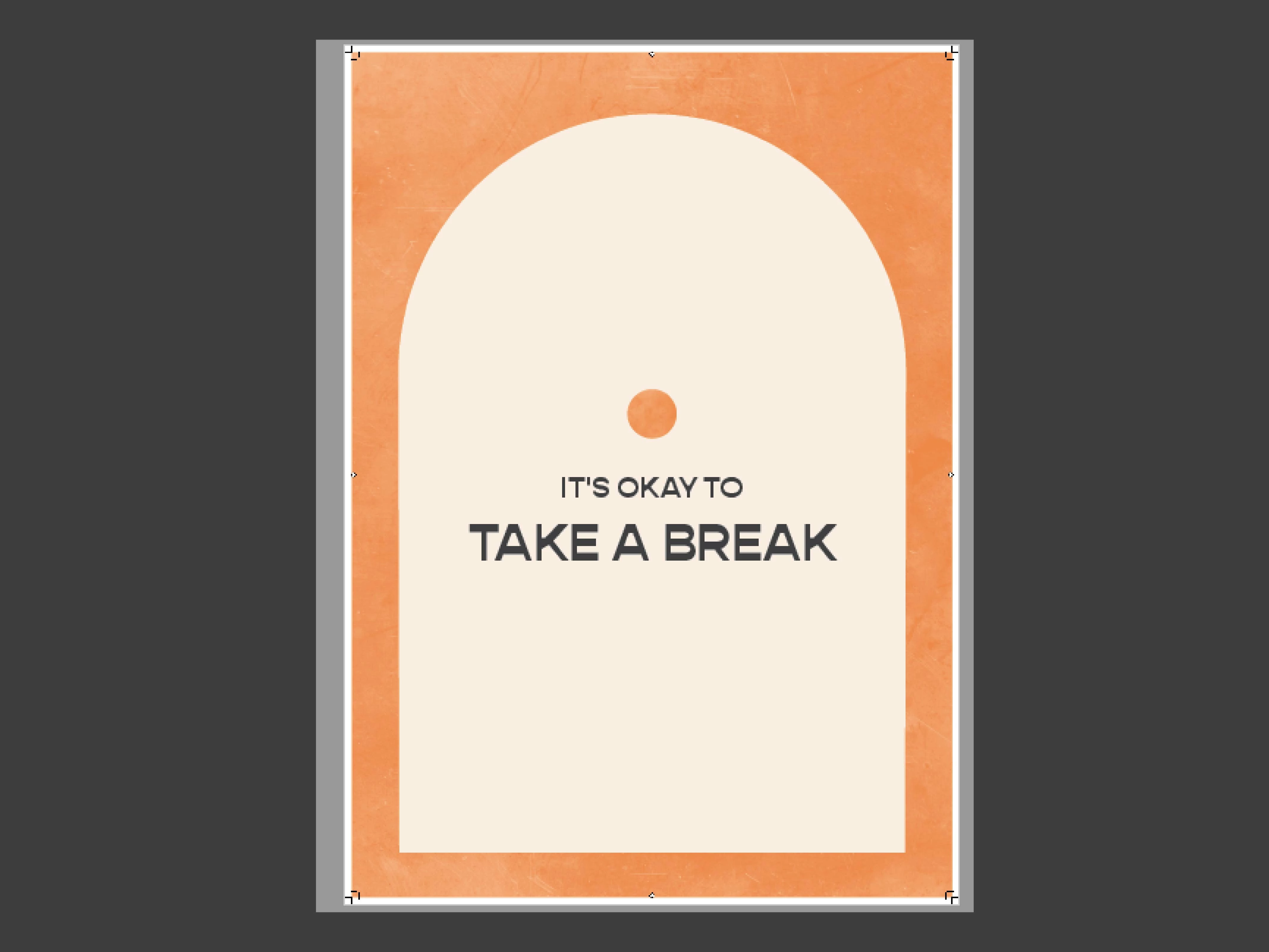


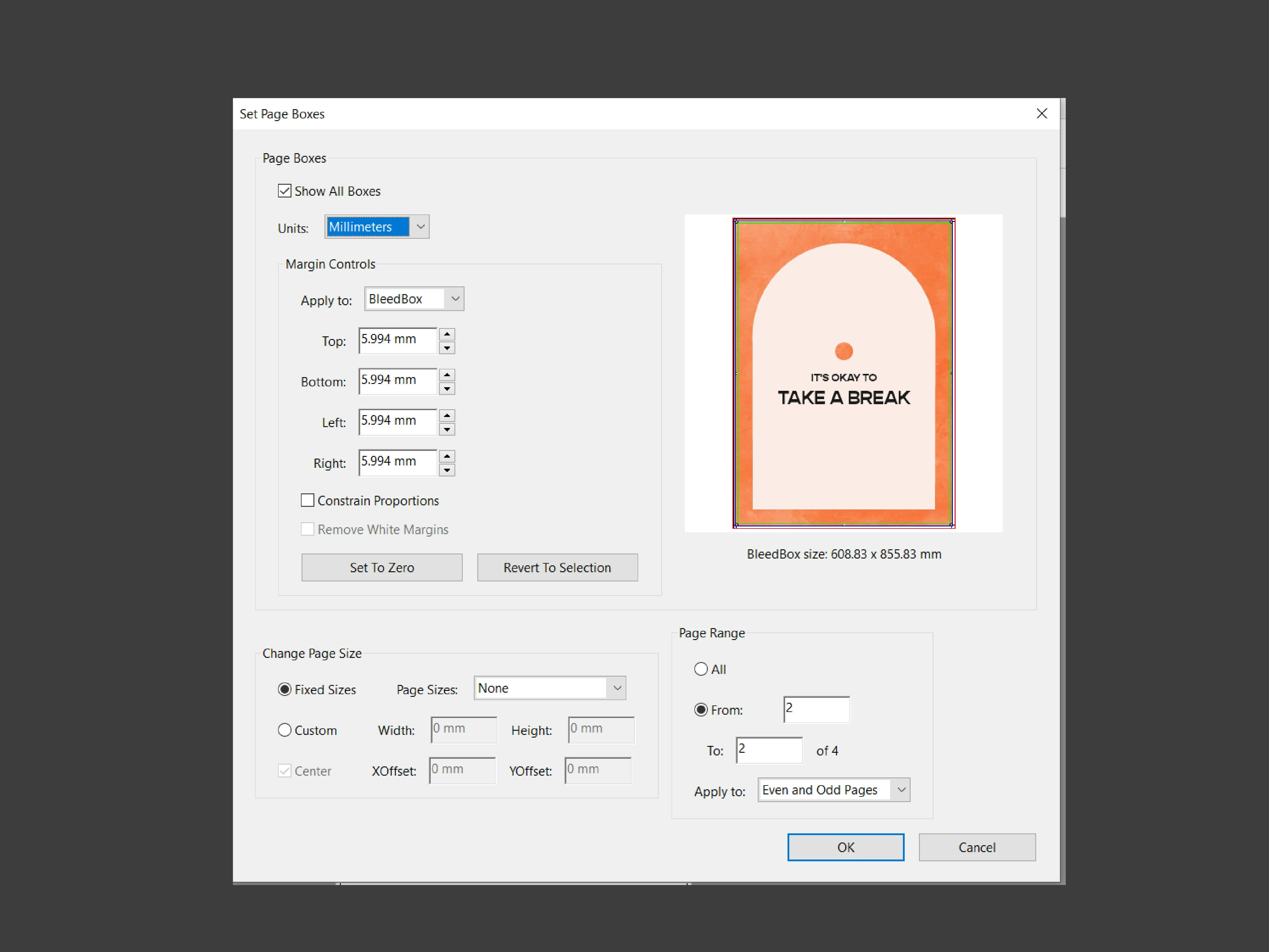
6 PDF > Tools > Set Page Boxes
 

Thank you for your time!


This topic has been closed for replies.
Correct answer Luke Jennings3

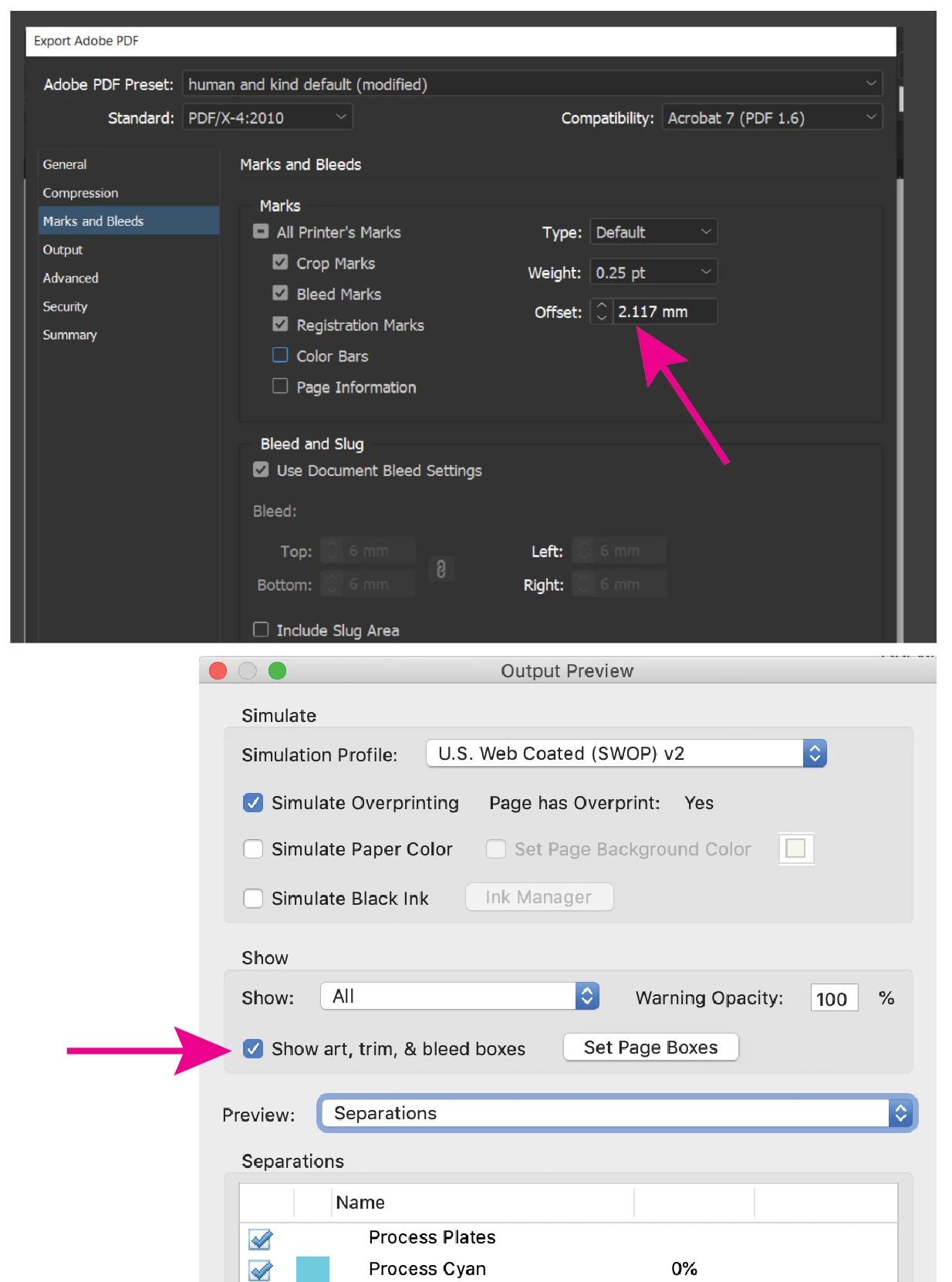
Your bleed looks okay to me. You should offset the marks by at least as far as your bleed size (6 mm), otherwise you risk having the marks included in the work. You can turn the art, trim & bleed boxes on and off in Acrobat using the Output Preview tool (under Print Production).

1 reply

Luke Jennings3
Community Expert
Luke Jennings3Community ExpertCorrect answer
Community Expert
July 26, 2020

Your bleed looks okay to me. You should offset the marks by at least as far as your bleed size (6 mm), otherwise you risk having the marks included in the work. You can turn the art, trim & bleed boxes on and off in Acrobat using the Output Preview tool (under Print Production).

phoemelas55373142
Participant
July 27, 2020

Hi Luke! Thank you for this tip, I didn't even notice that. I'll be sure to do it. I'm just concerned because in the #5 image for the PDF view, the bleed area is still white. Shouldn't it match #3? or is this normal for PDF's?

Luke Jennings3
Community Expert
Community Expert
July 27, 2020

The white area is beyond the bleed. It's hard to tell because the mark offset is so small. Hopefully this screen shot will clarify the issue.