


Exit
  • Global community
    • Language:
      • Deutsch
      • English
      • Español
      • Français
      • Português
  • 日本語コミュニティ
  • 한국 커뮤니티
0

Indesign file doesn't load fonts and images in package.

Community Beginner ,
Jun 19, 2024 Jun 19, 2024

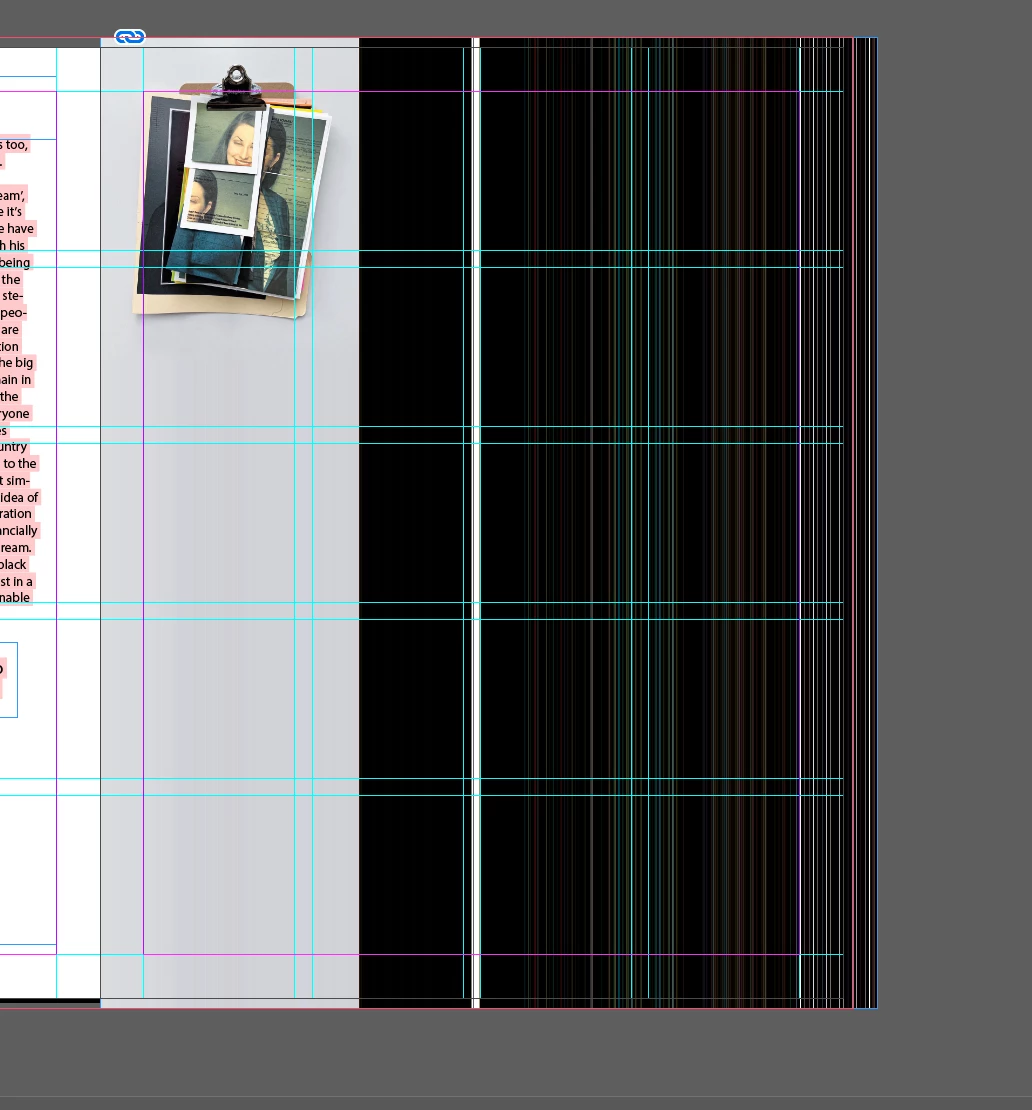
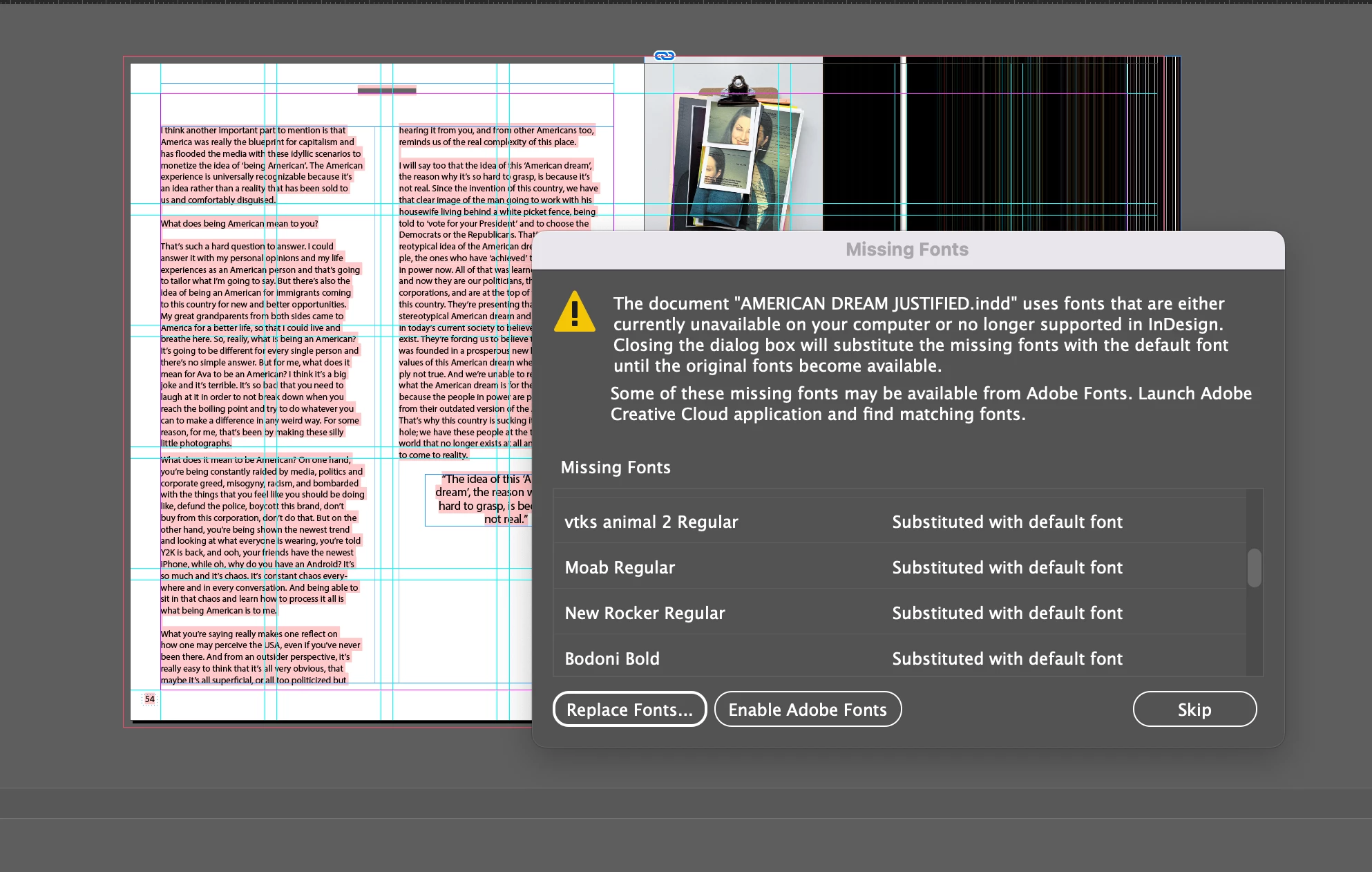
Hey all, I received a package 10 days ago and everything worked perfectly: the fonts downloaded automatically and the images were all linked correctly.
I've opened the file today after I hadn't touched anything in the package and it seems to be broken: it can't find the fonts and the images seem to be corrupted.
Is this a known issue? and if so, do you have any advice on how to solve it?
Thank you very much!
 

Screenshot 2024-06-18 at 17.54.05.pngScreenshot 2024-06-18 at 17.53.54.png

TOPICS
Bug
617
Translate
Report
Community guidelines
Be kind and respectful, give credit to the original source of content, and search for duplicates before posting. Learn more
community guidelines

correct answers 1 Correct answer

Community Beginner , Jul 21, 2024 Jul 21, 2024

SOLVED! 

someone on reddit suggested to recreate a new package from that original one which was giving me problems. Now I can move it wherever I want and it works fine!

Translate
Community Expert ,
Jun 19, 2024 Jun 19, 2024

Ensure you know where you've saved the original InDesign document.

The fonts don't seem to be installed – if they are Adobe fonts download them again, if not do you know wher you got them from?

Re images check in the Links panel to see of you can find the originals and relink them.

The Preflight panel should help find issues. 

Translate
Report
Community guidelines
Be kind and respectful, give credit to the original source of content, and search for duplicates before posting. Learn more
community guidelines
Community Beginner ,
Jul 21, 2024 Jul 21, 2024

Hey @Derek Cross thanks for your response. 

I asked the person to send me the pacjage again. 

When the folder is in my download floder, it works perfectly: all the fonts are linked and the images work fine. 

However, if I try to move the package folder somewhere else, it gives me the problem that I described above...

I have zero clue why this happens.

Any thought? 

Translate
Report
Community guidelines
Be kind and respectful, give credit to the original source of content, and search for duplicates before posting. Learn more
community guidelines
Community Expert ,
Jul 21, 2024 Jul 21, 2024

You have to *copy* the *complete* folder with everything in it and always open the indd file from within that folder, make sure no aliasses are created, so indeed copy it...

Translate
Report
Community guidelines
Be kind and respectful, give credit to the original source of content, and search for duplicates before posting. Learn more
community guidelines
Community Beginner ,
Jul 21, 2024 Jul 21, 2024

I know, in fact I keep the folder 'intact'. If I move it from downloads to desktop (yes, the whole folder) I experience the problem..

Translate
Report
Community guidelines
Be kind and respectful, give credit to the original source of content, and search for duplicates before posting. Learn more
community guidelines
LEGEND ,
Jul 21, 2024 Jul 21, 2024
quote

Hey @Derek Cross thanks for your response. 

I asked the person to send me the pacjage again. 

When the folder is in my download floder, it works perfectly: all the fonts are linked and the images work fine. 

However, if I try to move the package folder somewhere else, it gives me the problem that I described above...

I have zero clue why this happens.

Any thought? 


By @Vincenzo5E1C


A bit strange... Do you have "diacritics" in the file path - like "ą, ć, ł, ä, ö, ü" etc.


Or is it a network location? 


Translate
Report
Community guidelines
Be kind and respectful, give credit to the original source of content, and search for duplicates before posting. Learn more
community guidelines
Community Beginner ,
Jul 21, 2024 Jul 21, 2024
LATEST

SOLVED! 

someone on reddit suggested to recreate a new package from that original one which was giving me problems. Now I can move it wherever I want and it works fine!

Translate
Report
Community guidelines
Be kind and respectful, give credit to the original source of content, and search for duplicates before posting. Learn more
community guidelines