Participant
April 13, 2022
Answered

Indesign - object position constraints

  • April 13, 2022
  • 2 replies
  • 509 views

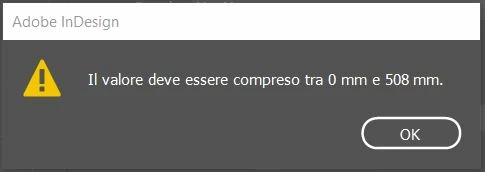
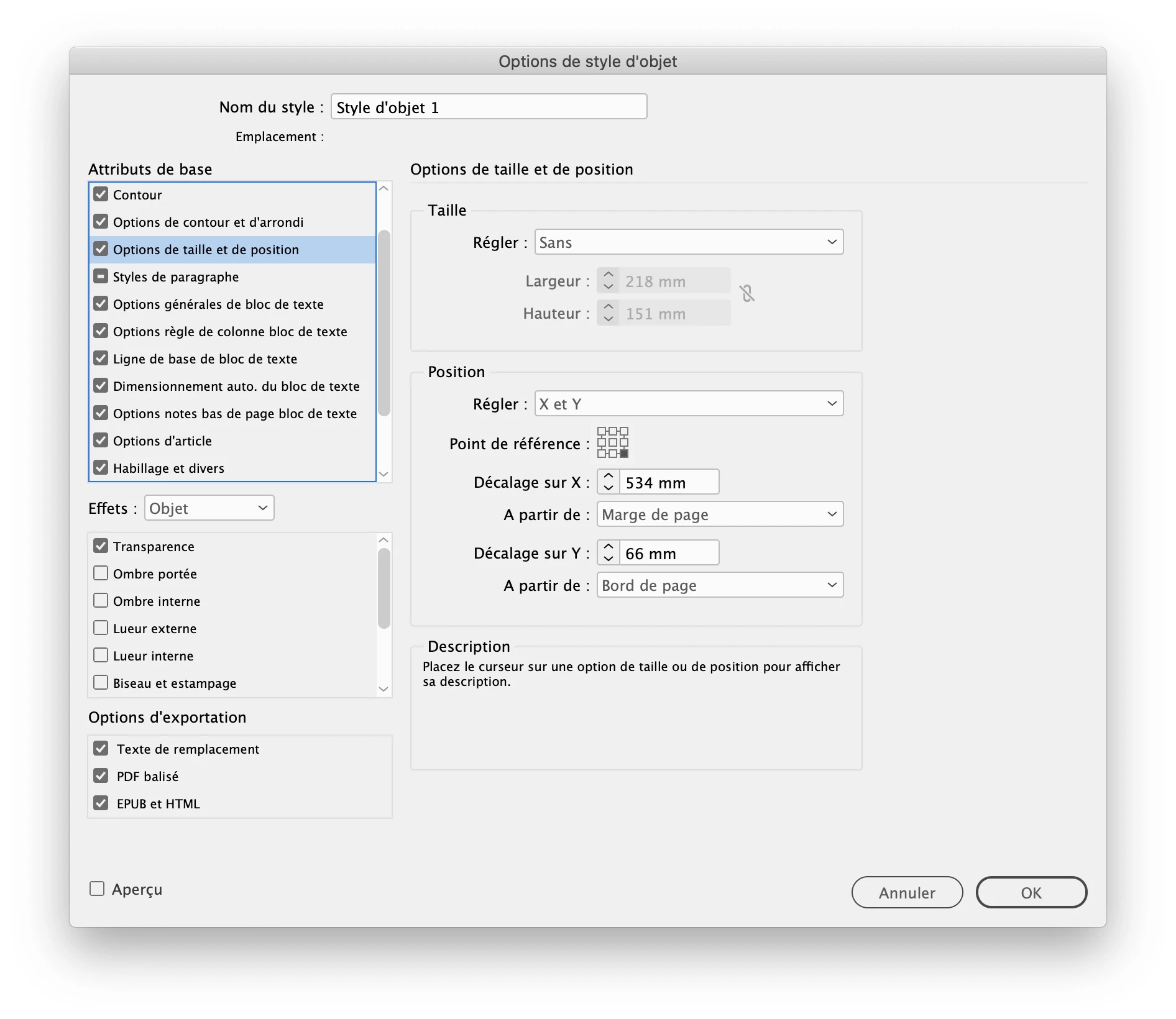
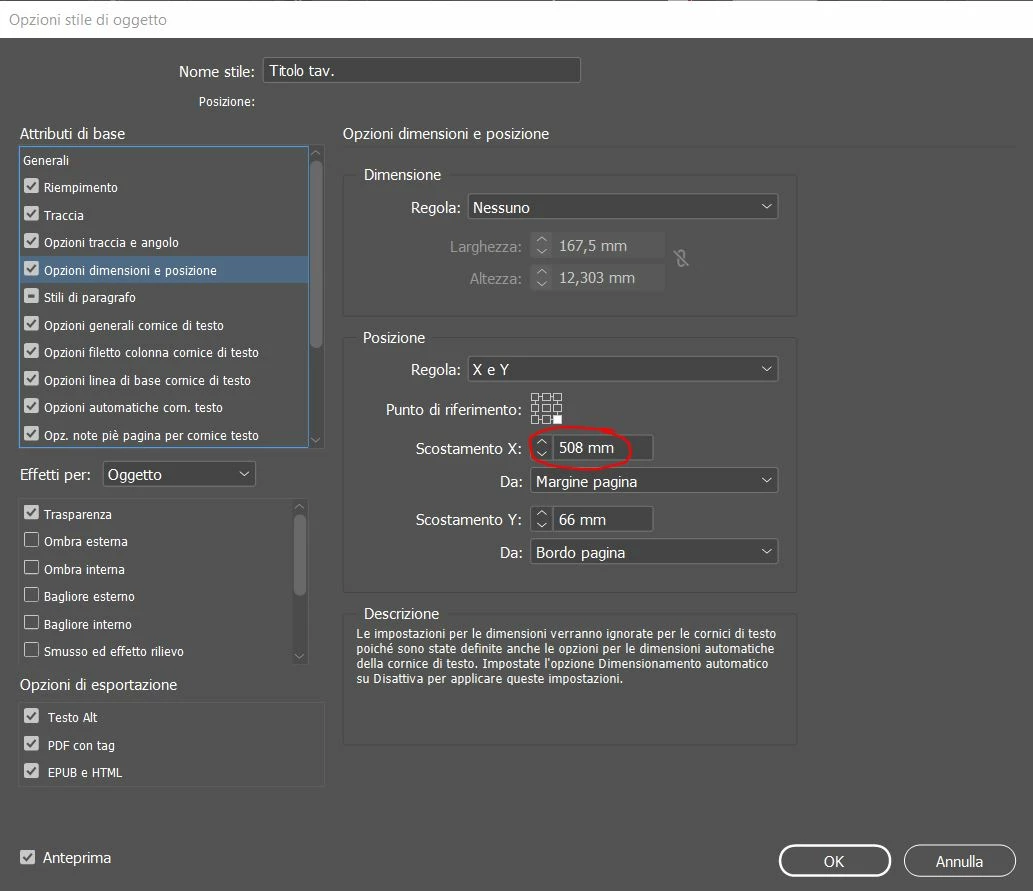
I am trying to set the position X and Y of an object style, but whenever I enter the value X=534 mm, a pop-up window comes up saying the value must be within the range 0 and 508. Why?! I am working with an A1 vertical format (594 mm x 841 mm). Is there an value constraint inside the document?


Here two pics:
 

This topic has been closed for replies.
Correct answer jmlevy

Hi @Alberto22960407bf0g 


I get the same warning message when I do the sameas you did. However, I found a workaround: once you have setup your object style with the 508 mm forced value, create a frame oon the page, apply the object style to it, then move manually the frame to the desired position (534 mm), then redefine the object style.

2 replies

jmlevy
Community Expert
jmlevyCommunity ExpertCorrect answer
Community Expert
April 13, 2022

Hi @Alberto22960407bf0g 


I get the same warning message when I do the sameas you did. However, I found a workaround: once you have setup your object style with the 508 mm forced value, create a frame oon the page, apply the object style to it, then move manually the frame to the desired position (534 mm), then redefine the object style.

Participant
April 13, 2022

Thank you jmlevy,
It's definitely not the official way of solving the problem, but it gets to point and now all the objects linked to this style have changed accordingly. I am still wondering why there is this constraint

Ged_Traynor
Community Expert
Community Expert
April 13, 2022

Moving thread to the InDesign forum from Using the Community