


Participating Frequently
April 3, 2024
Answered

Indesign pages panel greyed out

  • April 3, 2024
  • 1 reply
  • 919 views

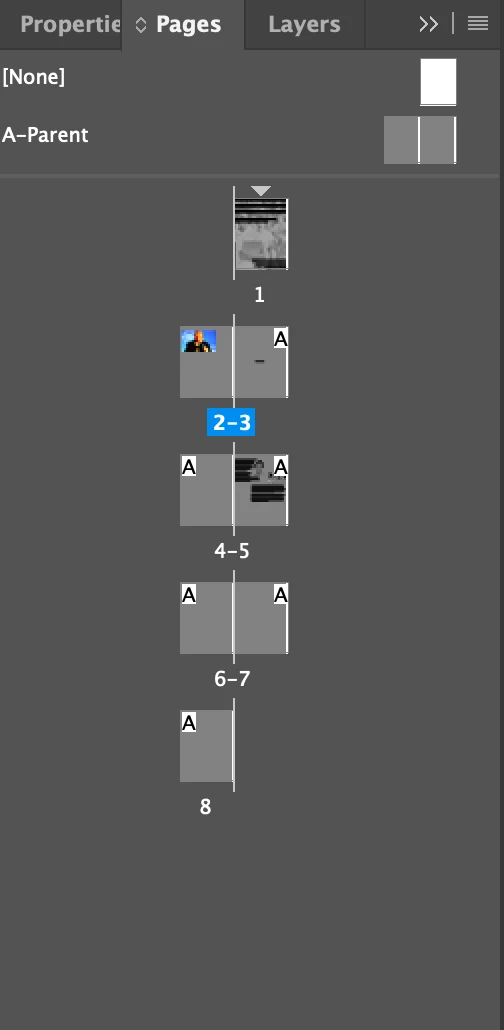
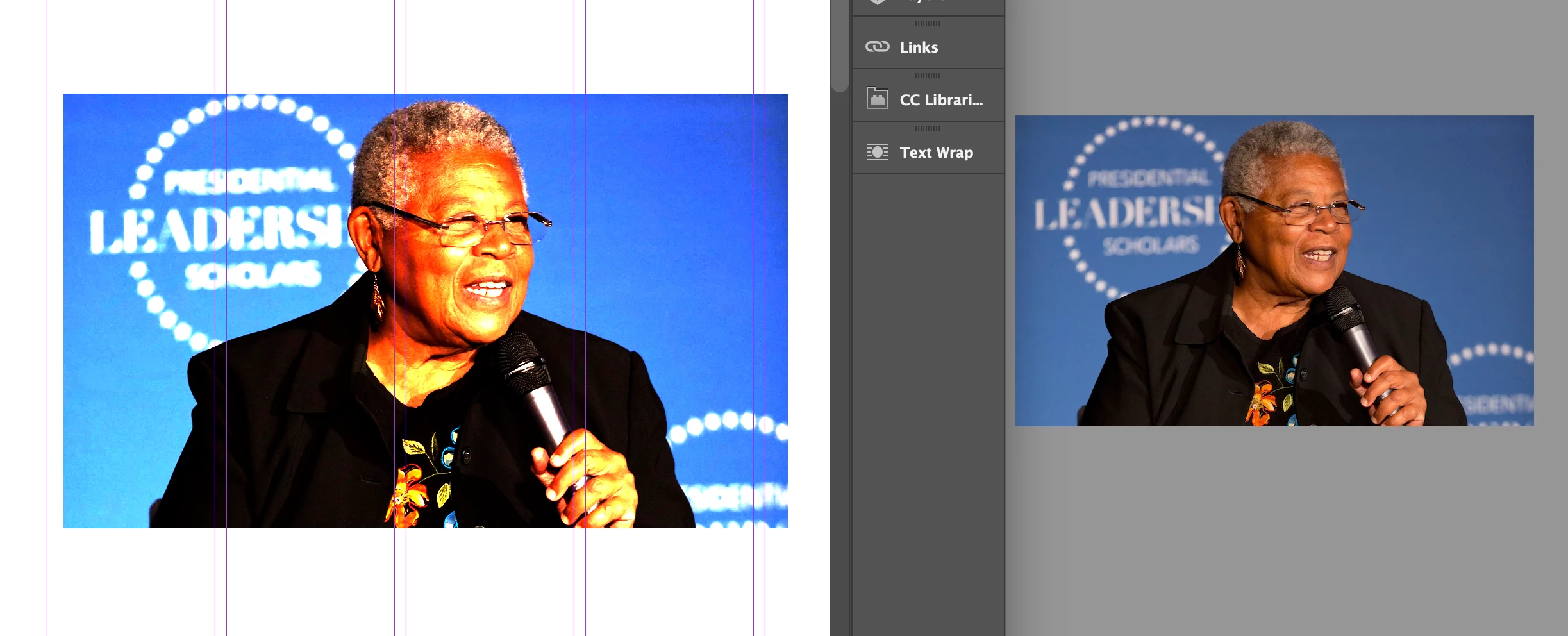
hey, Idk why but my indesign pages panel is greyed out like the pages are not showing the color white as usual but are grey somehow. Also when I try to add a picture it turns out weird idk how to explain it but I think sth is wrong with the colorway or so? please help me out! Thank you!!
This topic has been closed for replies.
Correct answer BobLevine
revue_enquête.indd

I don't know what's causing that but I can tell you that exporting to IDML and opening that fixes it so there's some kind of corruption involved somewhere.

1 reply

BobLevine
Braniac
April 3, 2024

This type of thing is usually due to corrupt preferences. Reset them.

Participating Frequently
April 3, 2024

I have just reseted the preferences on indesign but the problem is still there

Participating Frequently
April 3, 2024

Out of date. A lot of InDesign related issues have been fixed since then.


Current version of Sonoma is 14.4.1 so the first thing to do is update that.


thank you! unfortunatly there is still this issue...