Participating Frequently
May 25, 2023
Answered

InDesign printing for KDP book cover and manuscript etc

  • May 25, 2023
  • 3 replies
  • 18395 views

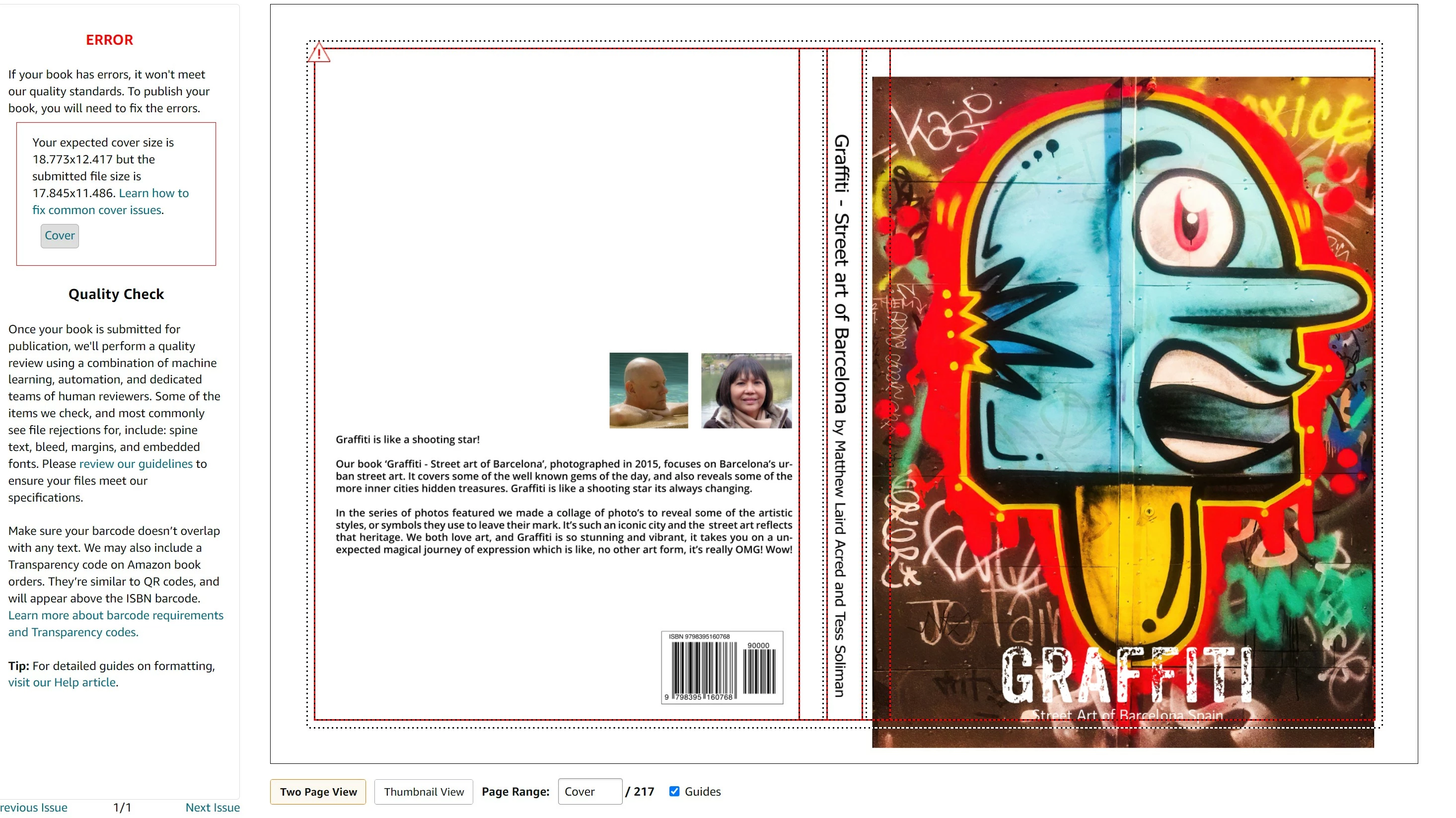
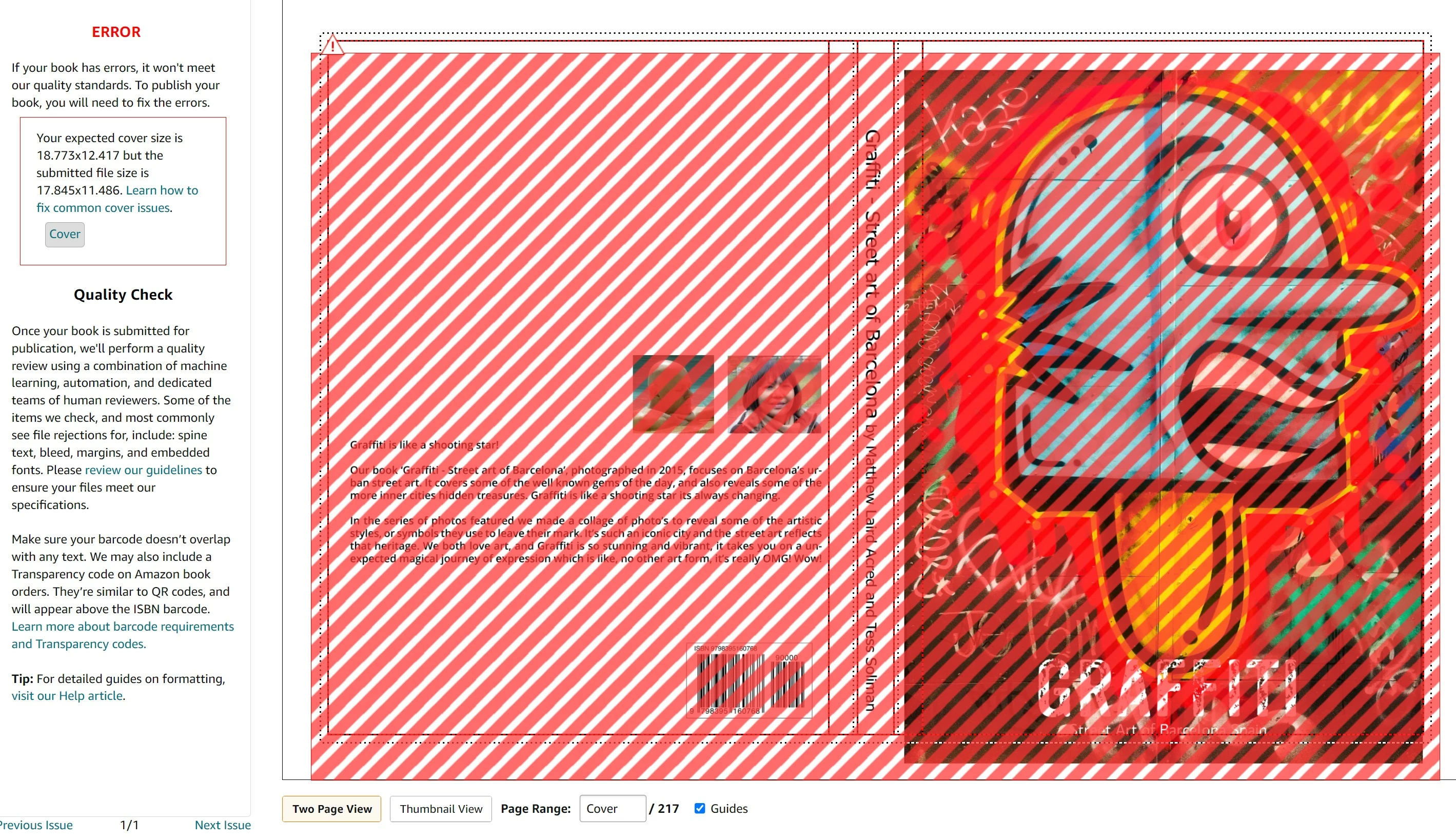
I've been trying to print my book to Kindle - KDP for several weeks one of the most frustrating things I've ever had to do. I thought this program would make life easy. There are so many variations when you try to print. Despite having the correct measurments InDesign doesn't stick to the measurements.

How do you print a cover for example when its 3 pages it only gives you the measurementes for one and not combines. Why hasn't Adobe made things easier for doing books on Kindle??
This topic has been closed for replies.
Correct answer Eugene Tyson

Hi Still having issues with getting the cover done!


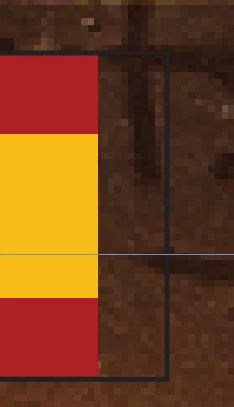
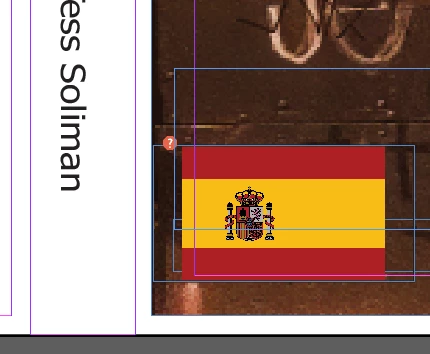
I've attached a test document (please be careful as there a lot of 'loose' elements) for example the flags have a border on them but not constrained to the flags - not sure if it's intentional


Here's my take on your settings


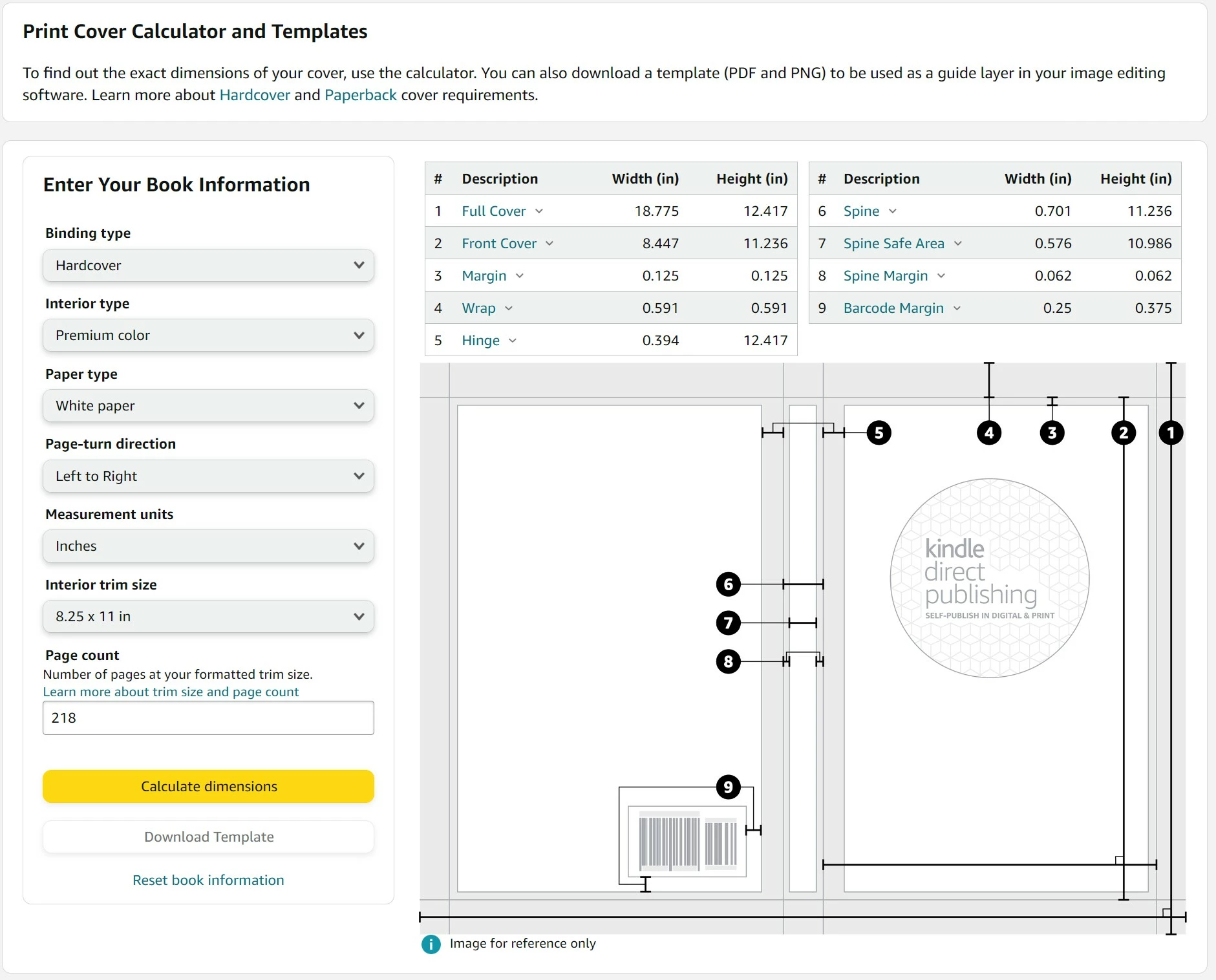
You have hardcover selected -so you need EXTRA bleed for this.

This is because the paper itself is wrapped around the hardcover and glued to the inside of the board. 

So your bleed should be the WRAP setting


Where it says 'hinge' - this is a safe type area - no text should be included here or anything of value - artwork/backtrounds' are fine. 

This is where the board is scored to allow the book cover to open and close without damaging it (checkout any hardcover book)

Set your front page inside margin to be 0.394
Set the back cover outside margins to be 0.394

When I do this -  you see your Spanish flag is on the crease


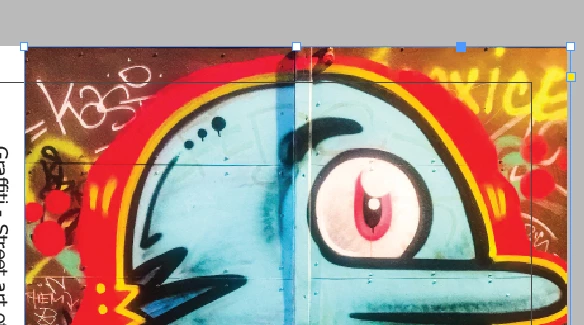
You can see your artwork is outside the 'Margins'

For this it will need to be either inside the margins


Or go full bleed


3 replies

James Gifford—NitroPress
Legend
May 26, 2023

[ETA: Edited for clarity and some details.]


Create 3 cover pages:

            Spine page

                        Exact width specified by KDP

                        Margins that define ‘safe area’ per KDP

                        Exact book height (e.g. 9 inches)

                        Equal top/bottom bleeds that bring total height to KDP vertical dimension
                        No side bleeds

            Back Cover page

                        Exact book width (e.g. 6 inches)

                        Exact book height (e.g. 9 inches)

                        Margins that define ‘safe area’ per KDP

                        Equal top/bottom bleeds that bring total height to KDP vertical dimension
                        No RH bleed (against spine)

                        LH bleed that is

                                    One half of

                                    Total layout width per KDP

                                    Less spine width

                                    Less 2x exact book width

            Front Cover page

                        Save as Back Cover except

                        No LH bleed

                        RH bleed calculated as above


The front and back cover outer bleeds should be equal. They tend to be large, as they allow variation in wrap and trimming.


Merge pages into spread in Pages panel.


Export spread to PDF. It should be EXACTLY the total size specified by KDP.


Example calculation for that bleed:

KDP total width 14.79 inches

KDP spine 1.89 inches

Book trim width 6 inches


14.79 – 1.89 – 6 – 6 = 0.9


Each bleed should thus be 0.45 inches


Translate to your numbers (and/or mm, although I note you're using inches) as needed. Then arrange your layout on the three pages, observing the safe margins and being sure any background image or color reaches the bleed limits.

James Gifford—NitroPress
Legend
May 26, 2023

Easier to add than edit... keep top/ bottom bleeds equal, same for left/ right bleeds.


Export - DO NOT 'PRINT' - to PDF with 'Use document bleeds' enabled. 

Participating Frequently
May 27, 2023

Hi Still having issues with getting the cover done!


James Gifford—NitroPress
Legend
May 25, 2023

InDesign is an exceptional tool for KDP (and the other print on demand services). But their instructions and tutorials range from incomplete to outdated to just wrong, and the community support from that end is even more erratic. 


Simple step by step is not always up to date or detailed enough. The result is that you have to bring a certain level of expertise, and mastery of relevant ID features.


In this case, it sounds as if you are using the three page cover model. You have to join the pages into a spread in the Pages panel, and export as a spread, with correctly specified bleeds that produce the EXACT size KDP's cover estimator requests. 


Ask away if any of that doesn't add up. 

Participating Frequently
May 25, 2023

Hi James

In this case, it sounds as if you are using the three page cover model. You have to join the pages into a spread in the Pages panel, and export as a spread, with correctly specified bleeds that produce the EXACT size KDP's cover estimator requests. 

But how do you export properly?


Peter Spier
Community Expert
Community Expert
May 26, 2023

can anyone assist with this?

 Or do I have to go else where ?


I downloaded your file and your spine seems to be too narrow -- .387 instead of .512. Looks like youve set the spine width to its safe area rather than full width.

Community Expert
May 25, 2023

Why would it cater for Kindle? It's up to the end user to create to the specifications required. 


I have no real idea what you're talking about here, it doesn't make sense to me. 

Can you provide some screenshots or examples?

Participating Frequently
May 25, 2023

Kindle give measurements which I've used previous in an older version of InDesign I used to export the file to PDF then print to microsoft printer then change the file name to upload the Kindle. I've tried using the print to PDF in Adobe InDesign and even when I have the margins set etc it never lines up properly to Kindle. Ive found when I set it to 92% scale I get the length but can't get the width to match up


James Gifford—NitroPress
Legend
May 25, 2023

Do not "print to PDF," ever. Use the export function. (File | Export)