


Participant
November 20, 2025
Question

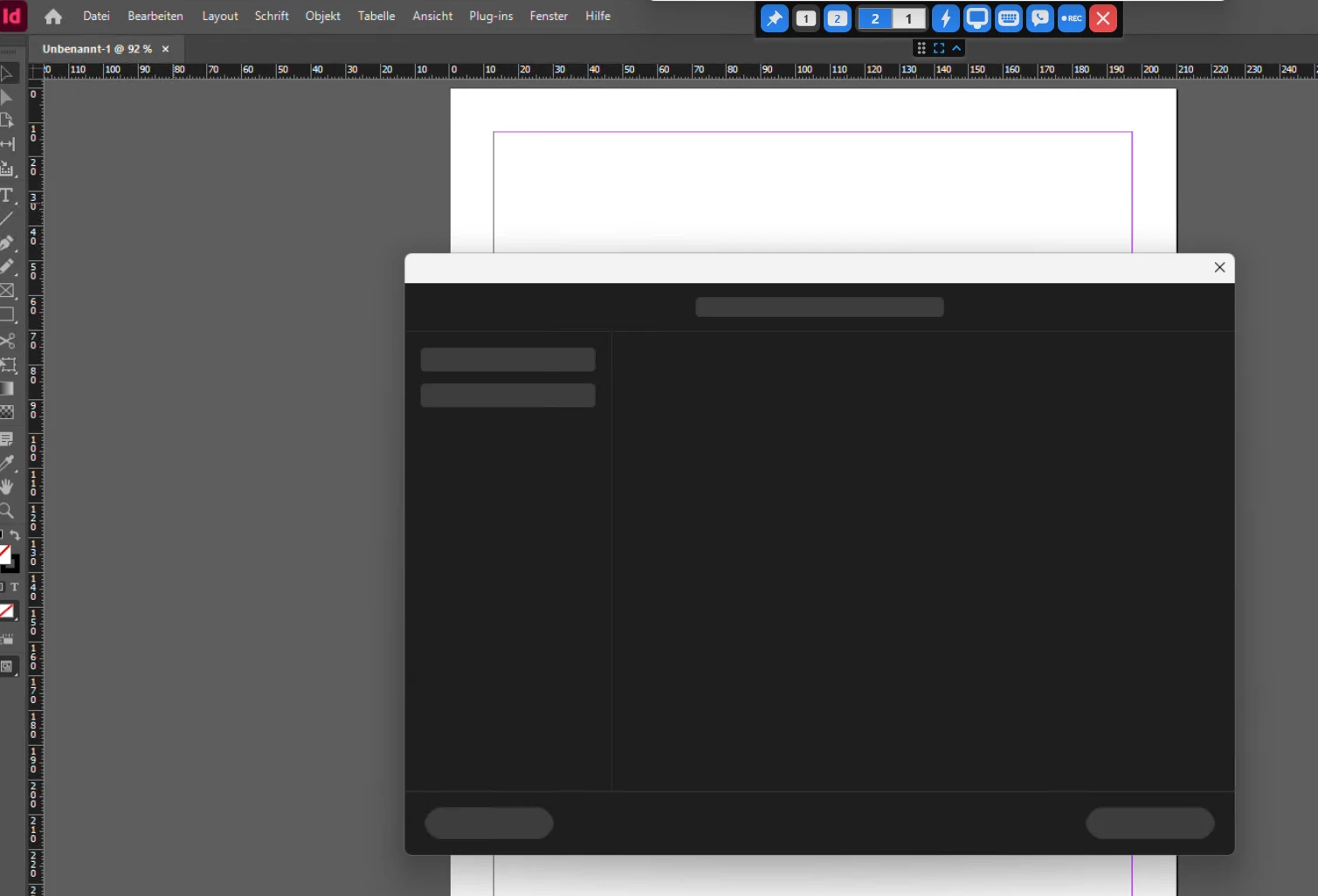
Black “Save / Save As” Window After Updating to InDesign 26 - Cannot save files

  • November 20, 2025
  • 1 reply
  • 120 views

Hi everyone,
since updating to an InDesign 2026 version (currently 21.0.1), I can no longer save any files. Whenever I click “Save” or “Save As,” only a completely black window appears, and I’m unable to proceed.
 

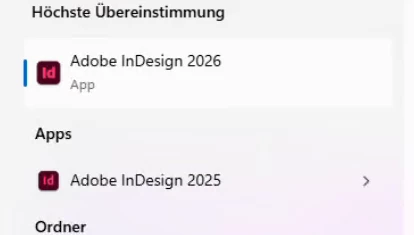
To troubleshoot, I installed an older InDesign 2025 version (20.5) in parallel, and everything still works normally there.
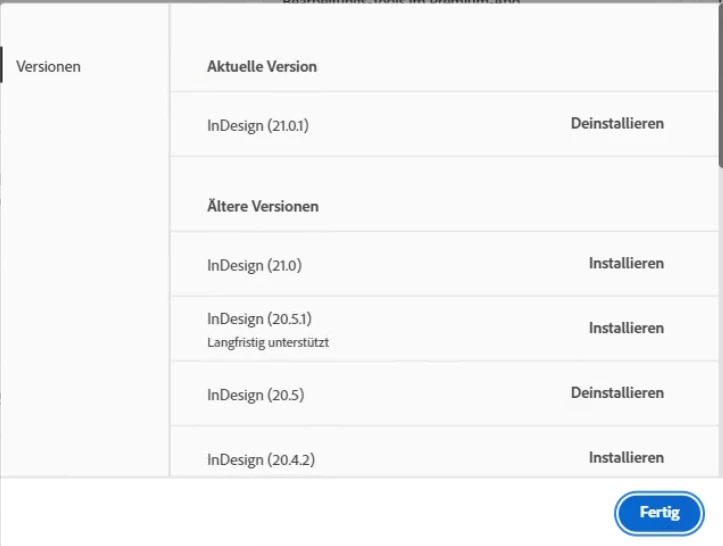
 

I have already tried the following without success:

  • Uninstalling and reinstalling InDesign

  • Using the Creative Cloud Cleaner

  • Deleting the AppData folders

Unfortunately, the issue persists in version 2026.


Has anyone experienced this or found a solution?
Thanks in advance!

1 reply

Abhishek Rao
Community Manager
Community Manager
November 20, 2025

Hi @fierce_musician0602,


I appreciate you providing the information. To investigate this further, could you please verify the specific version of Windows OS you are using? Additionally, try renaming the CEP folder to CEP.old located at C:\Program Files (x86)\Common Files\Adobe and check if the Save dialog appears as expected afterward. If it remains unchanged, please rename the UXP folder to UXP.old from C:\Program Files\Common Files\Adobe and C:\Program Files (x86)\Common Files\Adobe.

If the problem persists, let me know if you are connected to a VPN or a company domain, and whether the issue occurs only in that environment. You might also consider changing the connection type once and report any changes.


I look forward to your response.

Abhishek

Participant
November 20, 2025

Hi @Abhishek Rao,

unfortunately the renaming of the mentioned folders didn't work. The affected notebook is part of a domain and the problem occurs in company network and via VPN. 

I am using Windows 11 25H2 but until yesterday the notebook was on 24H2 with the same problem.


Thank you and kind regards