Inspiring
July 4, 2023
Answered

Inverting b/w image to colour in indesign, without touching the layer style

  • July 4, 2023
  • 1 reply
  • 1487 views

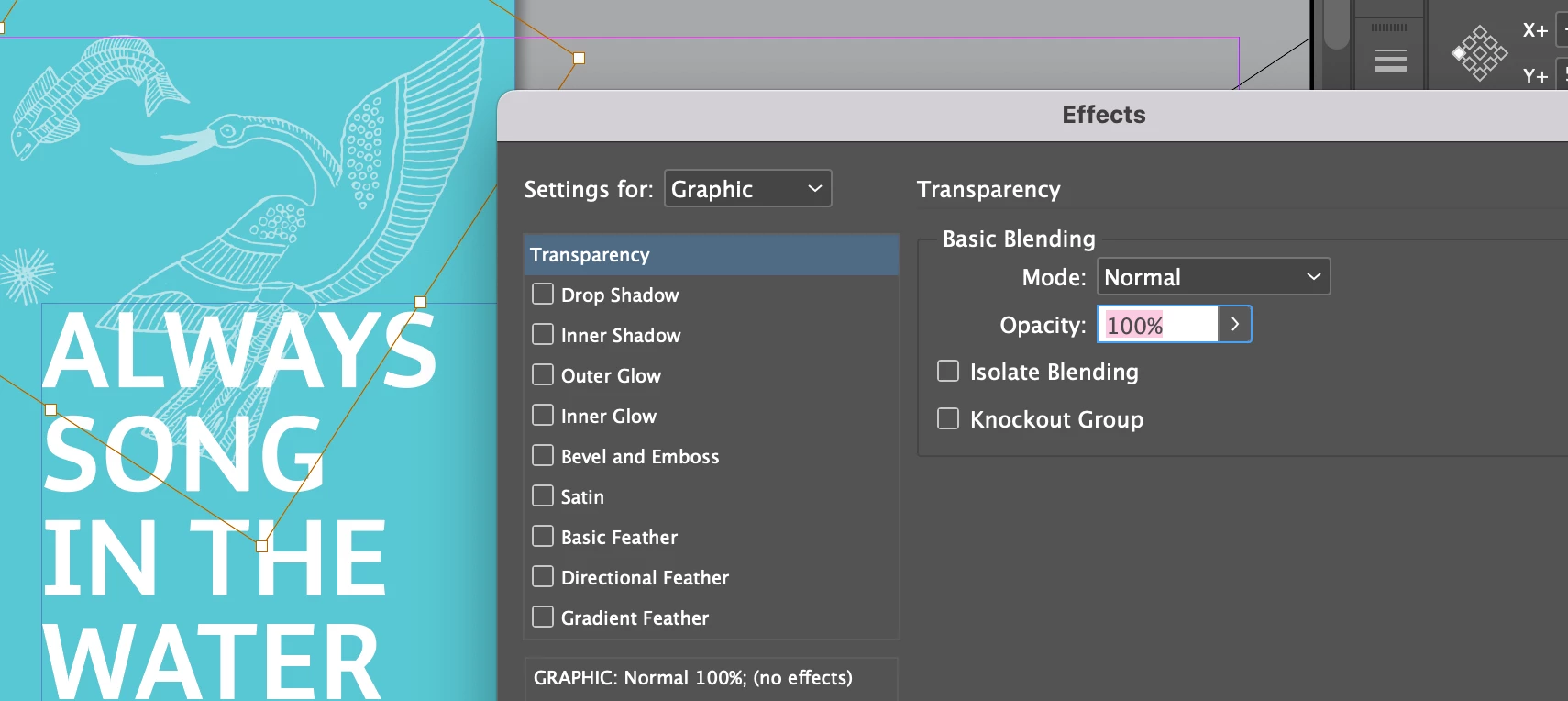
I have to continue working on a indesign file another designer worked on, and I don't know how they did this magic! 


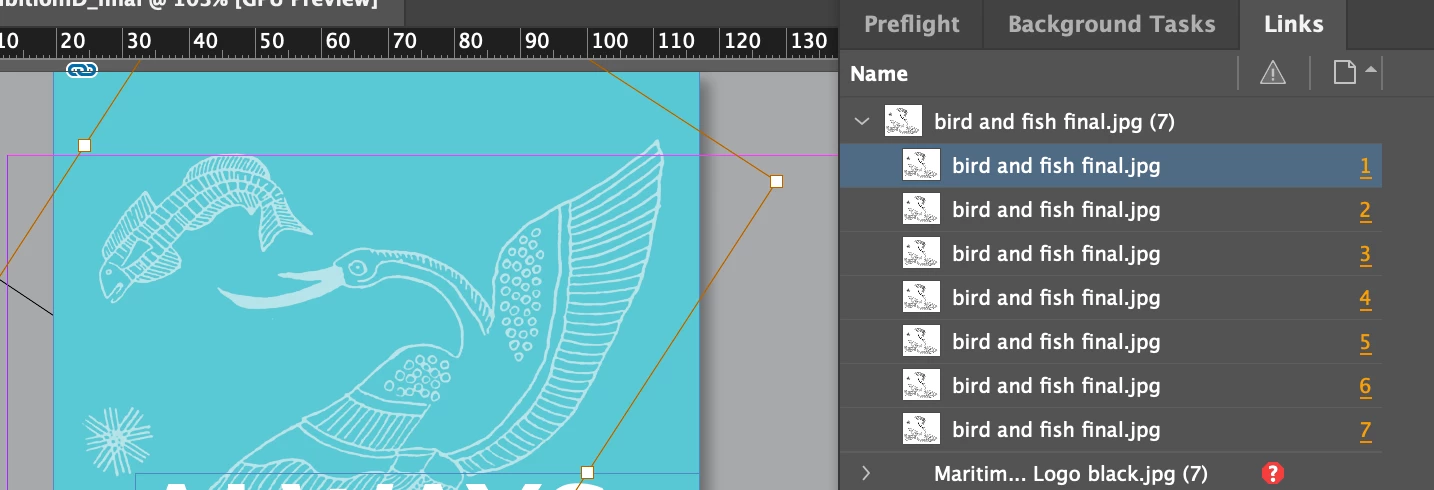
The linked image is a b/w jpg.

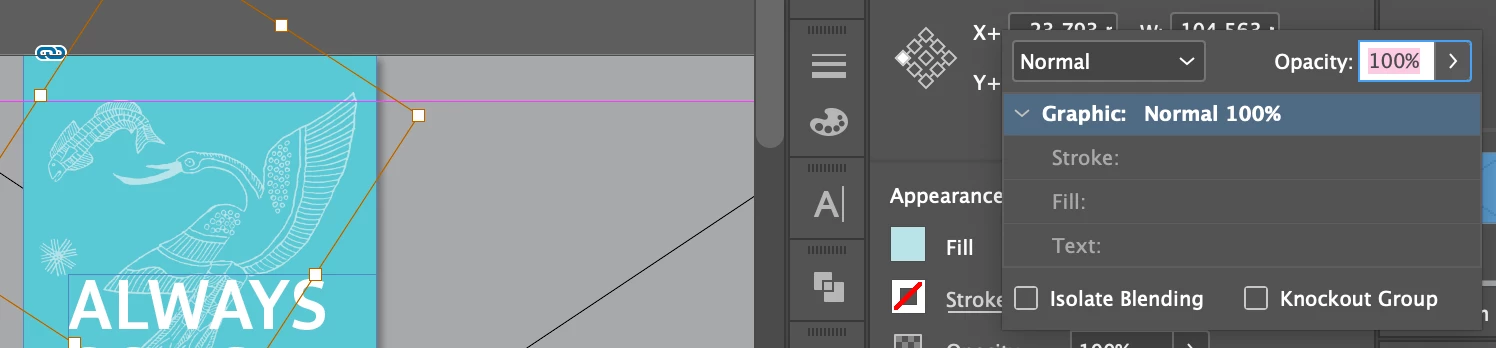
No layer settings were touched.  

It can convert to other colours, the background is completely gone. 
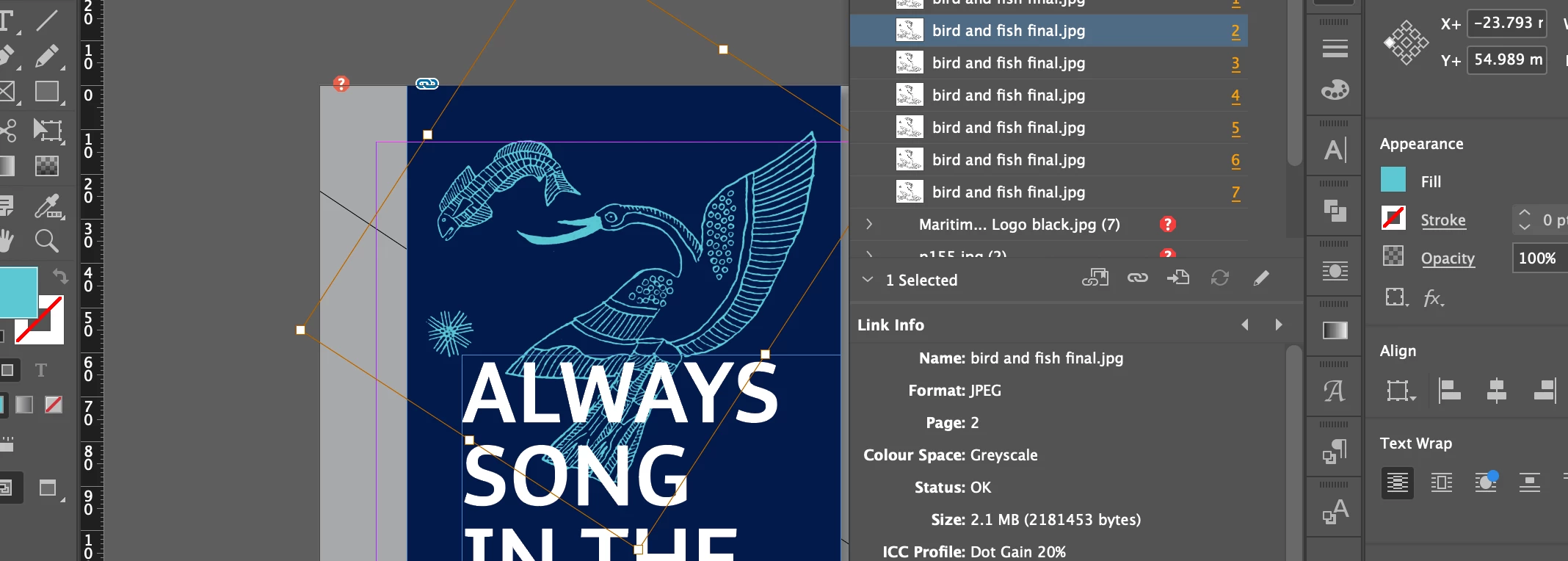
   

Changing the layer style to luminosity then applying colour seems to be working differently as the background was still visible in this way. 


I've been trying to work out how it was made but keep failing. 

Anyone know how this works? 
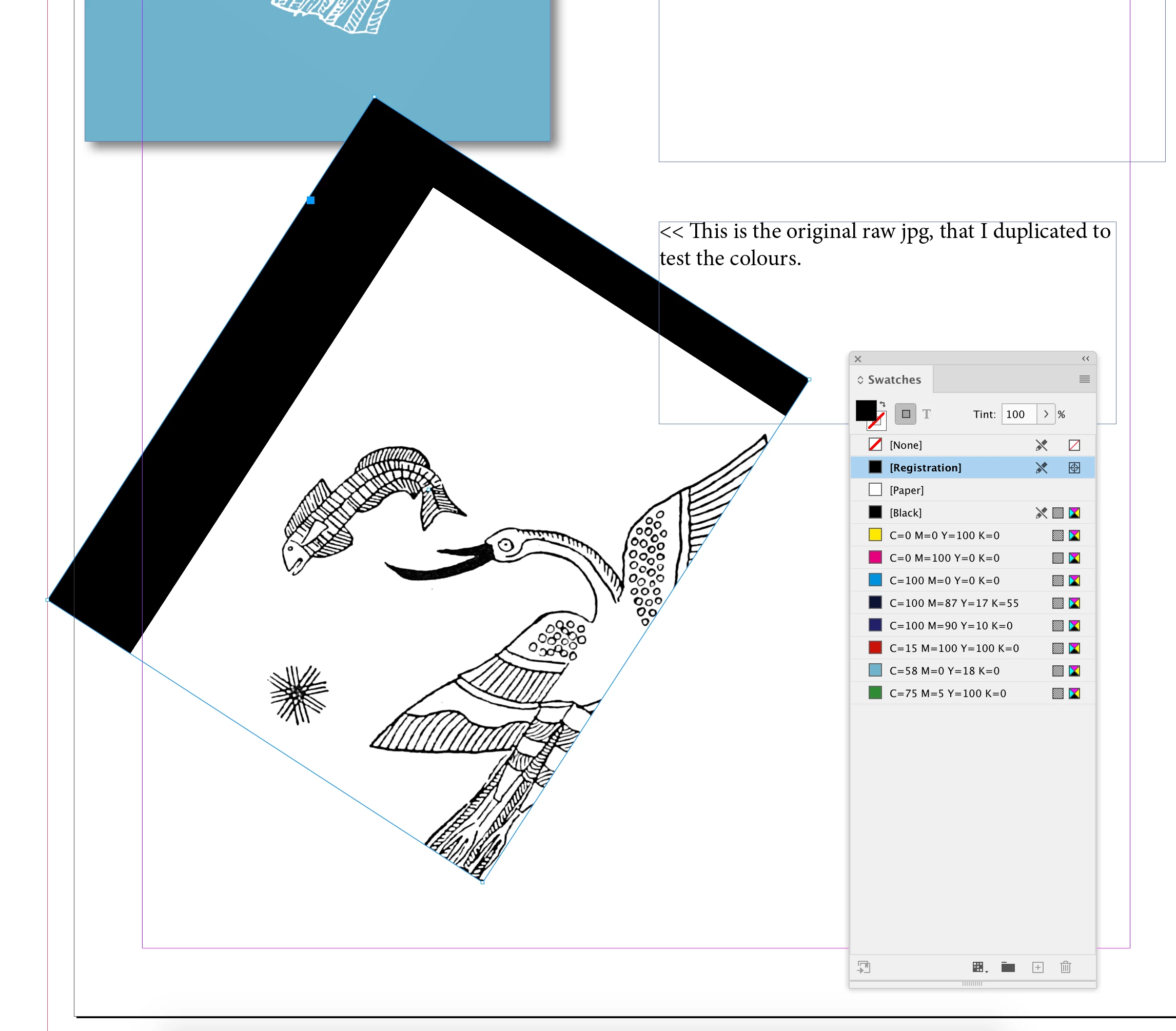


This topic has been closed for replies.
Correct answer rob day

what sorcery is this!! Attached id file with jpg embedded. 


Try setting the container frame to something other than Registration


1 reply

rob day
Community Expert
Community Expert
July 4, 2023

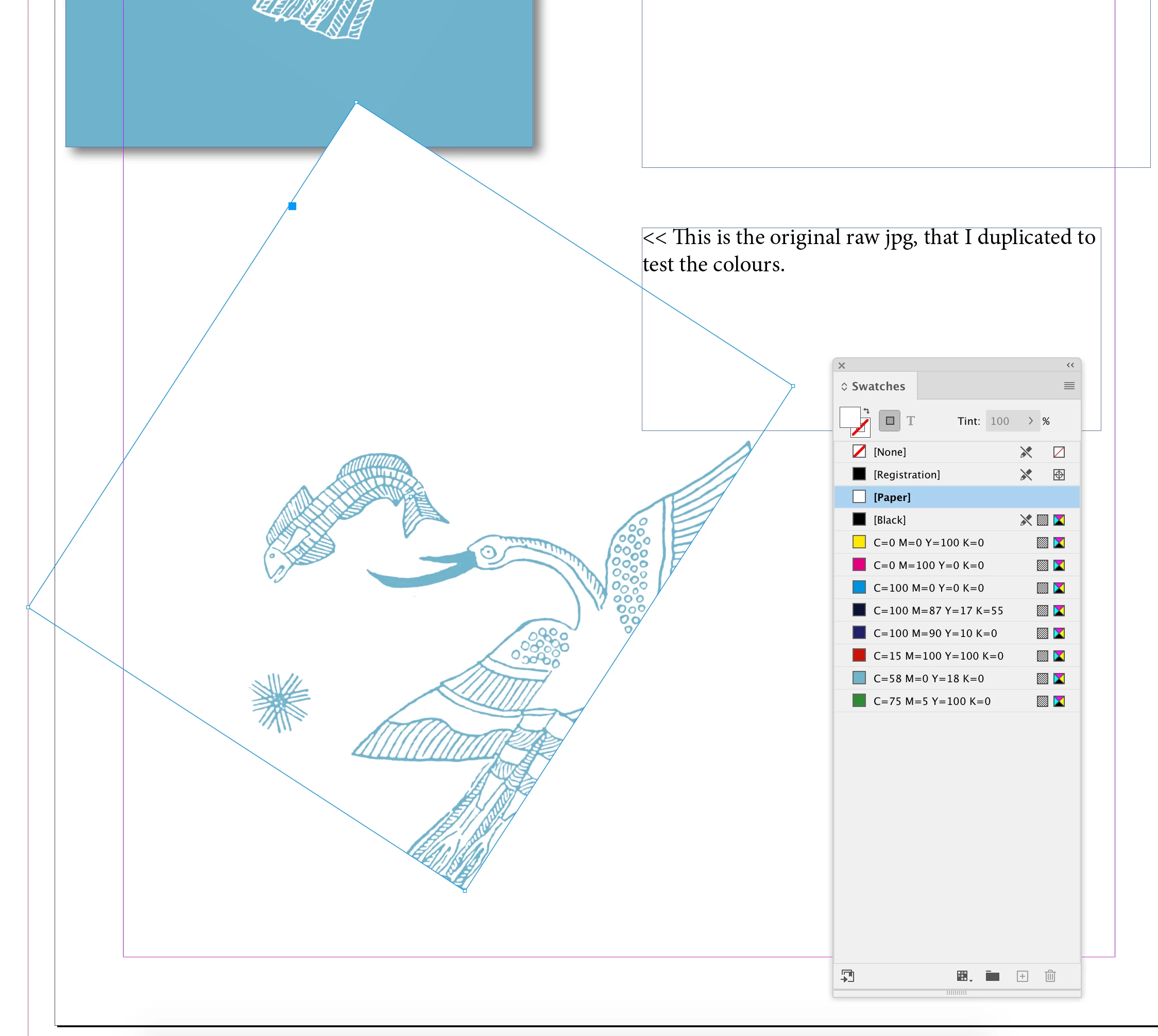
Hi @Soo308666010h68 , Grayscale images with no transparency can be assigned any color and it’s container can be assigned a different color. In your first example it looks like you direct selected (white selection tool) the image and set it’s color to green, and then selected its container (black selection tool) and set it’s color fill to black.

rob day
Community Expert
Community Expert
July 4, 2023

For example: