


Issue with Table of Contents Formatting
I have created a TOC in InDesign CC. The paragraph styles that I have to be included in the TOC are:
- Heads
- SubHeads
- Subhead-Group4
I then created paragraph styles for the TOC:
- TOC1
- TOC2
- TOC3
I styled each of the TOC 1,2,3 the way I wanted and then in the style area of the TOC dialog box I attributed each of those styles to the Head, Subhead and Sub-head-group 4 respectively. I also created character styles for the page numbers and leaders and also attributed them to each as well.
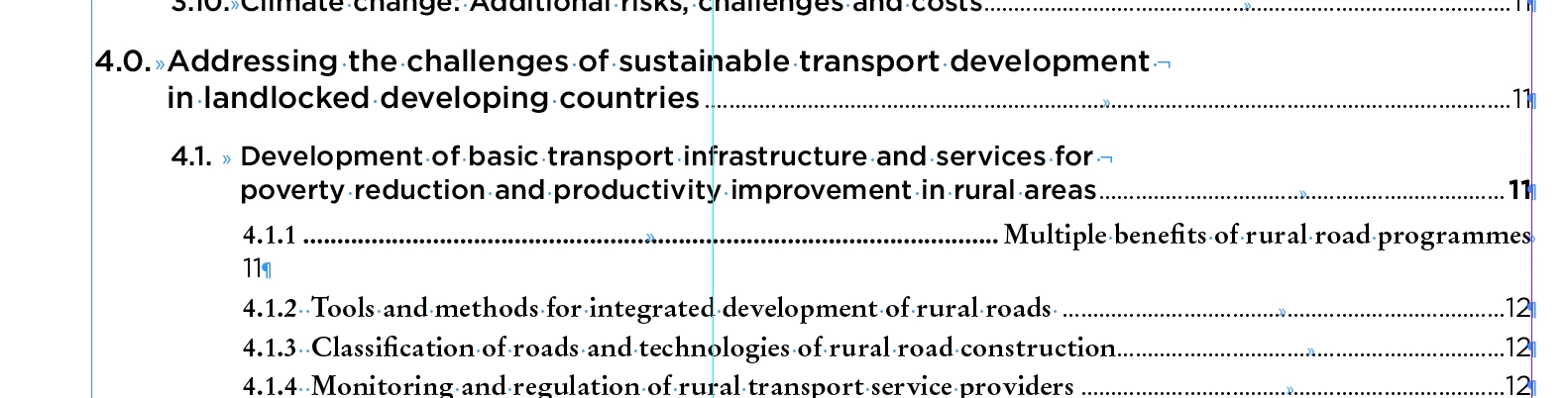
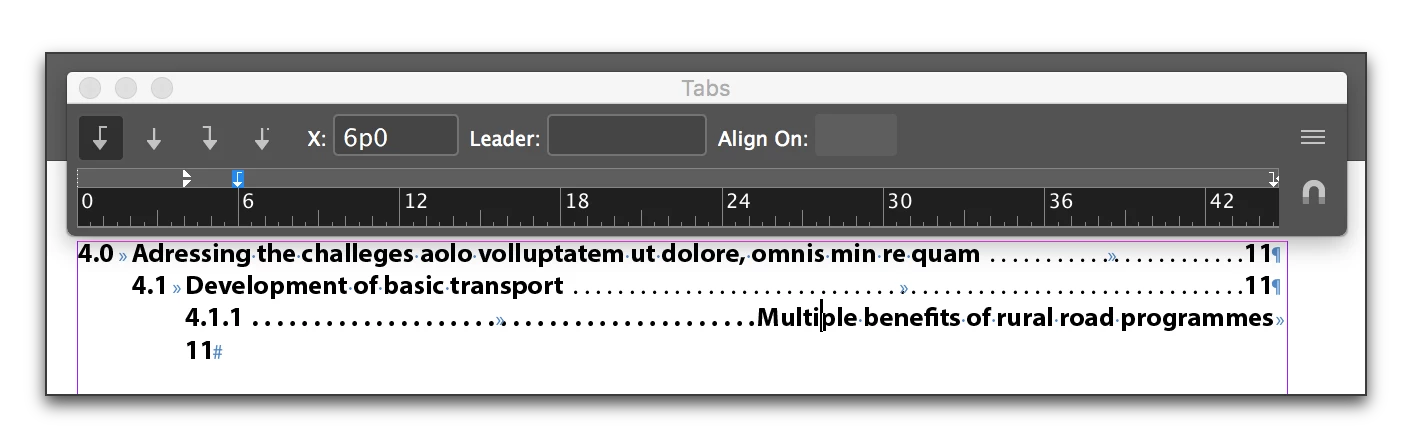
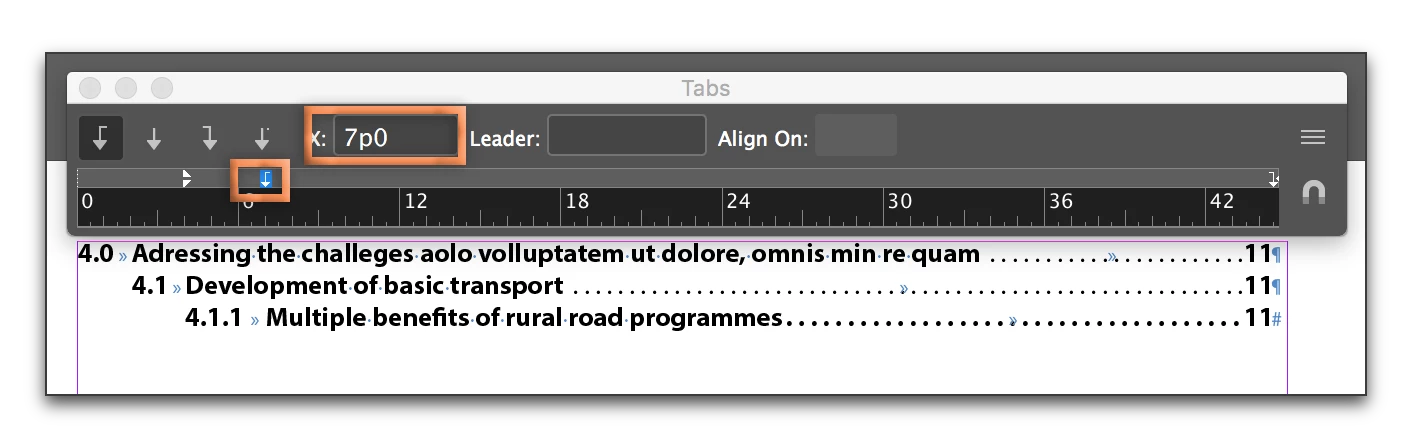
When I update my Table of Contents however the formatting gets wacky looking. The tabs and indents that were created for each TOC paragraph style is no long applied correctly. Also, the heads seem to revert to the line breaks as they are in the document (which has a shorter column width than the contents) as opposed to the way I broke them in the example attached.
I don't know what I am doing wrong. See below for the want I want it to look.
Please help!!!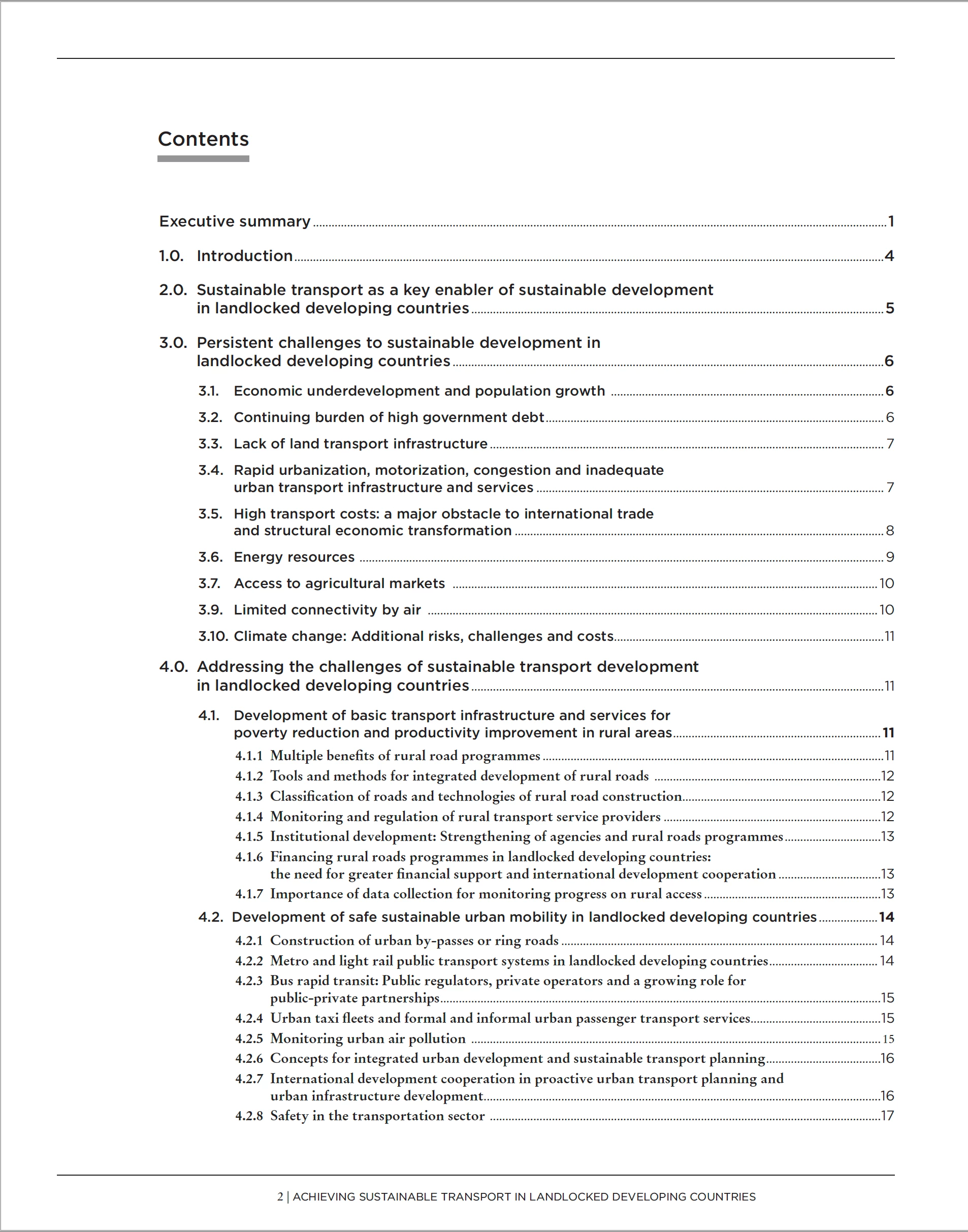
 AdChoices