



Robert at ID-Tasker
Brainiac
October 31, 2024
Question

Issues with GREP Selecting Long Text Blocks in InDesign

  • October 31, 2024
  • 2 replies
  • 1370 views

Is there a limit on how long the found GREP result can be??
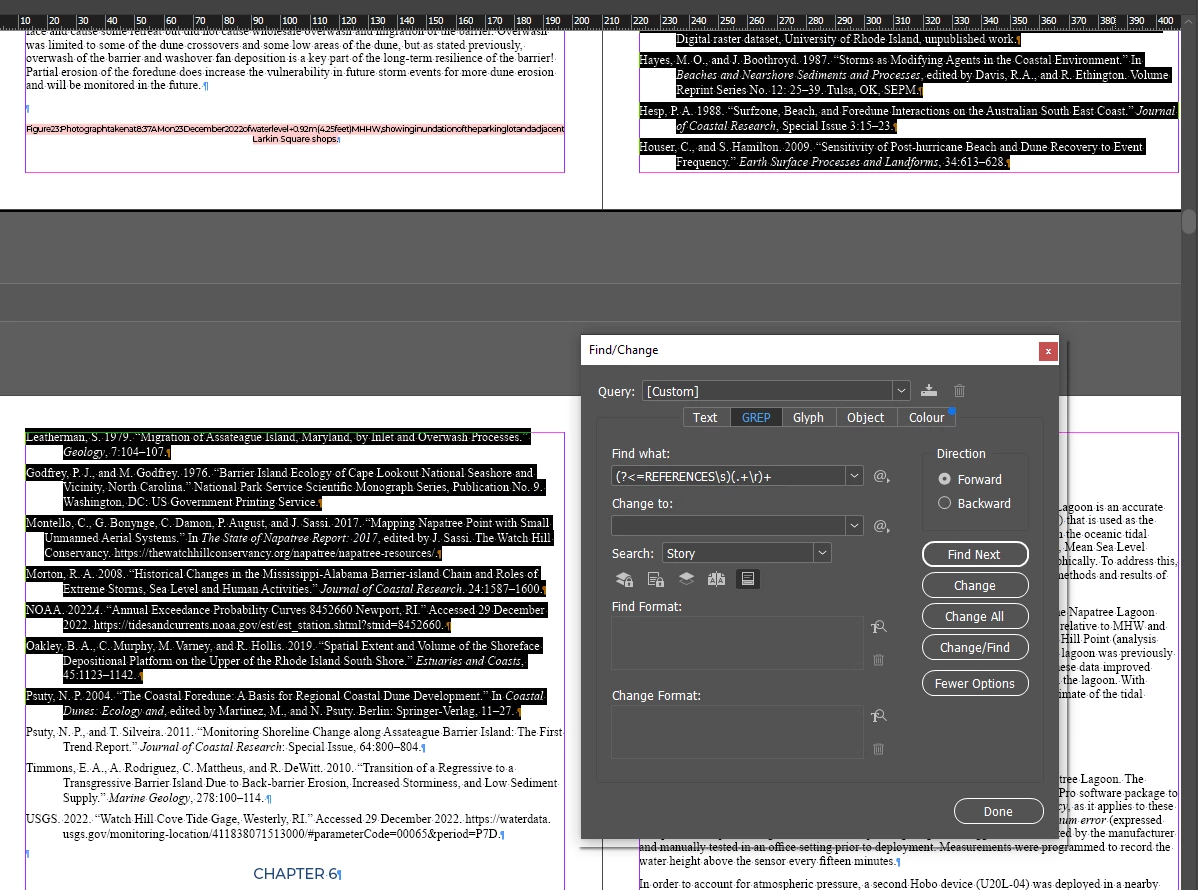


For shorter blocks of text - it will select all lines:
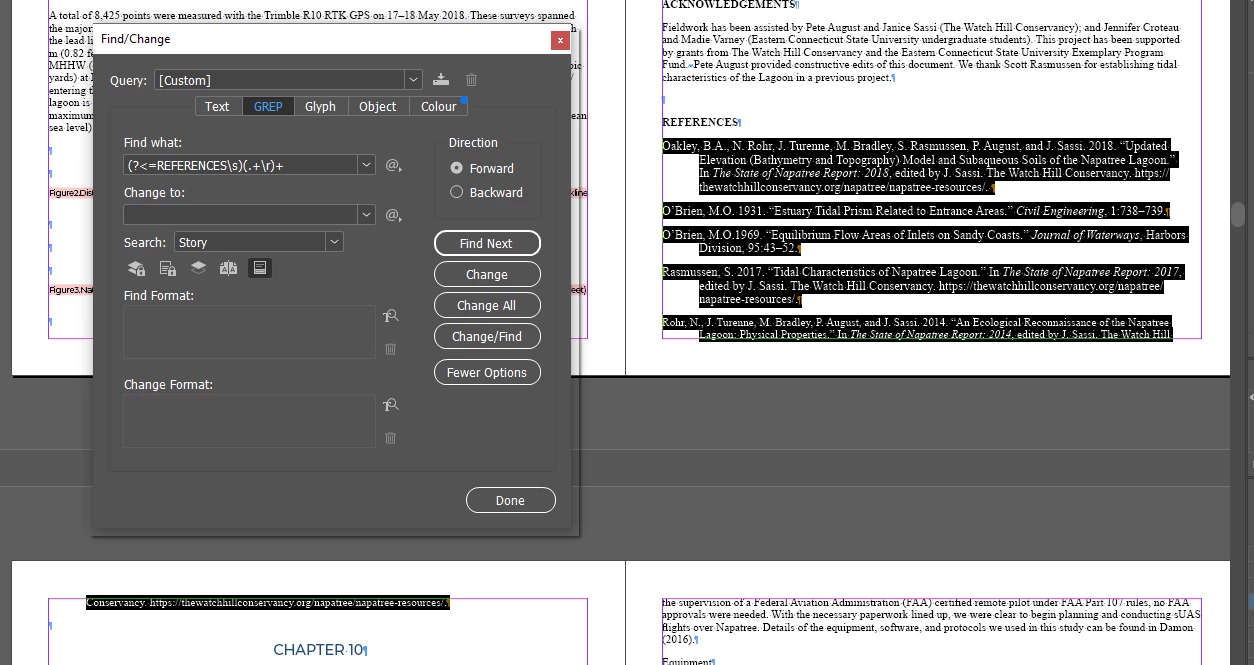


If I start removing some words from the first block - it will select bigger part - more paragraph(s)??


Also, what should be the GREP query to find everything in between:


REFERENCES

...

...

CHAPTER


but excluding those words - so the found result will be like on the 2nd screenshot.


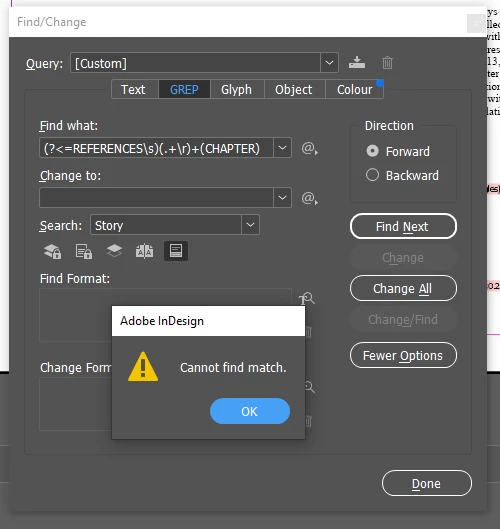
Because, even something like this doesn't work??


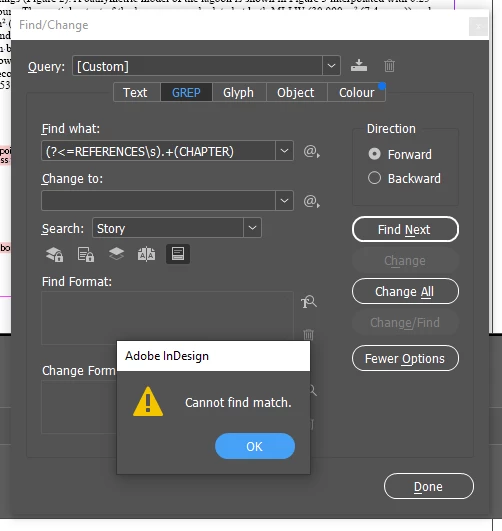
Nor this:


<Title renamed by MOD>


2 replies

Adobe Expert
October 31, 2024

To match everything between those two words, do this:


(?s)REFERENCES\r\K.+(?=CHAPTER)


The default is that the dot doesn't match paragraph breaks. That can be overruled by (?s).


As for the amount of text that can be matched, there was a restriction a few versions ago of 32K characters. What is the limit in your tests?

Robert at ID-Tasker
Brainiac
October 31, 2024

Thanks @Peter Kahrel.


Unfortunately, it doesn't work all the time...


For some reason, there is one place where more is selected than should be?


And I've just fond something else - it completely skips this and few other: 


Also, there can be ":" after "REFERENCES" - of course I don't count those as skipped.


There are also Tables in between, so it looks like I'll have to implement it - finding & formatting block of text - differently in my IDT - which isn't a big deal, but I was hoping blocks can be found using GREP.


I can always do two searches:


and then process results by going through the list, selecting Paragraph after checked line and up to next visible and unchecked line - and ItemByRange().


Or make it even more universal - I'll select from-to and then unselect 1st and last Paragraphs of the selection.


Robert at ID-Tasker
Brainiac
November 2, 2024

I now remember that there is indeed a bug in inDesign's grep engine: the dot doesn't match the footnote marker. To get around that, use this one:


(?s)REFERENCES\r\K(~F|.)+?(?=CHAPTER)


Thanks @Peter Kahrel - but there are no Footnote markers in this block of text.


Robert at ID-Tasker
Brainiac
October 31, 2024

I've copied whole text into a Notepad - to strip all formatting - and now, it can select few pages of text:


or:


So there is no limit on the length?


Robert at ID-Tasker
Brainiac
October 31, 2024
quote


After deleting space before "http":


"." means "any character", right??


And change to ".+" from ".*" - finds even less??