


Keyboard shortcut conflict: Shift-Option-y
Just wanted to let people know about this. I had a bad half-hour wondering why I couldn't access this character, before it occurred to me that the problem might be InDesign, and to look for a a keystroke conflict.
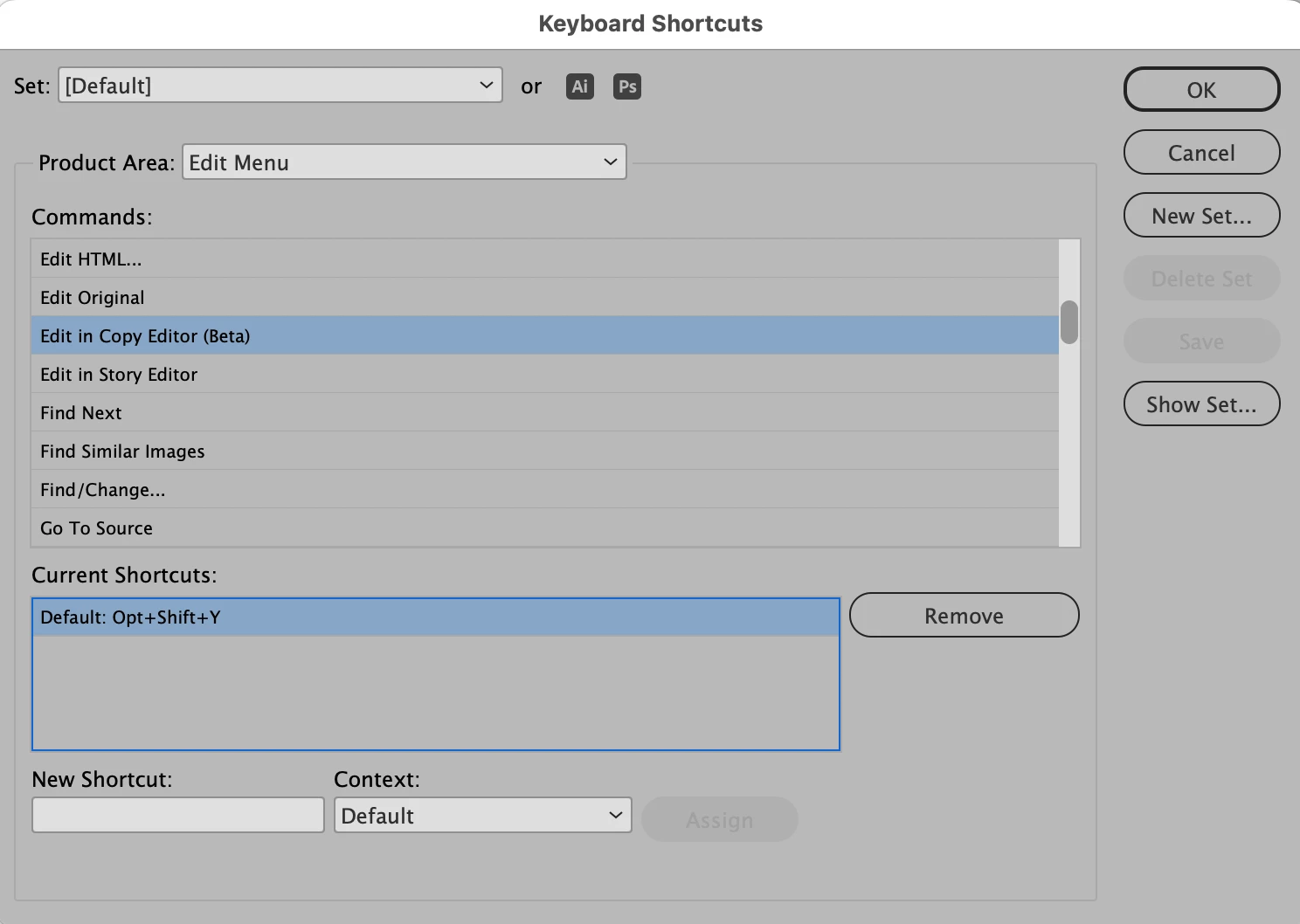
U+030F, combining double grave, shortcut Shift-Option-y, is disabled by InDesign's default set of keyboard shortcuts, which uses Shift-Option-y to access the InDesign Copy Editor beta version.
The combining double grave is used in the International Phonetic Alphabet, and in some Eastern European languages. I would suggest that these uses are far more important than accessing a beta version of an app of dubious value, which is getting a more than dubious reception. This fix belongs in the very next software update.
Sure, I can and have created my own set of keyboard shortcuts to use intead of the default. But I have to remember to switch that set on again every time InDesign crashes. It crashed a lot in CS6, and it still crashes a lot in CC. Software bloat takes its toll.
 AdChoices