


Question
Licensing Error in InDesign CC2020: QR Code Appearing Instead of Adobe ID Input
When starting InDesign CC2020 under Windows (22H2), the dialog for licensing the application (operation of single application in virtualized environment; without Creative Cloud Desktop App) only appears with QR code, which leads to an error message. Until recently (approx. 3 weeks ago), an input field for the Adobe ID appeared. Have any of you also had this experience and what is your workaround?
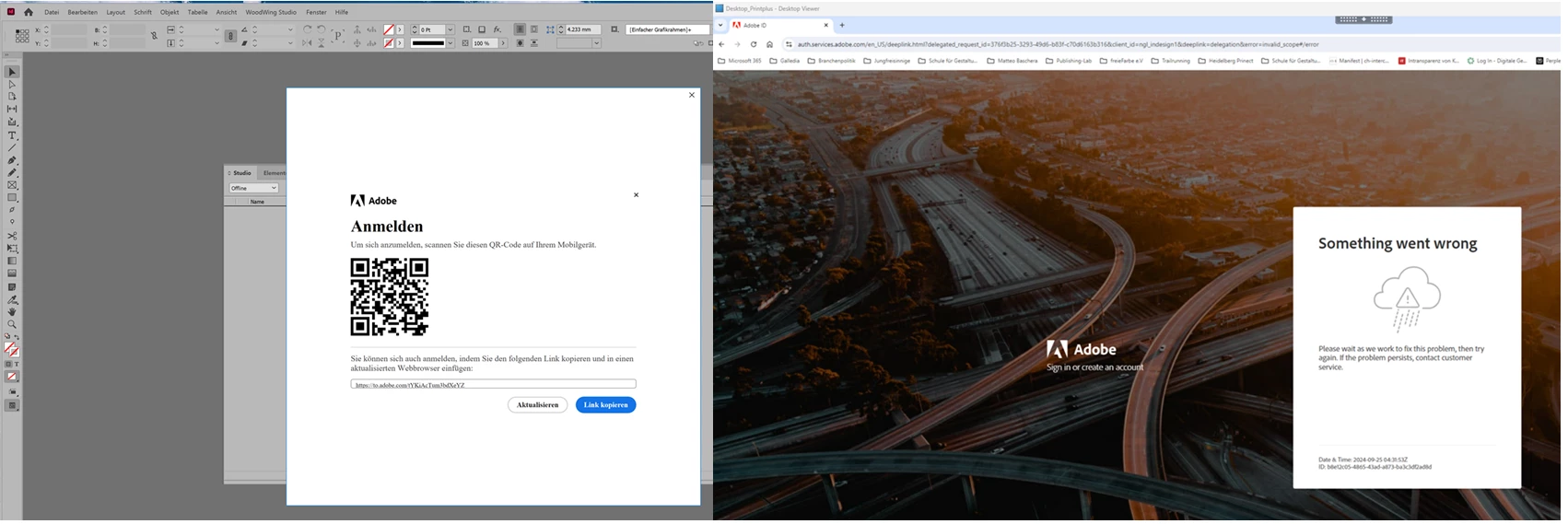
Best regards
Matteo
<Title renamed by MOD>
 AdChoices