



dublove
Legend
August 5, 2025
Question

Many bugs: How to use a script to clear a messed-up frame?

  • August 5, 2025
  • 1 reply
  • 332 views

I used zoom and FitOptions multiple times.
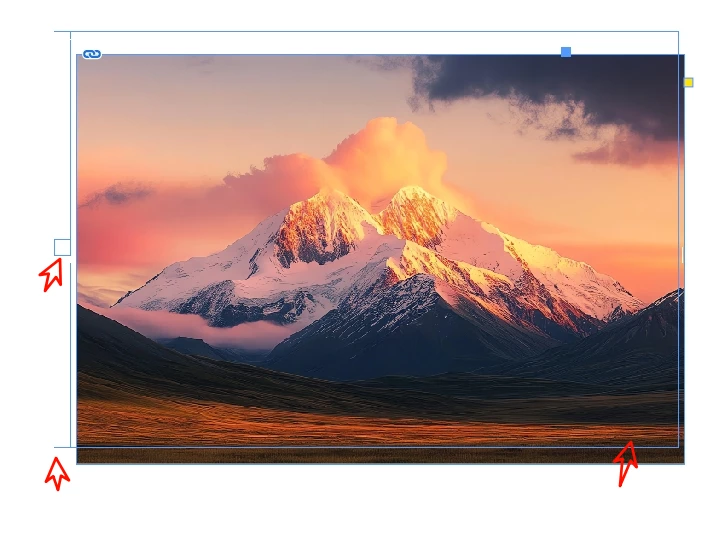
Then I ended up with a messed-up frame with some stuff on the sides.
I had to manually cut the frame out.

This doesn't seem to be the “restore zoom percentage” issue.
Can I use a script to clear it?
1 reply

m1b
Community Expert
Community Expert
August 5, 2025

Hi @dublove, I have never seen a graphic frame behaving like that. How did you generate it? It seems badly broken. It can be fixed just by copying the graphic and pasting on the page, it will have a new frame and no problem. Are you having this problem a lot? Maybe there is a bug to find...

dublove
dubloveAuthor
Legend
August 5, 2025

I am a bug creator.
I repeatedly tried moving the graphic, and sel[j].geometricBounds caused this problem when used too many times.
Manually fixing it is not a problem, but I want to know how to fix it with a script.

m1b
Community Expert
Community Expert
August 7, 2025

I think setting the geometricBounds is not the best way. I would suggest you use resize and transform instead. Or you could look into the graphic.reframe method.


Just to be clear: whatever you are doing... don't try to fix it, just don't do it in the first place.