


Question
Masking a custom text box? Is it possible?
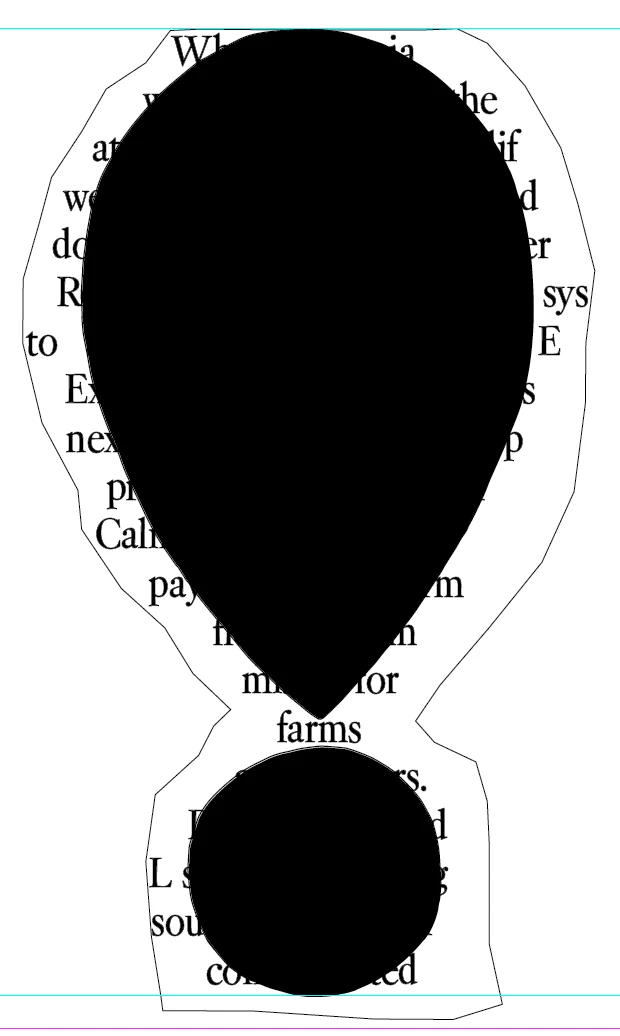
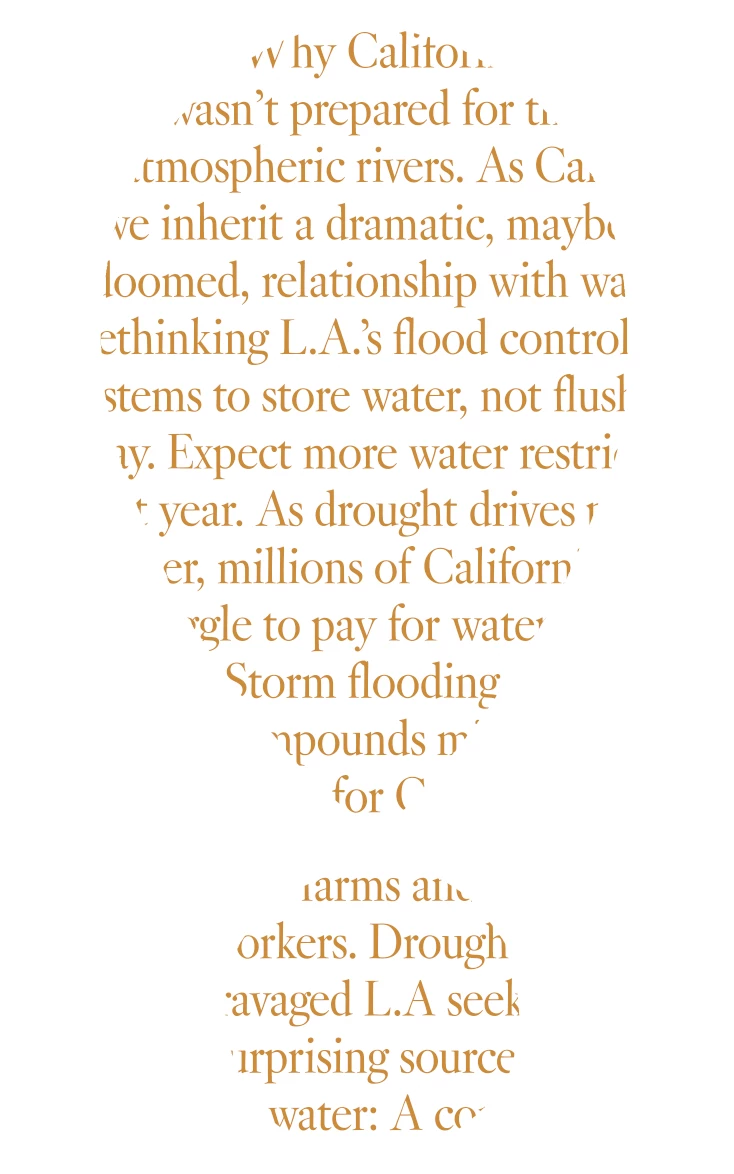
Seeking advice for masking in InDesign. I have a custom text box that I'd like to be masked by a shape (created in Illustrator). I can't seem to figure out how to get this to work in InDesign (setup in Photoshop was fine for me, but I am trying to keep the text crisp when printed, so opting for InDesign instead). Below are screenshots of what I have. The goal is to have the text appear only inside the shape, and not past its edges. The shape will not be black, it will just be paper tone with printed text that fits within its borders. (First image is from InDesign, 2nd image is the PSD mock-up, what it should look like with proper masking/framing).
 AdChoices