I understand the stacking order of things, but if I apply a Master Page to a page, the Master page items do not show up on the Layers Panel of the selected page.
I don't know if this screenshot will help.
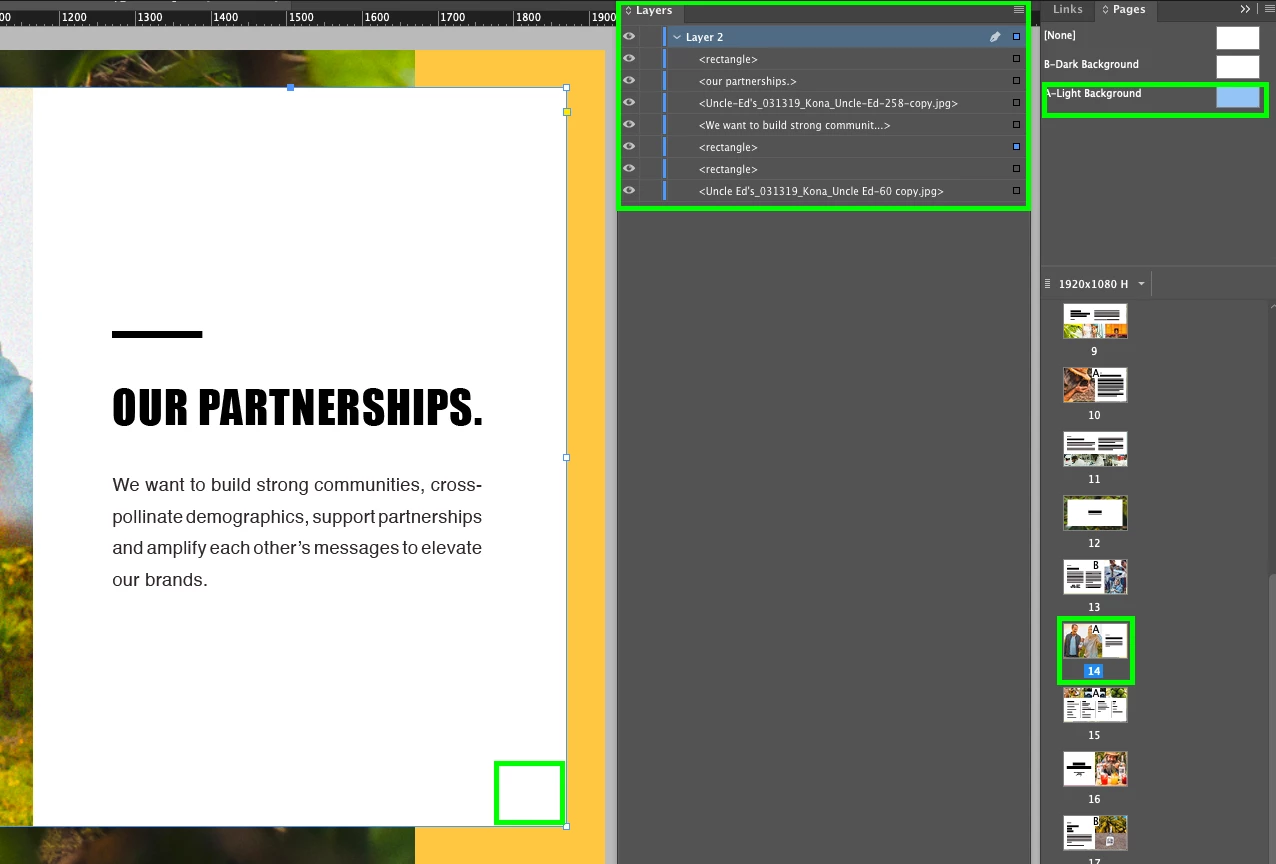
studioonthelevel wrote …but if I apply a Master Page to a page, the Master page items do not show up on the Layers Panel of the selected page. |
In your screen shot, you are seeing the items on your document page listed in the Layer panel because you have the document page selected in the Pages panel. If you switch to the master page in the Pages panel, you will see the master page items listed in the layer panel. It sounds like you want to see everything, but I don't think that's how InDesign has ever worked. The items on your document page are covering the page number because they are on the same layer as the page number, and the page number is behind the document-page items because it is on the master page on the same layer. If you want it to stay on the master page and be in front of a document-page item, you need to put it on a different layer, and make sure that layer is higher than the items on the document page. Either that, or use Barb's suggestion.




 AdChoices