


tamarah42672091
Participant
December 1, 2016
Answered

My flip horizontal is moving the entire frame not just the image. HELP

  • December 1, 2016
  • 2 replies
  • 6629 views

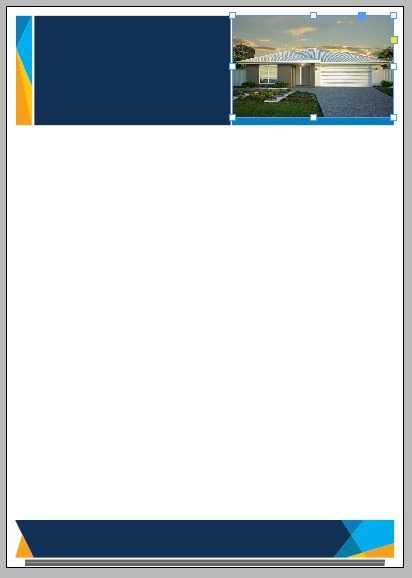
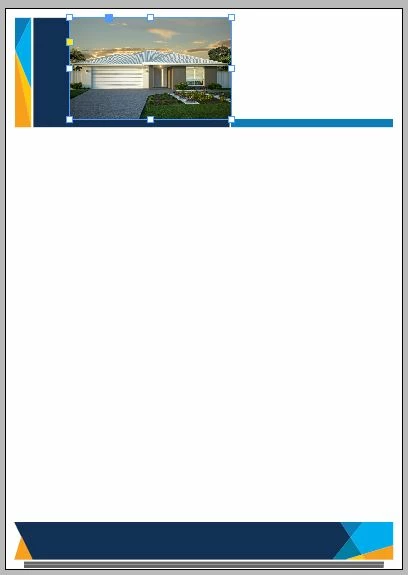
My flip horizontal is moving the entire frame that is housing the image. It flips the while box to the left. It used to just flip the image inside of the box, but doesn't anymore. Im working in InDesign CC

This is the document in question, i want to flip the image to show the garage roller door to the opposite side.
this is what happens when i use the flip horizontal tool in both the tool bar and by right click options.
This topic has been closed for replies.
Correct answer Barb Binder

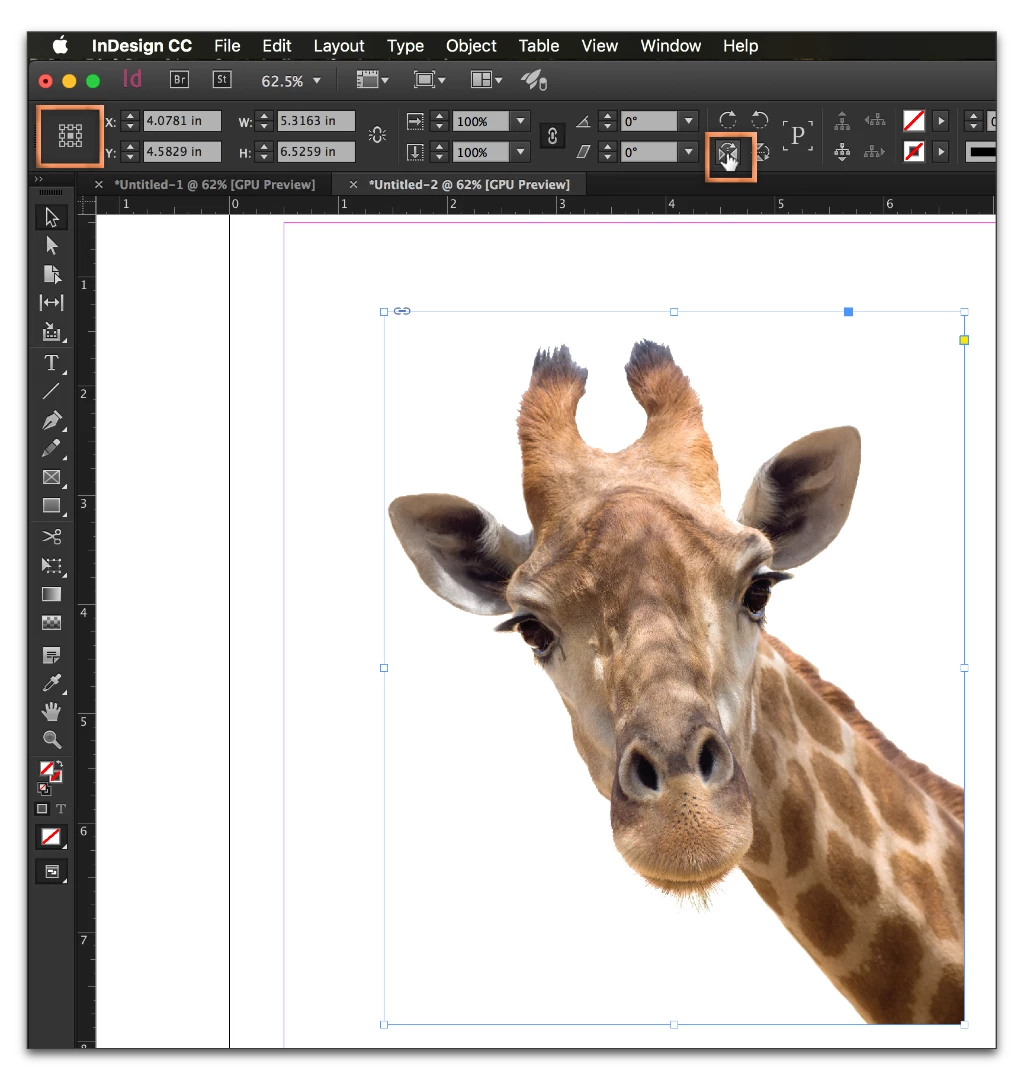
Frame or content selected: make sure you have the middle reference point selected in the proxy in the the Control panel before you click the Flip button (top left corner):

2 replies

Participating Frequently
November 23, 2024

Thank you, Barb Binder! That was the trick. I really appreciate your help!

Steve Werner
Community Expert
Community Expert
December 1, 2016

You have the frame selected, not the picture. To select the picture, either (1) click the picture with the Direct Selection (white arrow) tool, or (2) click the "donut hole" which is officially called the Content Grabber. Then do the transformation.

When you switch to the picture, the selection color is inverted (probably will turn brown).

tamarah42672091
Participant
December 1, 2016

Thanks Steve, I should have mentioned that I've tried that and it doesn't change a thing.

cmgap
Community Expert
Community Expert
December 1, 2016

Frame or content selected: make sure you have the middle reference point selected in the proxy in the the Control panel before you click the Flip button (top left corner):


Thank you Barb!