


Participant
April 10, 2017
Answered

My indesign document has horizontal and vertical pages in the layout. How can i export it into a pdf without manually changing the orientation of the different pages again once exported?
  • April 10, 2017
  • 1 reply
  • 5722 views

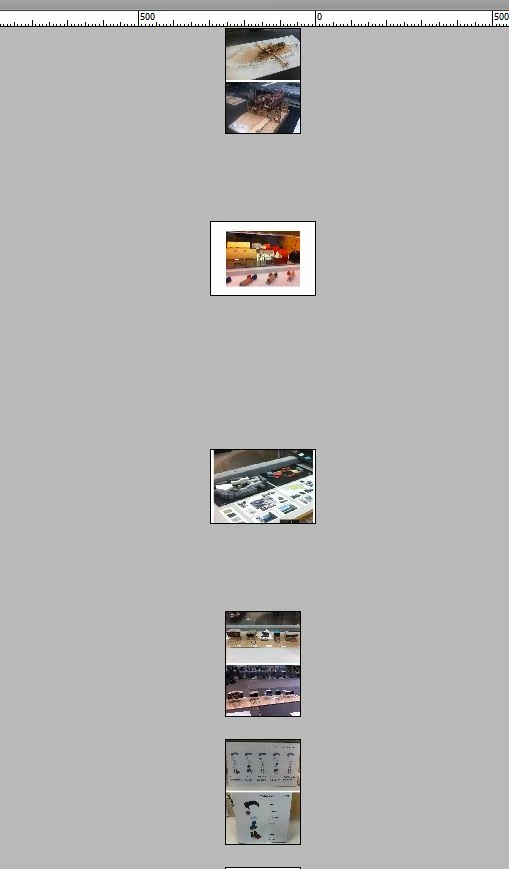
  (PAGE VIEW BEFORE EXPORT IN INDESIGN )
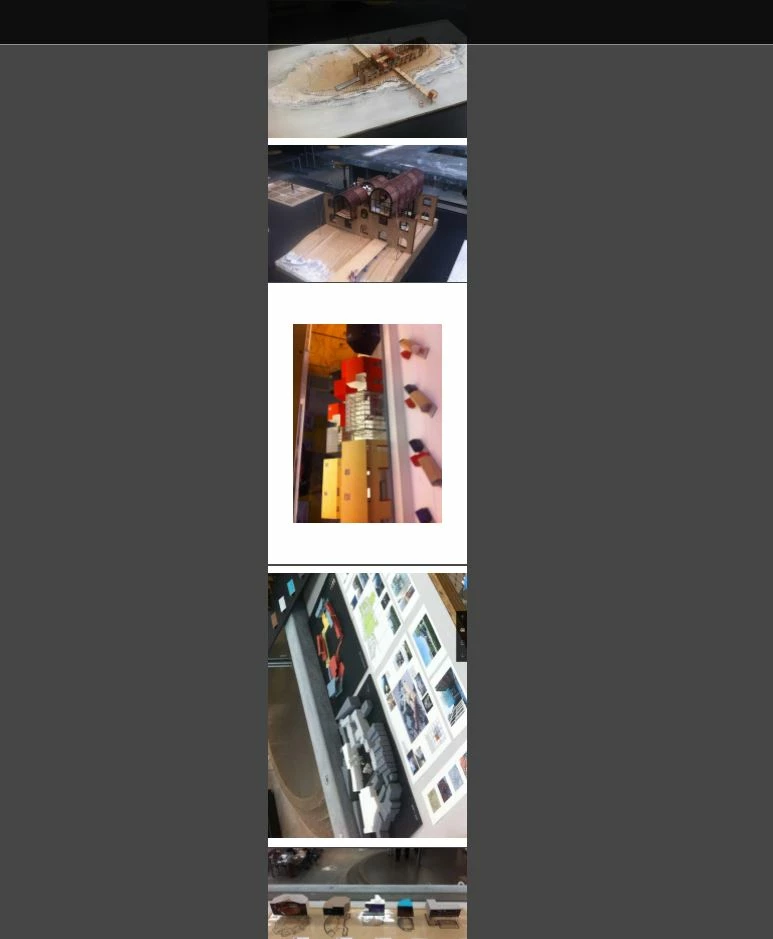
  (PAGE VIEW AFTER EXPORT IN PDF- FORMAT )

Merken

Merken

Merken
    This topic has been closed for replies.
    Correct answer amaarora

    Hi,

    Did you rotate the page spread from page attribute?

    Rotating the spread view in InDesign is a convenience to allow you to more easily put rotated content into the pages. It does not affect the actual page orientation and the page would export as it is before being rotated.

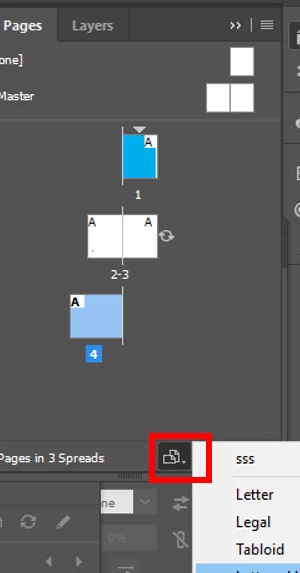
    In order to change orientation you need to change the page size using page tool(press alt key along) or the button in the pages panel.

    Check the "Create different page sizes within a document" section at Manage pages and spreads in InDesign

    -Aman

    1 reply

    amaarora
    Community Manager
    amaaroraCommunity ManagerCorrect answer
    Community Manager
    April 10, 2017

    Hi,

    Did you rotate the page spread from page attribute?

    Rotating the spread view in InDesign is a convenience to allow you to more easily put rotated content into the pages. It does not affect the actual page orientation and the page would export as it is before being rotated.

    In order to change orientation you need to change the page size using page tool(press alt key along) or the button in the pages panel.

    Check the "Create different page sizes within a document" section at Manage pages and spreads in InDesign

    -Aman