


New Participant
January 29, 2020
Question

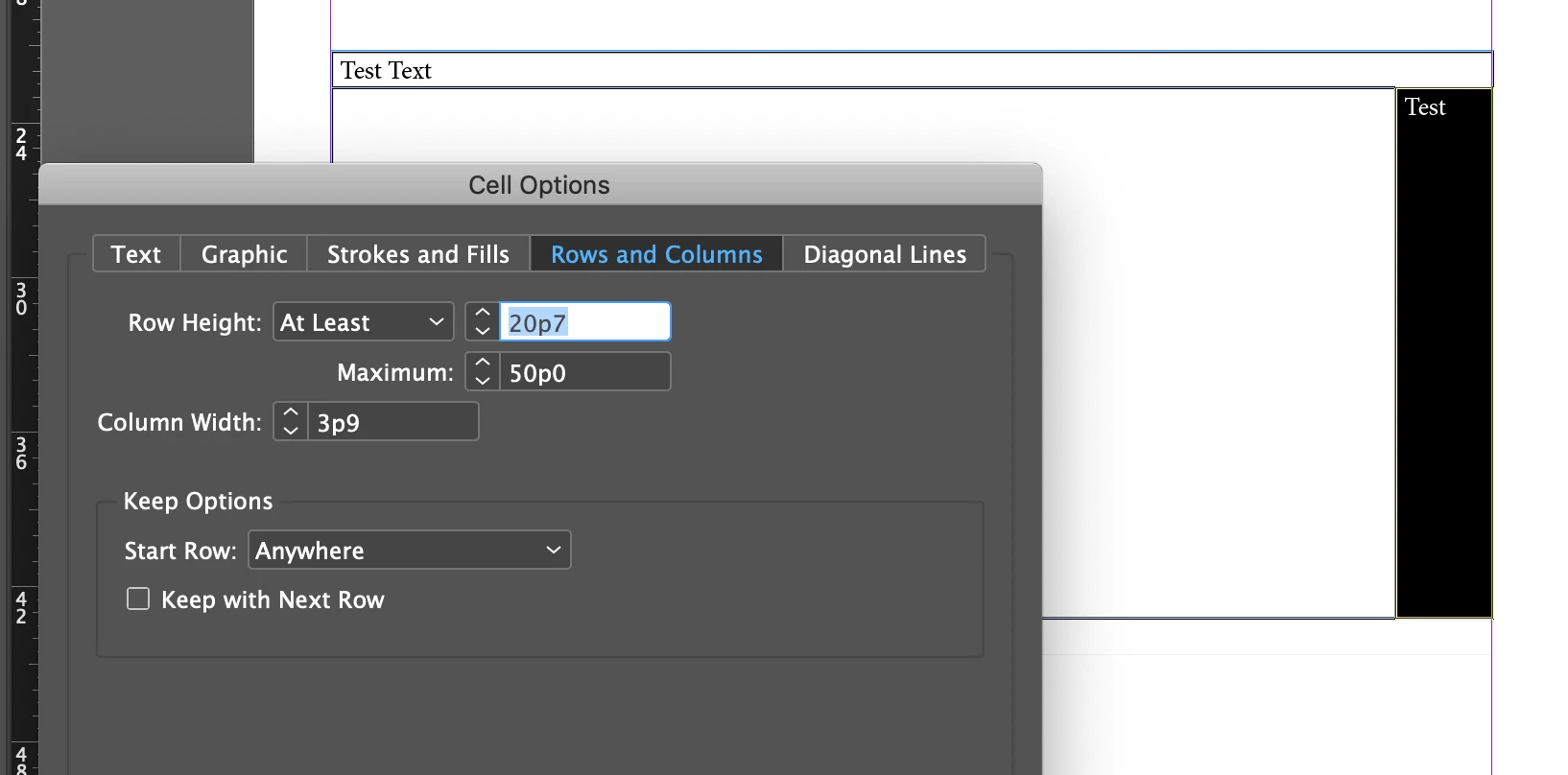
Need help setting minimum column width like setting "at least" amount for row height

  • January 29, 2020
  • 2 replies
  • 699 views

Below is a sample screenshot of a table I set up. For the top row, I'm able to set the row height to a minimum so that I can not make the height any smaller than it currently is. However, it seems like I'm only able to set an "at least" amount for the height and not width so that the width have a minimum size it can be set to. Is there a way to set this up? or does that feature still not exist?
 

This topic has been closed for replies.

2 replies

Steve Werner
Adobe Expert
January 29, 2020

I concur with NAG64. There is no way in the InDesign interface to set a minimum width for a column. If you can make a case for why there should be such a setting, you should make a request at the InDesign UserVoice website in the Feature Requests:


https://indesign.uservoice.com/forums/601021-adobe-indesign-feature-requests

Jongware
Brainiac
January 29, 2020

That would be a step in the direction of auto-sizing tables.


The reason there is no minimum width is because the height of a row is variable (rather, can be, because you can set it to an "exact" value as well); it adjusts to the number of lines. But columns do not adjust their size automatically.

Participating Frequently
January 29, 2020

I did a test of your above screenshot and it appears that you may be correct, that the option to have a “minimum” width as well, doesn’t exist. At least that’s what I’m getting as well.