New Participant
May 26, 2017
Answered

Need help with text box settings. Text wont fit when file opened on new computer

  • May 26, 2017
  • 1 reply
  • 646 views

Hi there,

My designer sent me a file to look over, and when I try to edit a text box, the text disappears unless I make the size much smaller.

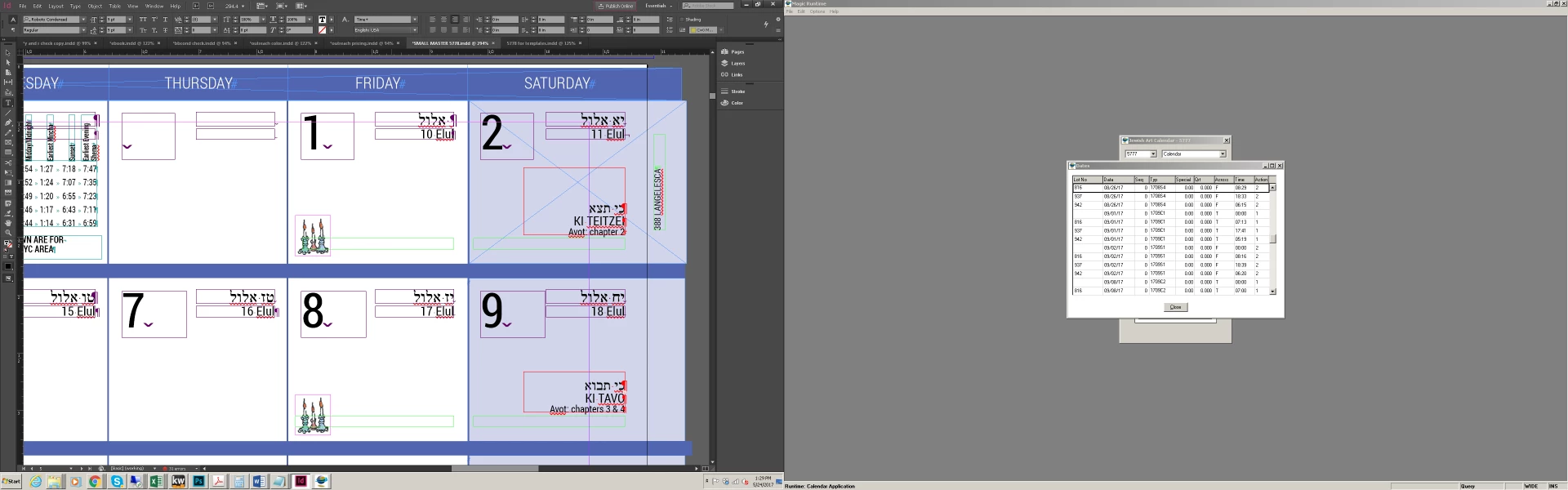
Numbers are currently 9 point Roboto Condensed.  When I try to do any edits, including delete, replace or space, the text wont fit anymore unless I make it smaller to 6 points.

Attached are two files, one showing how it is without edit, second showing what happens after I touch the character.

A third screenshot shows how small I need to make it for it to show up again.
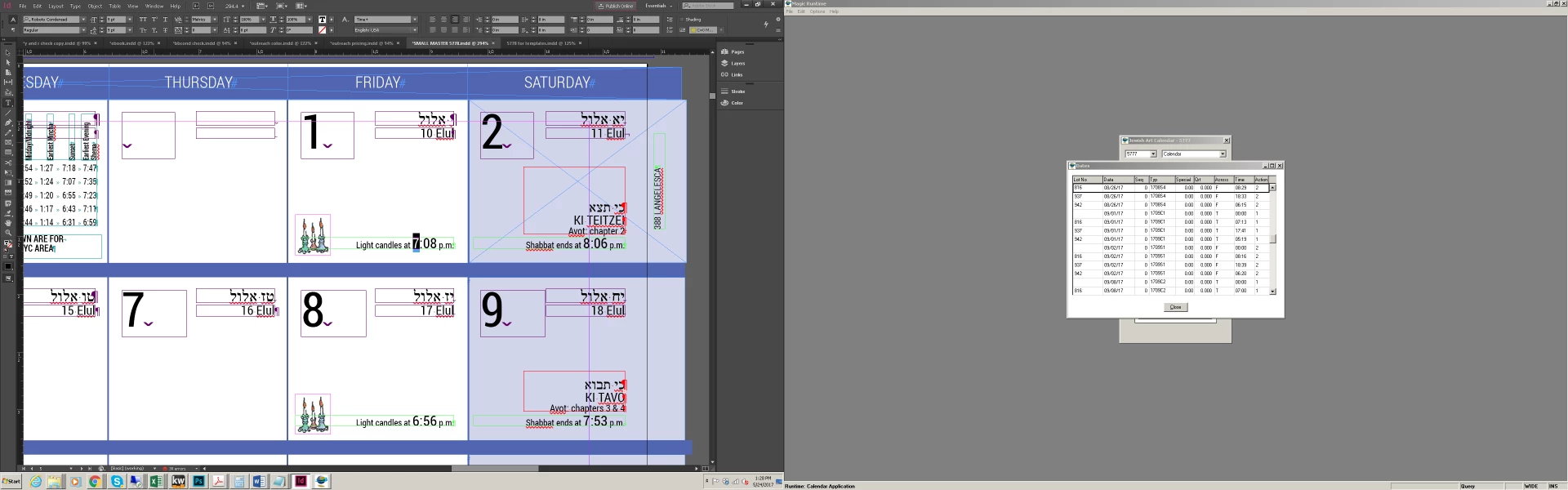
This one shows how small I need to make it.

This topic has been closed for replies.
Correct answer Bill Silbert

Have you tried simply opening up the frame from the top? It looks like the top of the numbers are very close to it. This could especially be a problem if the version of the font that you have is in any way different than the one that the original designer used. Have the designer do a collect for output which includes the fonts used and try it with that font loaded.

1 reply

Bill Silbert
Bill SilbertCorrect answer
Community Expert
May 26, 2017

Have you tried simply opening up the frame from the top? It looks like the top of the numbers are very close to it. This could especially be a problem if the version of the font that you have is in any way different than the one that the original designer used. Have the designer do a collect for output which includes the fonts used and try it with that font loaded.

New Participant
May 26, 2017

I will ask him for an output. Raising the box works, but I have 300 boxes.

Bill Silbert
Community Expert
May 26, 2017

Is there no master page that can allow you to do this globally?