TypoMan23
Known Participant
August 25, 2022
Question

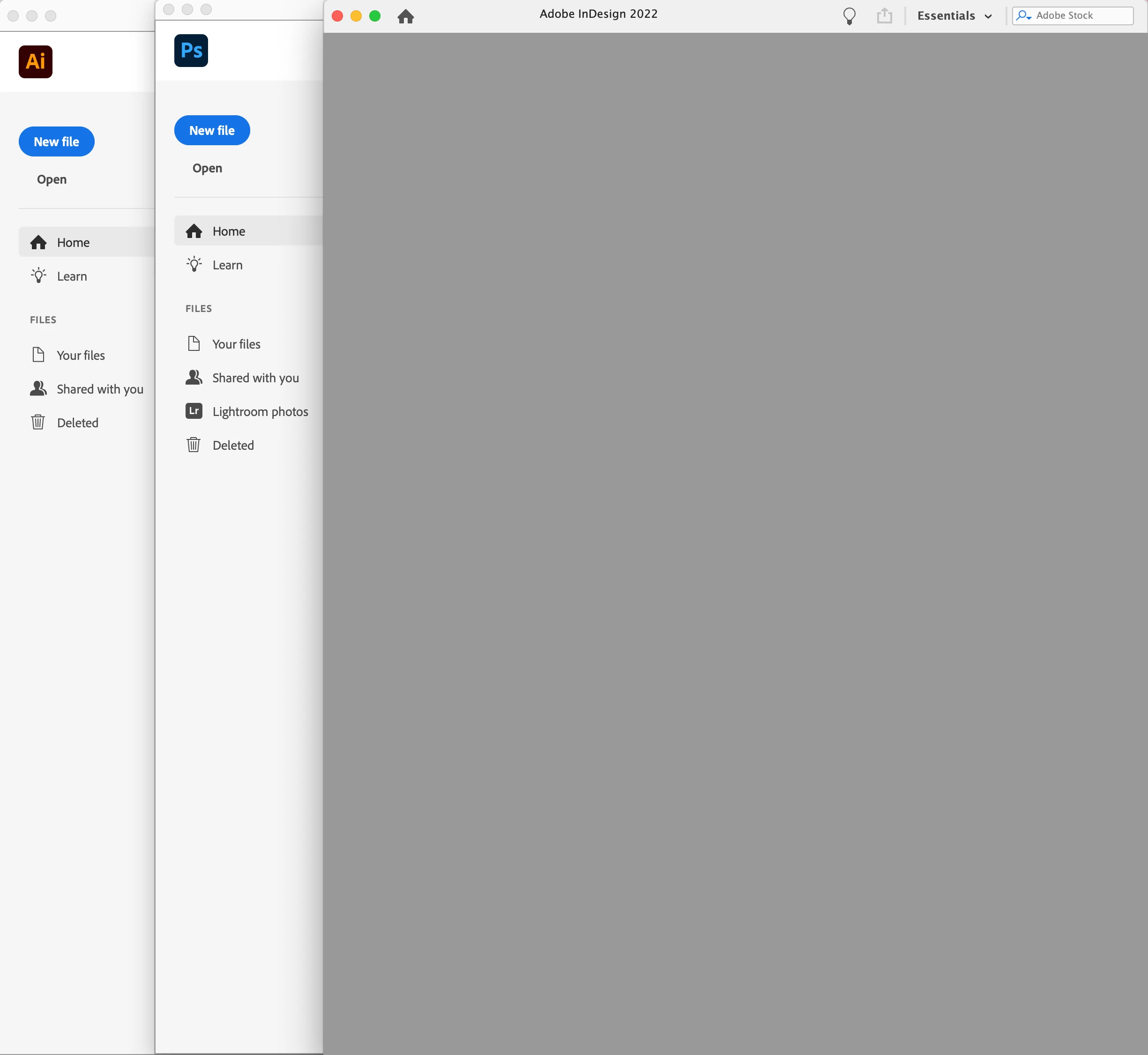
New to CC, why is the InDesign 'opening window' blank?

  • August 25, 2022
  • 2 replies
  • 380 views

I joined CC just 2 days ago, and now trying to get to grips with it after many years using CS3.
I use InDesign, Illustrator and Photoshop. A few initial observations:


1.

The first thing I noticed was that my InDesign 'opening window' is totally blank and empty unlike the other two.
Why is this? Have I not set up InDesign correctly? Any help would be much appreciated.

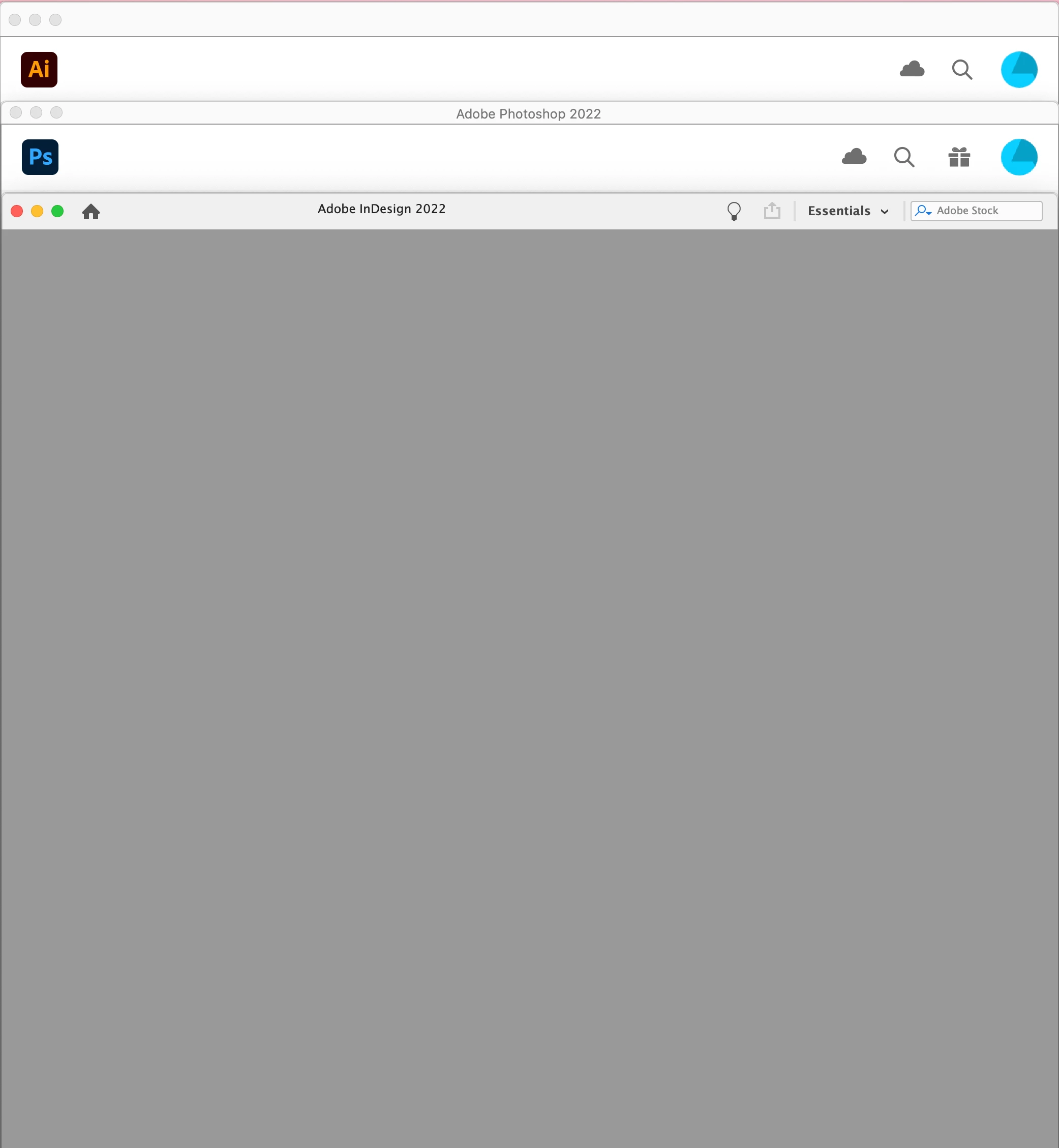
I stacked them together, and the spacing/layout of the windows is different. This seems like very poor design to me.
Illustrator does not have any text at the top, whereas the other 2 do - alas not consistent with each other, and in different fonts (!). 


2.

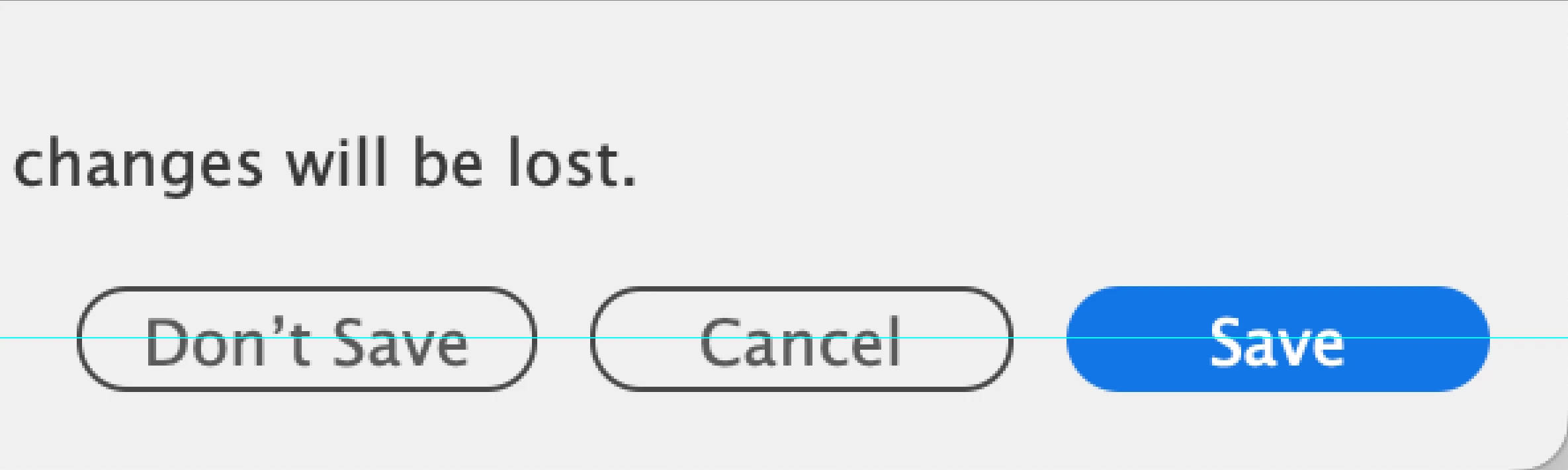
Text is not properly centered in the save dialog boxes. It's off-centre and positioned too low. Hurts my eyes...

3.

Command-H does not work for Illustrator, but does for the other 2.


This topic has been closed for replies.

2 replies

Mike Witherell
Community Expert
Community Expert
August 25, 2022

1. What is your InDesign workspace set to?
2. I salute you sir.

3. Yes, cmdH only really works in ID. Ever consider Cmd+Tabbing to go places? Or Cmd+F3 to go to desktop?

Mike Witherell
davecourtemanche
Inspiring
August 25, 2022

Command H can be set in both Illustator (replaces another function) and Photoshop (the first time you do it, it prompts you with a question about the desired setting for Command H).


Something looks funky with your start space in your screen shots. See what your settings are in Preferences / General regarding Showing Home Screen with no docs open.


TypoMan23
TypoMan23Author
Known Participant
August 26, 2022

Many thanks, will check those out.

Willi Adelberger
Community Expert
Community Expert
August 25, 2022

How did you install InDesign? From the CC Desktop Application?

TypoMan23
TypoMan23Author
Known Participant
August 25, 2022

Thanks, just the same way as the other 2. I purchased it online and followed the steps to install them.

Willi Adelberger
Community Expert
Community Expert
August 25, 2022

From the CC Desktop Application?