


New to InDesign - Unable to Edit Text and Maintain Formatting
Please note - I have lots of experience with PhotoShop but am very new to InDesign.
I have some pages that were created for me by a graphic designer and all I want to do is edit one single word in the document. I can select the text using the type tool, but when I start typing the new word it loses all formatting. 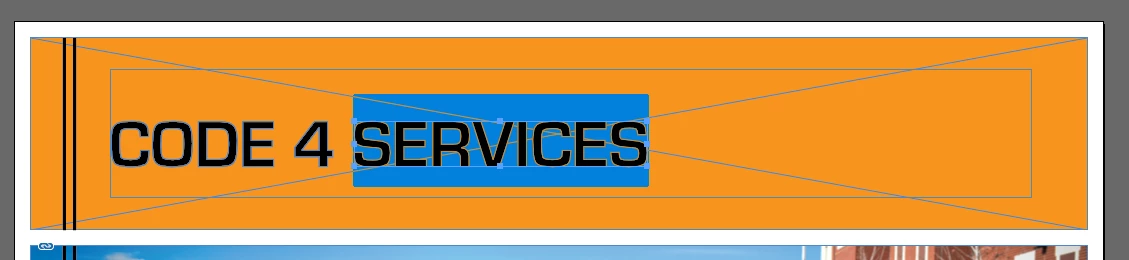
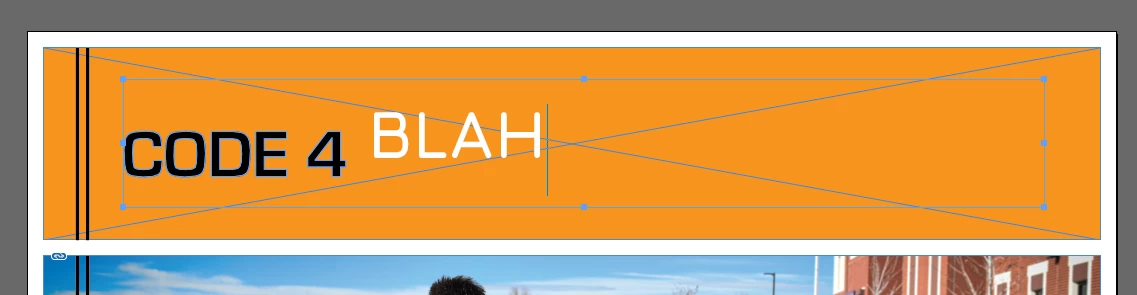
The other thing that I notice that is odd is that I can get a type cursor to start before the word or after the word, yet it will not allow me to place a type cursor within the word itself.
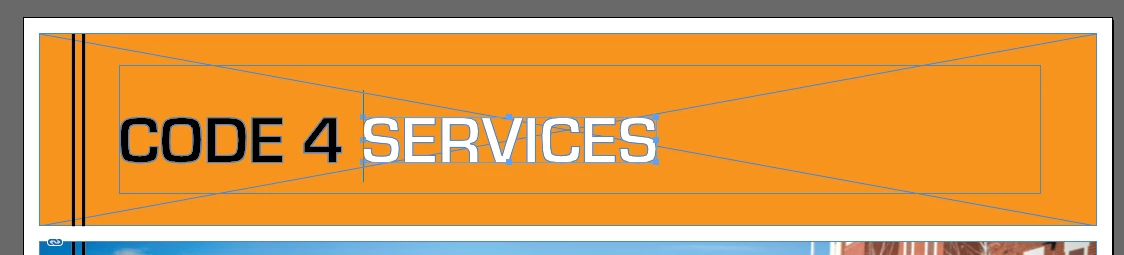
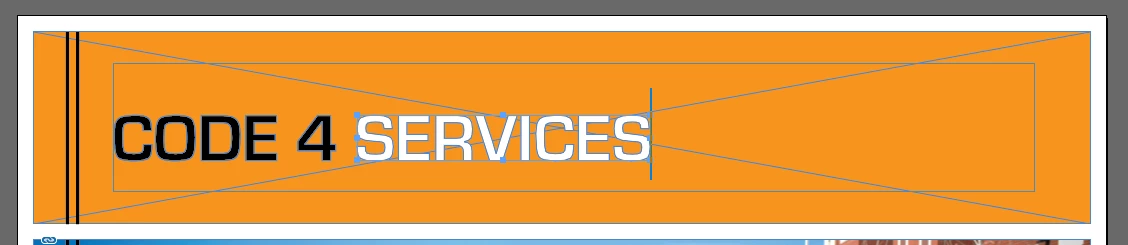
Is there something I am missing that is preventing me from simply updating the existing text and retaining the same formatting? I have read all the help articles on editing text in InDesign and still cannot figure this out. Any help is greatly appreciated.

 AdChoices