



odd/even page sequence not working
- December 8, 2024
- 2 replies
- 1010 views
working on a book with each chapter as separate files. front matter (cover, table of contents, etc ends on the right page.
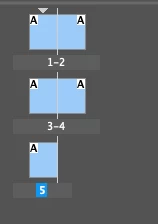
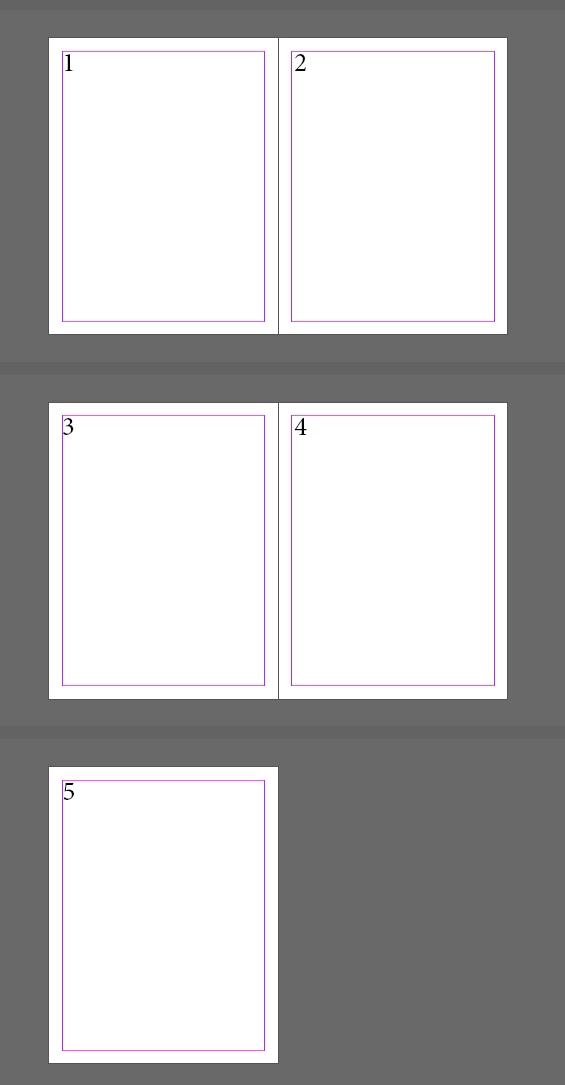
chapter 1, which is page 1, has to start on the left page and each chapter ends on a right page. therefore, next chapter, odd page, must also start on the left page.
in the book page numbering, i have set it to continue from previous section.
each file chapter is set to automatic page numbering.
somehow, the next chapter still starts on the right page and not on the left.
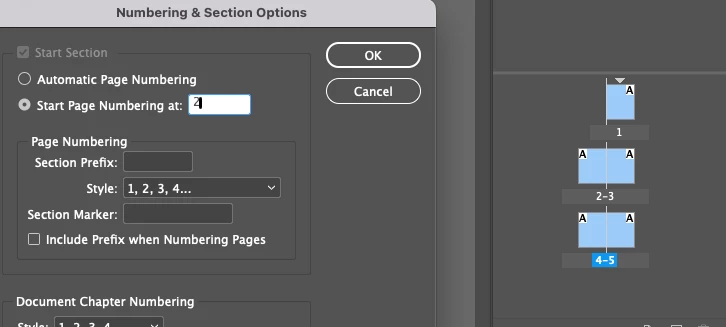
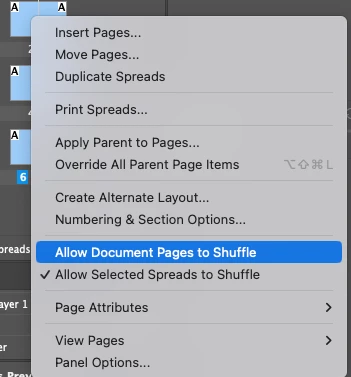
i cannot get chapter 1 to start on the left page with this setting so to force it, i disabled allow spread to shuffle.
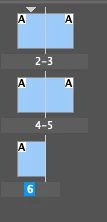
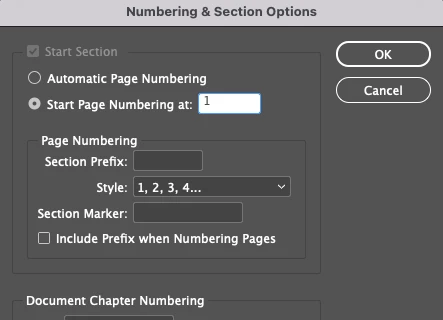
i have attached screenshot for book page numbering, chapter 1 setting and chapter 2 setting.
chapter 2 setting should start on the left and not right.
 AdChoices