New Participant
November 25, 2024
Answered

OpenType problems using Apple SF Pro in InDesign

  • November 25, 2024
  • 2 replies
  • 548 views

Hi all,


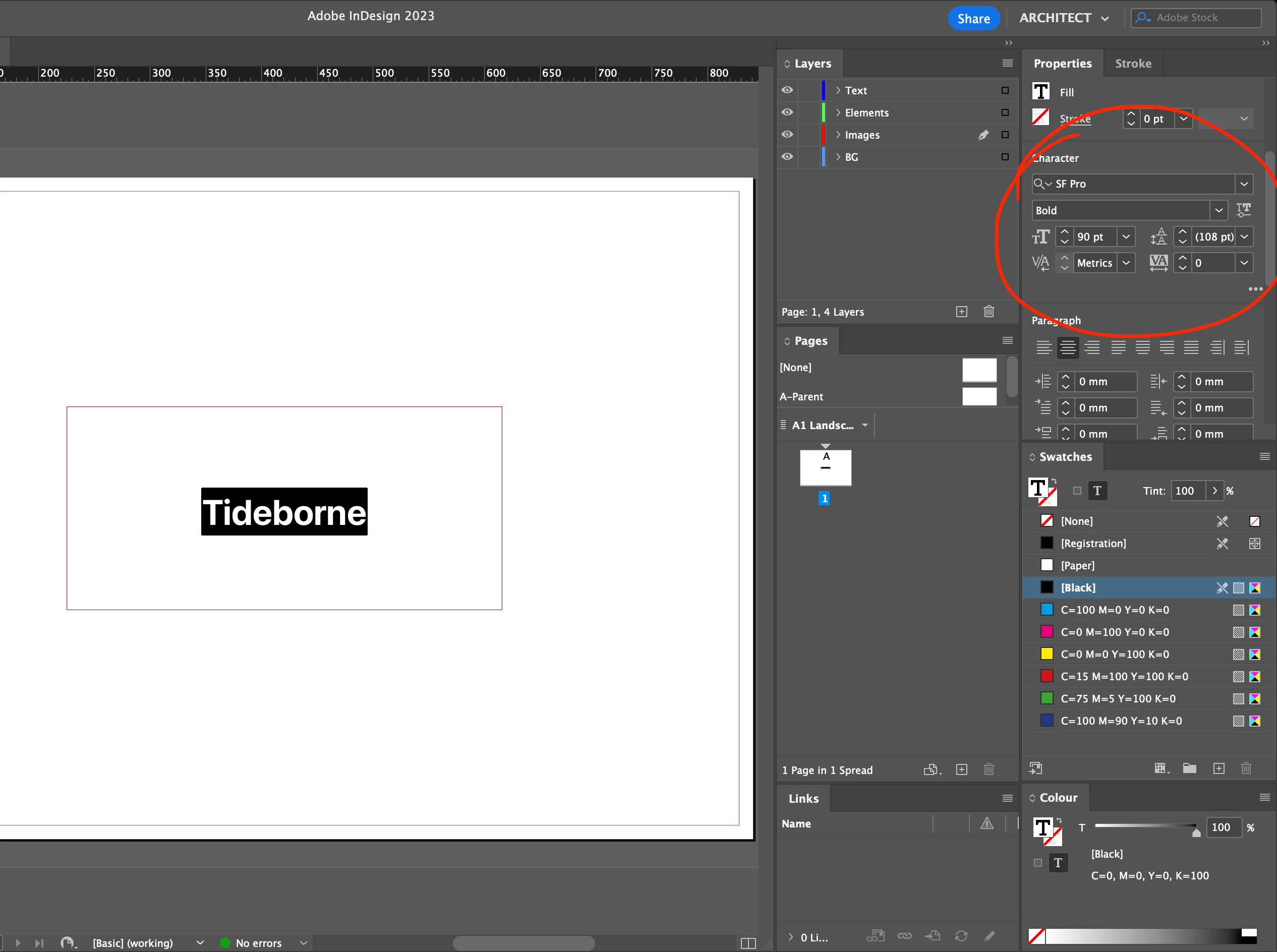
I downloaded Apple's SF Pro font from apple.com, and when I change the font size, the style changes.


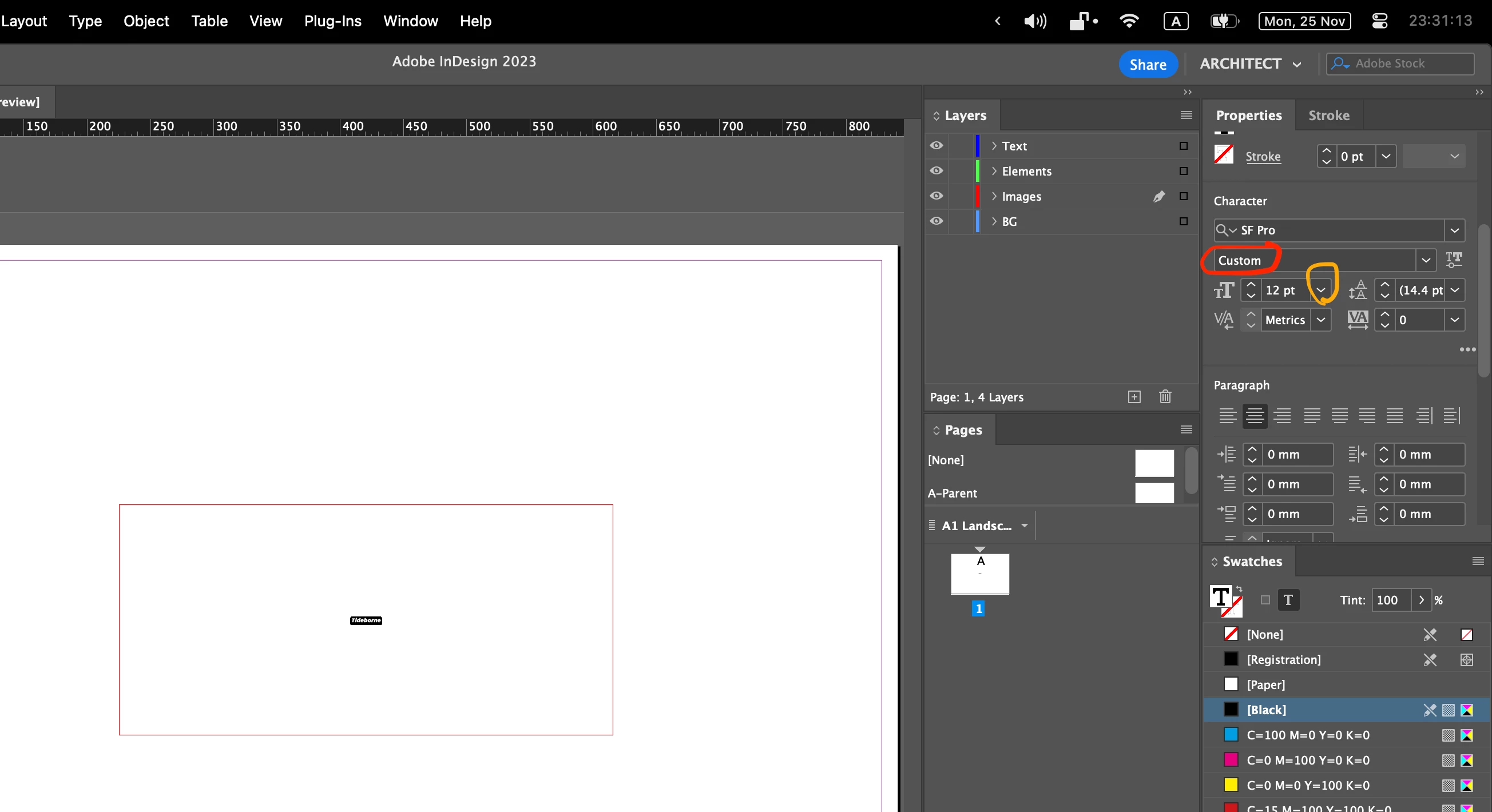
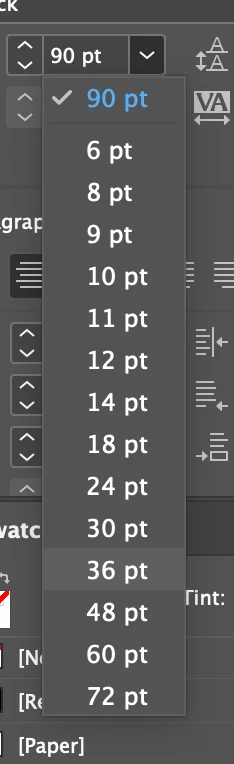
First screenshot is 90pts, Bold. When I attempt to change the font size using the drop down menu (pictured), the font style changes to custom (final screenshot)


This behaviour does not occur when I use the arrows on the left of the font size box, or when I use other Adobe packaged fonts.
 

Please could someone help?


Thank you very much.

H

This topic has been closed for replies.
Correct answer Brad @ Roaring Mouse

I am seeing the same problem (CC2025) 

Turning off Optical Size matching in Preferences > Type seems to fix it, though.

Appears to be a bug in this option for Variable size fonts. If you don't need it, turn it off


2 replies

Brad @ Roaring Mouse
Brad @ Roaring MouseCorrect answer
Community Expert
November 26, 2024

I am seeing the same problem (CC2025) 

Turning off Optical Size matching in Preferences > Type seems to fix it, though.

Appears to be a bug in this option for Variable size fonts. If you don't need it, turn it off


New Participant
November 26, 2024

Thanks Brad! This fixed my problem


By any chance would you have any insights on why it doesn't keep the same style when optical size matching is on

Brad @ Roaring Mouse
Community Expert
November 26, 2024

Nope. This is the first time I've seen it, but if you search for the issue online, it's happened to others with various variable fonts.

leo.r
Community Expert
November 26, 2024

I see you're still using InDesign 2023.


Do you experience the same issue in InDesign 2024 and 2025? You can install them from the Creative Cloud app (just make sure to uncheck the option to remove older versions if you still need 2023).


Also, what's your macOS version?

New Participant
November 26, 2024

I'm using indd 18.5.1 on macOS 14.6.1


Brad downstairs just offered a working solution