Participant
August 30, 2022
Question

Page edges and guides not displaying correctly on Mac

  • August 30, 2022
  • 4 replies
  • 825 views

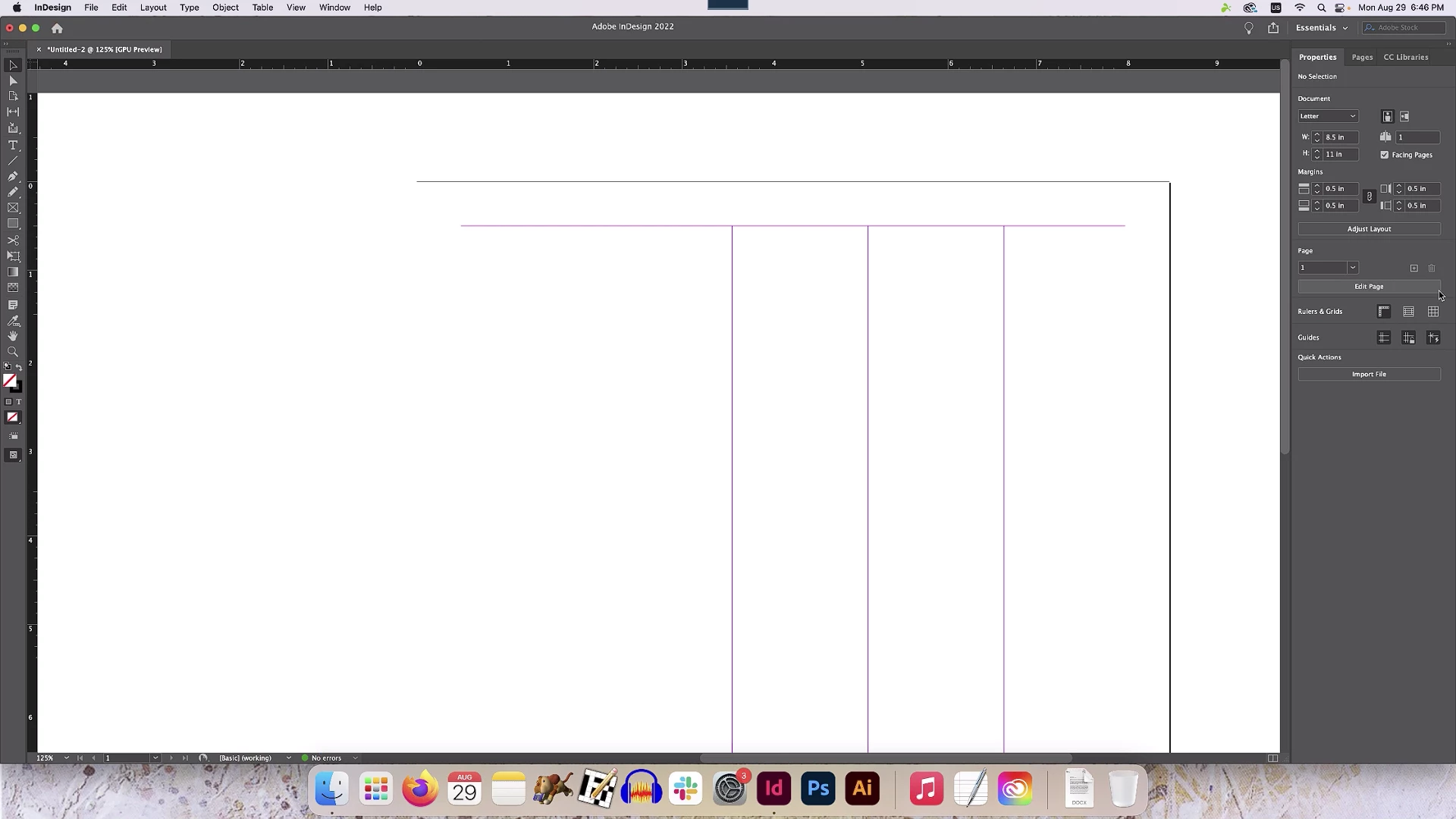
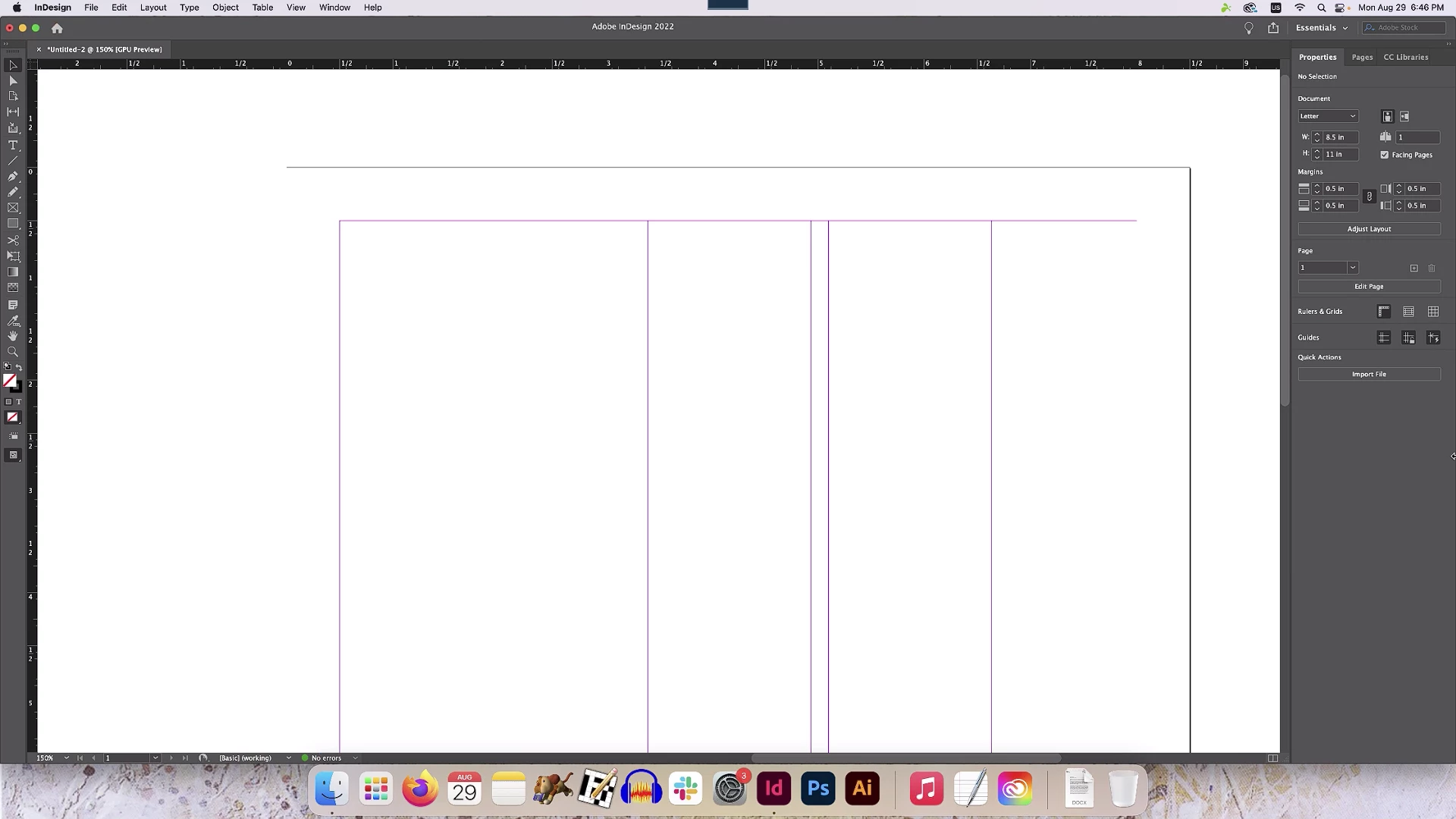
Heya, I opened up InDesign today and saw it was graphically messed up. I first thought the file was corrupt, but found the guides were messed up on new documents as well. As you can see, the edges and guides being displayed arbitrary appear and disappear based on zoom level.

The displayed page here is a 8.5x11 page with .5 margins and five columns.
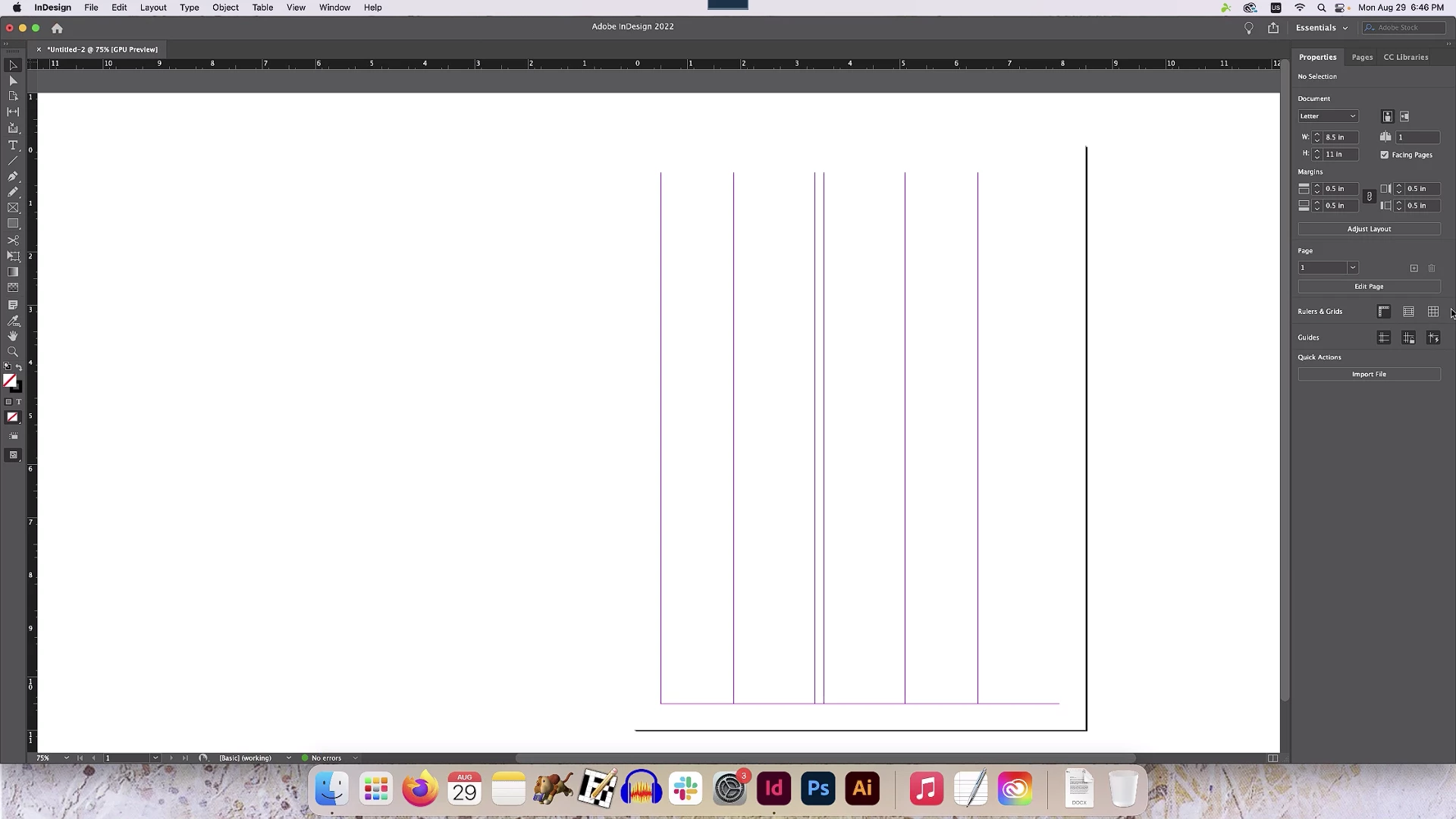
I've turned off GPU Performance, adjusted display performance, but none of that helps. This is a relatively new Mac I just got in the office. I'm working remotely, so I am accessing it via a remote desktop, but if I set the display settings to 100%, the graphical glitch persists on the streamer as well.

And, I did try opening files on my computer at home (on a Windows machine) and they all display correctly.

Would anyone have any idea what's going on here?

This topic has been closed for replies.

4 replies

Participant
October 5, 2022

This issue has been driving me nuts. I just changed my settings in Splashtop under View Options (the little eyeball icon) from Best Quality to Best Speed and that brought the guides back. The type is a bit blurred at lower zoom levels but it's better than not having those guides. If you've come up with a better solution, I'd love to hear it. 

Participating Frequently
October 5, 2022

Randy - for me this issue is with my target Apple Studio Display monitor being too high resolution to stream over Splashtop. I noticed the lines would appear for a split second when I changed the resolution on the target monitor and then disappear again. As I mentioned above, the solution was to mirror my secondary monitor which is slightly lower resolution at 1440px and the display was fine.

When I streamed to my previous iMac Retina display I never had this problem.


Thankfully I only use Splashtop occasionally - 98% of the time I work in my office. It is not a reasonable solution when you need to work at high resolution all the time.

Participating Frequently
September 7, 2022

Hi,


Did you ever find out what was causing this? It's just started happening to me today. Weirdly I am also using Splashup Remote Desktop. I am waiting on someone from my work to check if the display actually looks like this on my Mac in the office.


Resetting InDesign preferences made no difference and it looks fine on my Mac at home.

Participating Frequently
September 7, 2022

I've since noticed that the screen that I am connecting to, which is a Mac Studio Display is possibly too high resolution for Splashtop. Luckily I have a second monitor, which is slightly lower res that was initially switched off when I tried this. I got a colleague to switch it on and mirrored that display, and the lines reappeared!

James Gifford—NitroPress
Legend
September 7, 2022

Exactly what I would have expected from such a combination. Even good virtualization just does not handle high-res displays well, not beyond "office grade" imaging.


(I confess to remaining sort of baffled at the number of designers virtualing into high-end design, CAD, etc. systems, but I guess it's the new world. 🙂 )


James Gifford—NitroPress
Legend
August 30, 2022

"Remote desktop" — not sure anything further needs to be considered here. Few are perfect and most will glitch (in subtle ways like this problem) at the drop of a bit.


Taking a wild stab at it, I'd say it's interference between the virtualization and the appearance threshold set for grids and guides.


Derek Cross
Community Expert
Community Expert
August 30, 2022

If you think you have an application corruption the first thing to try is to reset the InDesign preferences back to the factory defaults.

Participant
August 30, 2022

And that appears to have done nothing either.

Peter Spier
Community Expert
Community Expert
August 30, 2022

Scrool down in Reset InDesign Preferences and Other Troubleshooting  to the section on replacing the caches.