


Participant
December 5, 2023
Answered

Paginas sencilla a doble página o pliego.

  • December 5, 2023
  • 2 replies
  • 660 views

Hola,

He automatizado una agenda, estas quedron en una pagina como se puede ver en la siguiente imagen:
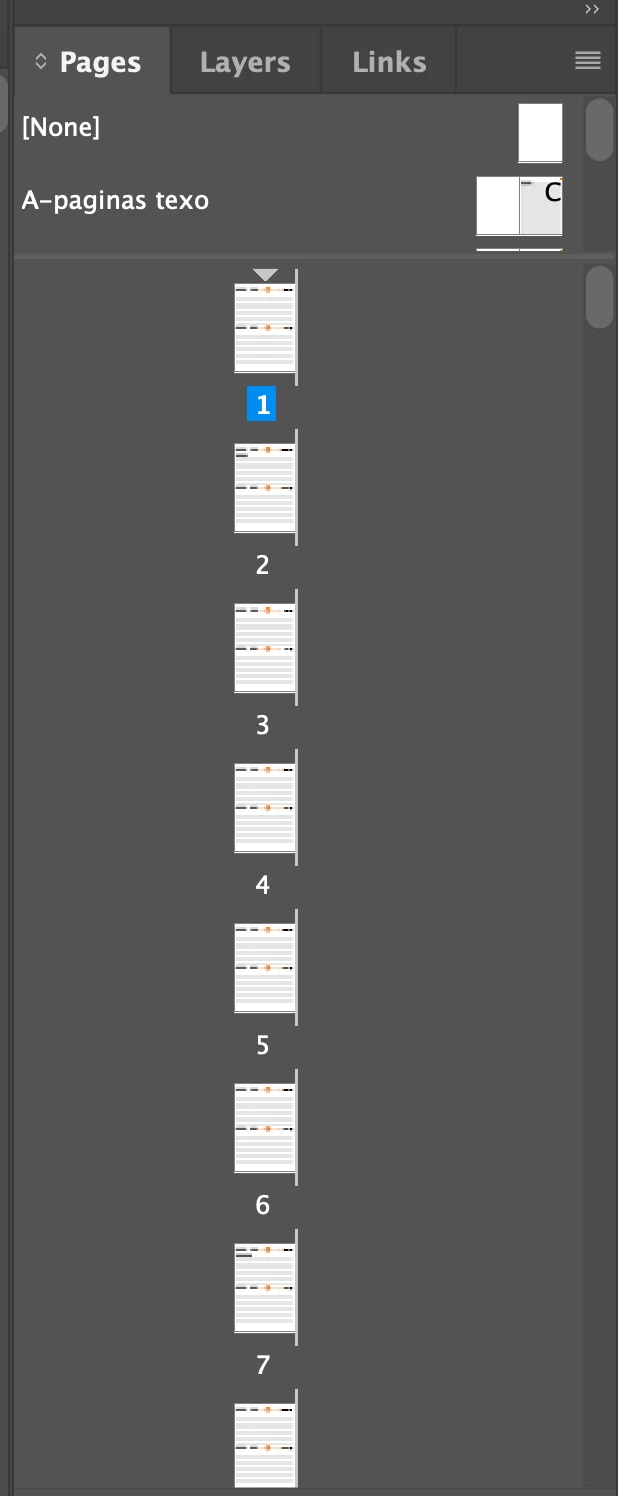
 

Necesito que me queden en doble página, como se ve acontinuación:
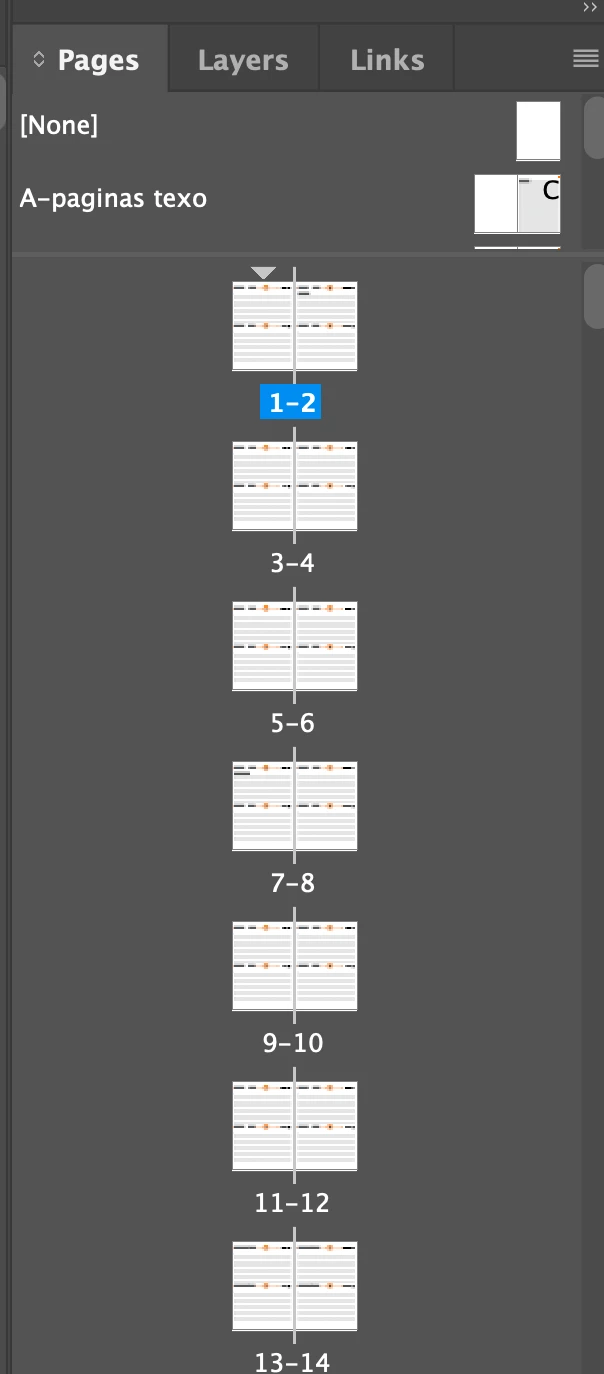


Puedo hacer esto manualmemte pero me tardo mucho...


¿hay alguna manera de hacerlo màs facil?


¡Muchas gracias!


This topic has been closed for replies.
Correct answer Mike Witherell

Try these steps again:

Select all the pages in the Pages panel and then choose Pages panel menu button > and turn on again "Allow document pages to shuffle". When it asks you "Do you want to maintain the current number of pages on these spreads?", then your answer would be to click "No". The pages will left and right-hand pages again.

These steps are done entirely within the Pages panel.

2 replies

Mike Witherell
Community Expert
Community Expert
December 5, 2023

Habría tenido que desactivar "Permitir que las páginas del documento se mezclen" para arrastrarlas a esa condición peculiar, por lo que la solución es seleccionar todas las páginas en el panel Páginas y luego elegir el botón de menú del panel Páginas > y activarlo nuevamente " Permitir que las páginas del documento se reproduzcan aleatoriamente". Cuando le pregunte "¿Quiere mantener el número actual de páginas en estos pliegos?", su respuesta será hacer clic en "No". Las páginas volverán a ser páginas izquierda y derecha.


You would have had to turn off "Allow document pages to shuffle" in order to drag them into that peculiar condition, so the remedy is to select all the pages in the Pages panel and then choose Pages panel menu button > and turn on again "Allow document pages to shuffle". When it asks you "Do you want to maintain the current number of pages on these spreads?", then your answer would be to click "No". The pages will left and right-hand pages again.

Mike Witherell
Steve Werner
Community Expert
Community Expert
December 5, 2023

Good answer, Mike, I hadn't thought of that method!

Mike Witherell
Community Expert
Community Expert
December 5, 2023

Steve, I only recently noticed that shuffle question deep in the Pages panel!

Mike Witherell
Steve Werner
Community Expert
Community Expert
December 5, 2023

I don't know any way to do it automatically using InDesign's built-in features. I'm sure it could be scripted if you or someone else could create it.