Participant
August 25, 2023
Answered

Paragraph Rules

  • August 25, 2023
  • 3 replies
  • 655 views

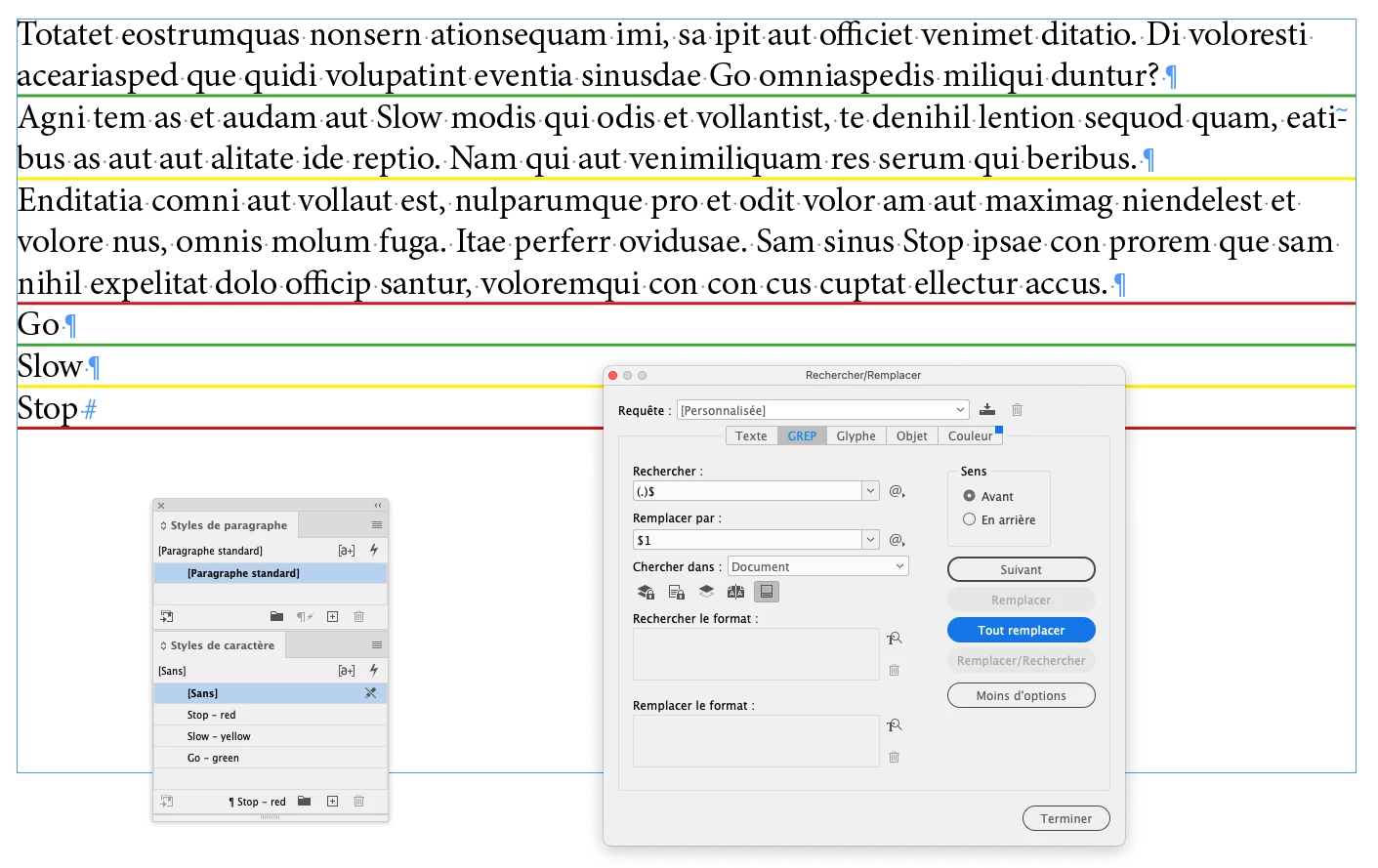
Is it possible to make a paragraph style that changes the line under the paragraph to different colors based on the words? Like, if I use the style on "Go," the line should be green. If it's "Slow," it should be yellow. And for "Stop," it should be red.


Thank you!
This topic has been closed for replies.
Correct answer FRIdNGE

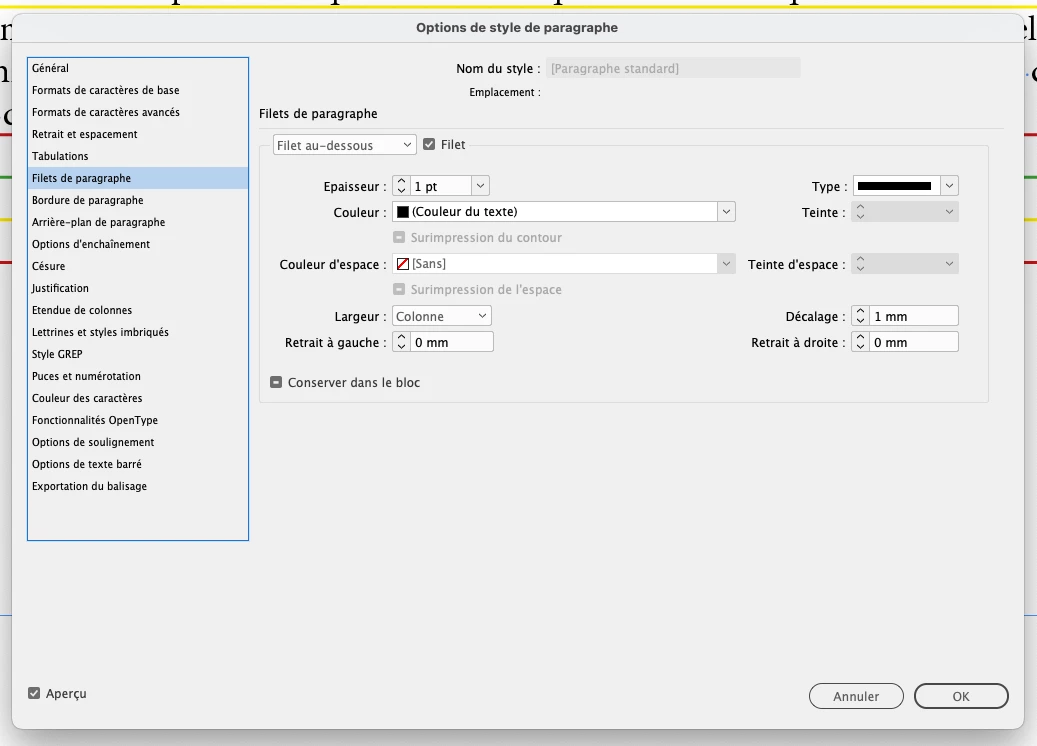
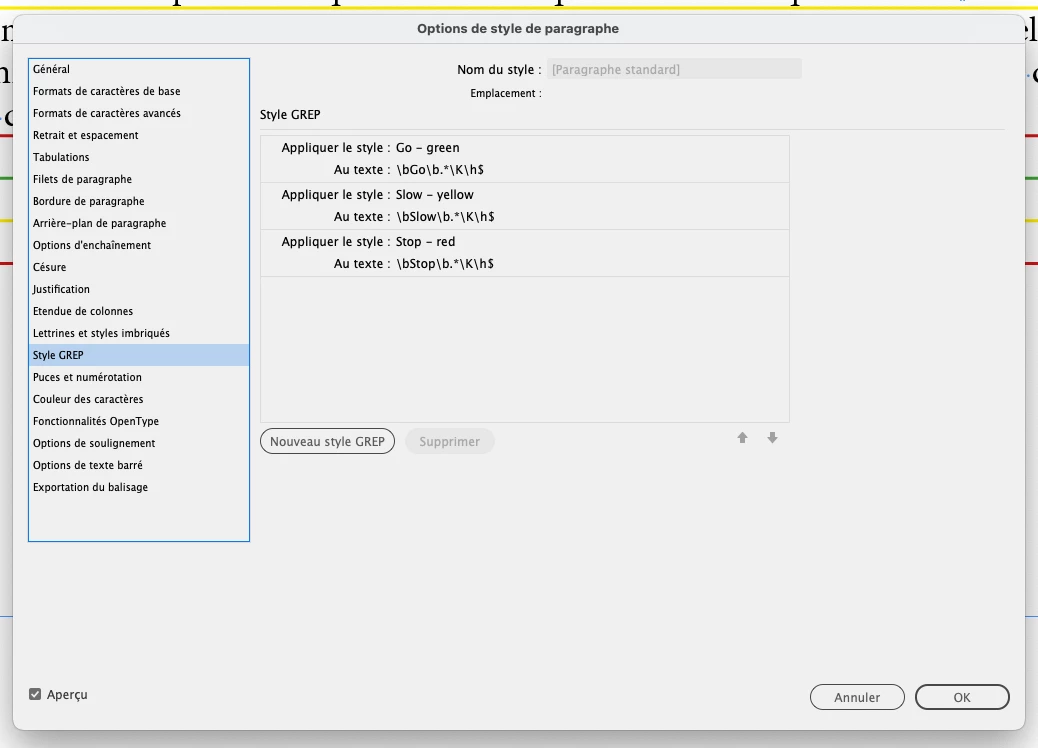
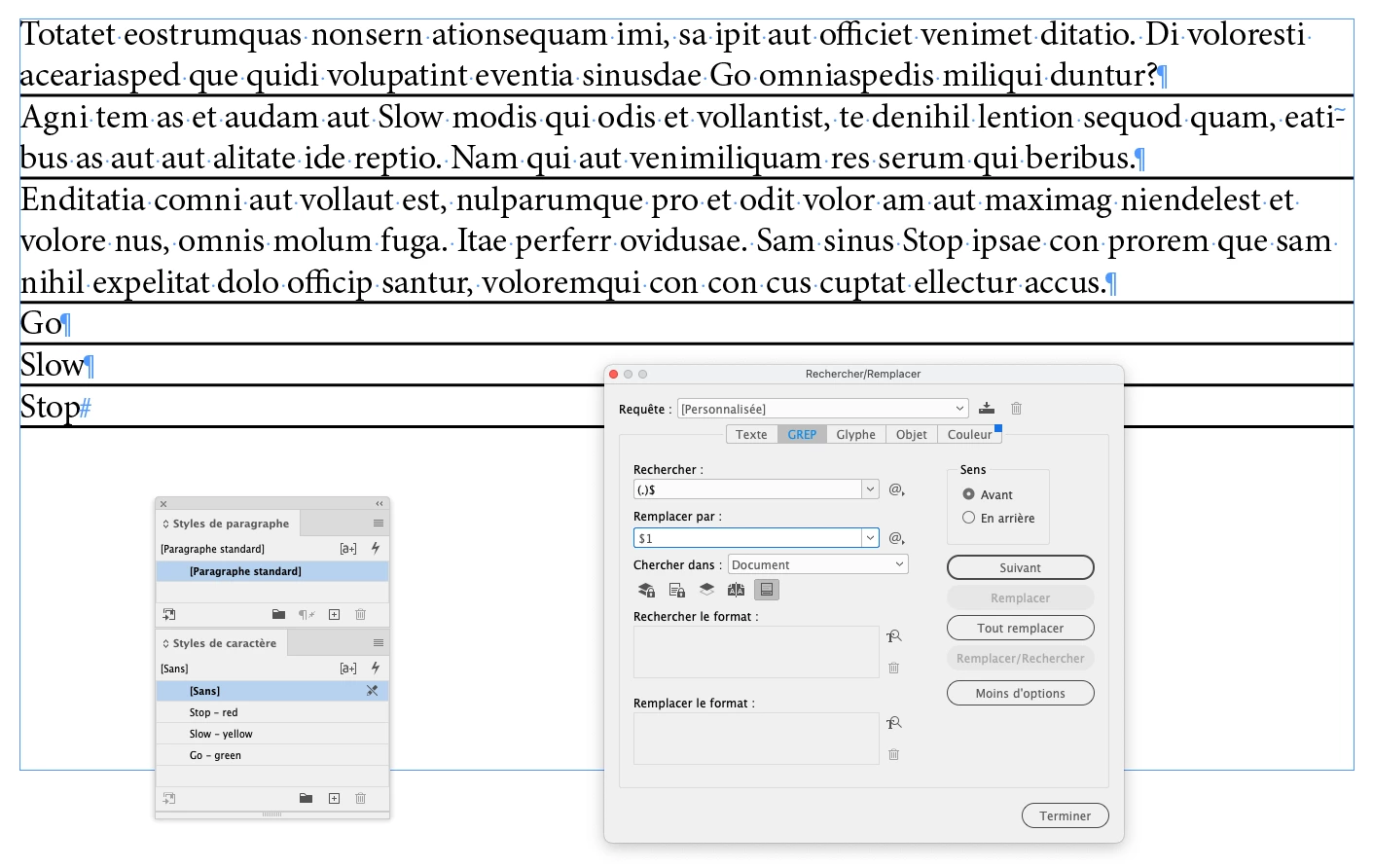
Of Course! … You just need to add, e.g., a normal space at the end of the para (use the simplisitic Grep F/R I give)!


(^/)  The Jedi


3 replies

FRIdNGE
FRIdNGECorrect answer
August 25, 2023

Of Course! … You just need to add, e.g., a normal space at the end of the para (use the simplisitic Grep F/R I give)!


(^/)  The Jedi


Robert at ID-Tasker
Legend
August 25, 2023

Nice one... with the space automatically added. 


Peter Spier
Community Expert
Community Expert
August 25, 2023

You would need three paragraph styles to do this (buty they can all be based on the same style). You can use find/change to apply the styles as required, or it could probably be scripted.

Robert at ID-Tasker
Legend
August 25, 2023

No, even if you try to use NestedStyles - they are always processed in sequence so they can't be stacked up.