



PDF export / Transparency problem since CC2018
Hello !
A few days ago I upgraded InDesign and all my other Adobe softwares to CC 2018.
Since then I don't seem to be able to export a PDF with AI, PDF or transparent images in it.
It used to work perfectly fine, I haven't changed anything in my settings except for the upgrade. Even the default export settings don't work.
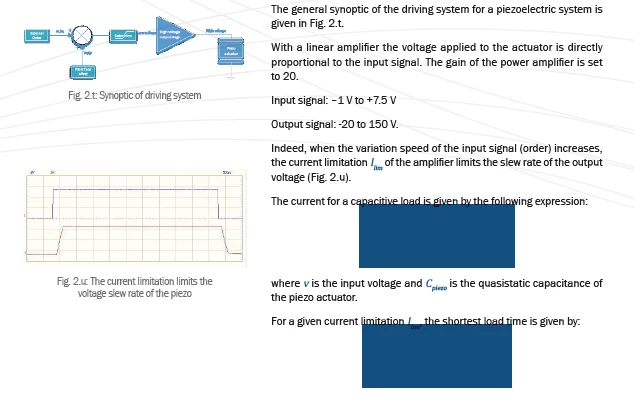
To be precise the problem is that all the images mentionned above appear blurry or pixelated (see picture below).
The problem doesn't appear when the document is viewed inInDesign, and doesn't show up in JPG export for exemple.
In the picture below Fig 2.t is pixelated and blurry (the background is transparent and it's a PDF image) and Fig 2.u is fine (no transparency, and it's a JPG).
Both blue blocks are supposed to be PDF formulaes with a block style (Multiply, no background color and inner glow)
I tried to find answers on the internet, read about flattening transparency but nothing has worked so far… I am a bit desperate as I don't even have a workaround and the catalogue I'm working on should be printed next month…
Thanks a lot for your help
 AdChoices