Exit
  • Global community
    • Language:
      • Deutsch
      • English
      • Español
      • Français
      • Português
  • 日本語コミュニティ
  • 한국 커뮤니티
0

Potential InDesign lock bug

Community Beginner ,
Nov 01, 2021 Nov 01, 2021

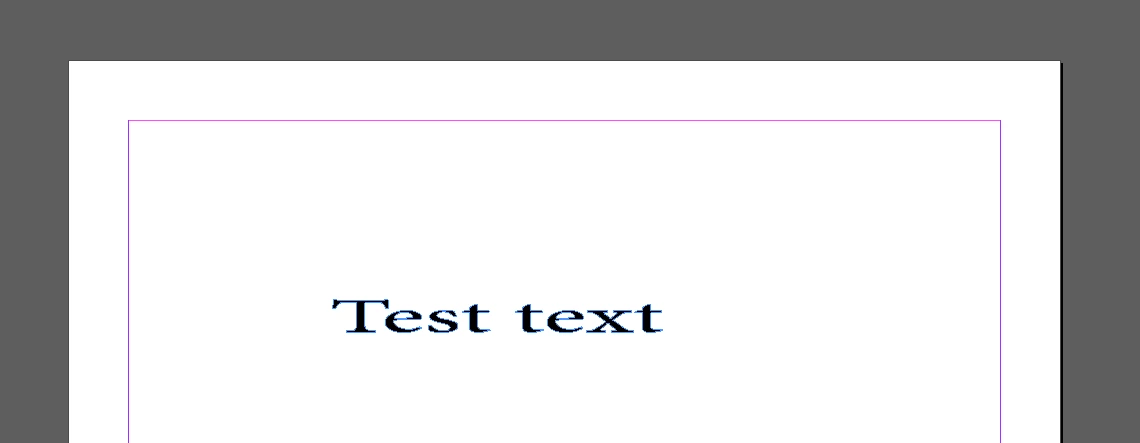
I have noticed that when converting text to outlines, if the outlines are too small, the lock icon does not appear when locking the object. From what I can tell, this means I cannot unlock the object (unless I undo the action). I have attached two screenshots to show this.


Has anyone else had this issue?


Lock is displayed here:
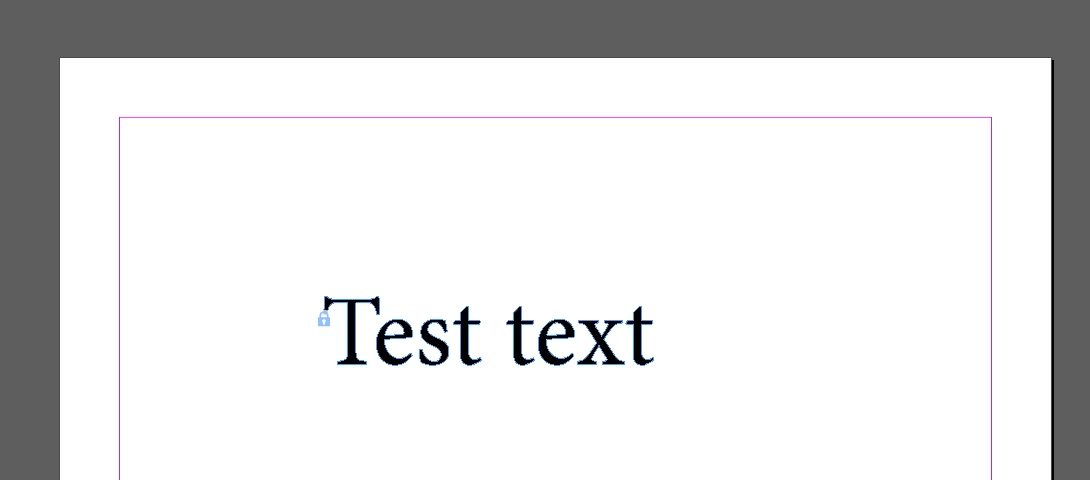
InDesign Lock Question 1.PNG


Lock isn't displayed here:

InDesign Lock Question 2.PNG

TOPICS
Bug
201
Translate
Report
Community guidelines
Be kind and respectful, give credit to the original source of content, and search for duplicates before posting. Learn more
community guidelines
Community Expert ,
Nov 01, 2021 Nov 01, 2021

Hi @fh37852989:


You can always unlock using the Layers panel.

lock.png


I think the real question might be why are you still outlining fonts?


~Barb

Translate
Report
Community guidelines
Be kind and respectful, give credit to the original source of content, and search for duplicates before posting. Learn more
community guidelines
Community Beginner ,
Nov 03, 2021 Nov 03, 2021
LATEST

Thanks, that worked. Based on what I've read I agree I probably shouldn't be outlining fonts. Nonetheless, I'm glad I've fixed this issue.

Translate
Report
Community guidelines
Be kind and respectful, give credit to the original source of content, and search for duplicates before posting. Learn more
community guidelines