


New Participant
February 28, 2020
Answered

Print Booklet printing some pages blank

  • February 28, 2020
  • 3 replies
  • 4168 views

Hello there,
I'm trying to print a 20-page booklet as a pdf using the Print Booklet feature. 
I'm getting blank pages on two of the spreads (18,3 and 14,7), only trim marks are showing up.
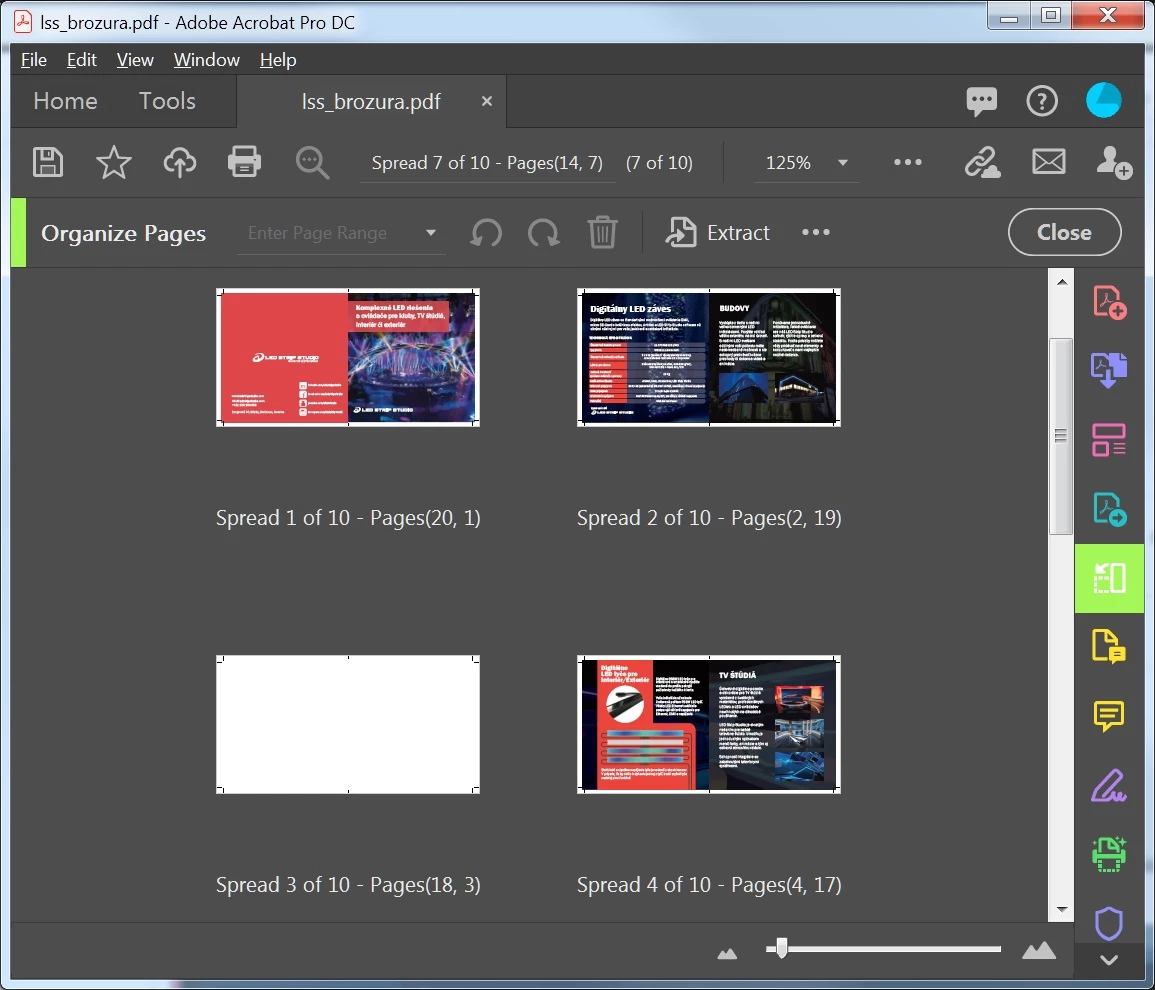
In the preview window seems everything fine, so there must be something happening during exporting/flattening process. 
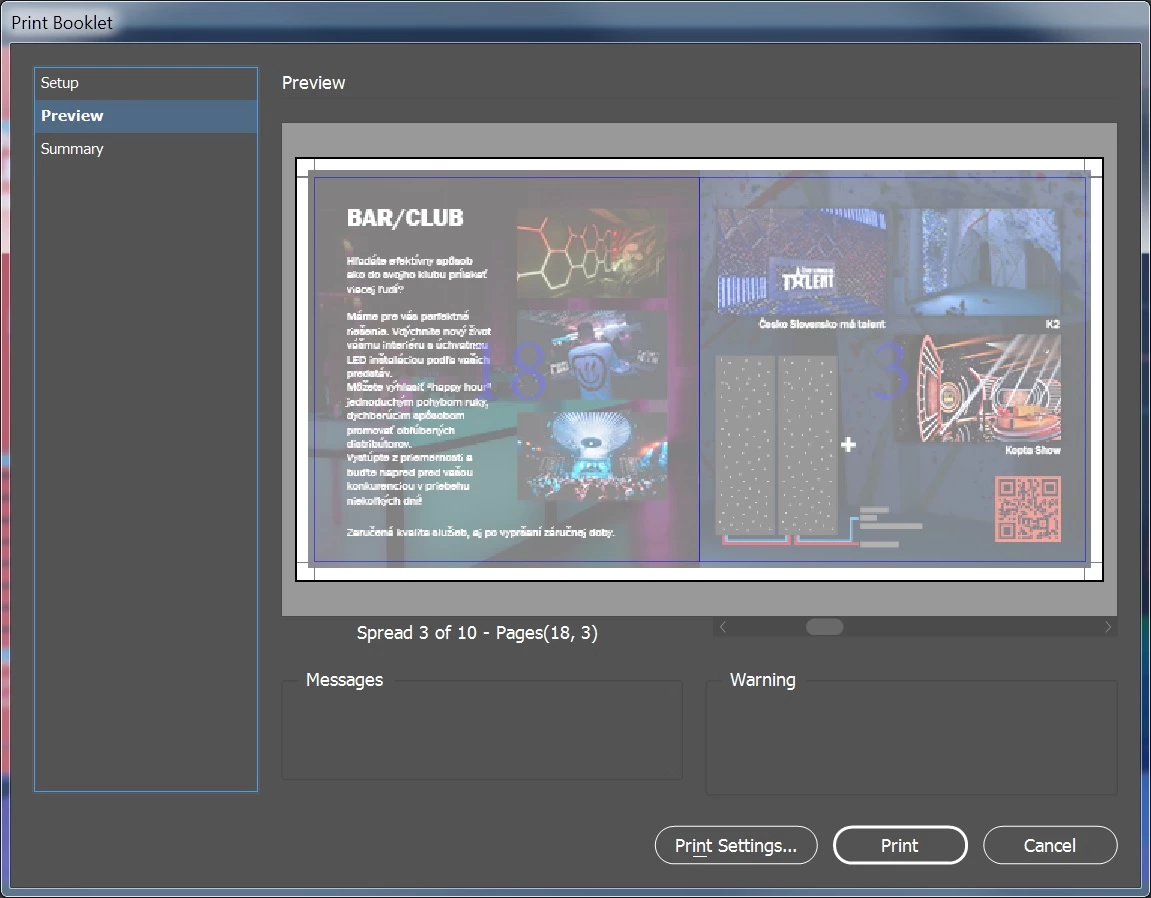

When i'm exporting the file the usual way (File>Export...) the pdf comes out fine but not in the order that is needed for saddle stich booklet printing . I'm just having this issue with the Print Booklet feature. 

Any help would be greatly appreciated.

Correct answer BobLevine

You were very clear.

You cannot export a PDF using print booklet. You can only print to pdf or postscript and distill. Those are not even close to being the same thing.

There are zero reasons to have to do this.

3 replies

handjojot17224968
Inspiring
July 21, 2022

I have same problem also when create a brochure as the facing pages which one page is a blank page, then InDesign cannot sort the page perfectly after export a PDF through Print as a Booklet... please see my sample attached. 

The reason I frequently use the Facing Page due to easy to sort a page base on number which for the facing page print as booklet should be have minimun 4 pages then Print as a Booklet to create a PDF with Print & Crop Mark to print in commercial printing facility.

handjojot17224968
Inspiring
July 21, 2022

This Print a Booklet as PDF with correct sort page even with the same layout which page 6 & 7 is facing page and page 7 contain a blank page, no issue after print as a booklet (I use another app.).

I hope from Adobe InDesign Technical Support can assist as to solve this issue.

Thank you for the kind attention.

Best regard,

handjojot17224968
Inspiring
July 21, 2022

Sorry forgot to attach a screenshot the correct PDF layout.

This Print a Booklet as PDF with correct sort page even with the same layout which page 6 & 7 is facing page and page 7 contain a blank page, no issue after print as a booklet (I use another app.).

I hope from Adobe InDesign Technical Support can assist as to solve this issue.

Thank you for the kind attention.

Best regard,

JR Boulay
Community Expert
February 28, 2020

Yes, you should export the PDF as usual from InDesign, then use Acrobat Pro to print as booklet.

😉


Acrobate du PDF, InDesigner et Photoshopographe
Inspiring
October 22, 2020

I'm using the Acrobat booklet feature, but somehow Acrobat doesn't want to send to my printer queue

BobLevine
Community Expert
February 28, 2020
Find another printer. Imposition is their job.

If you're doing this in house, either print directly to the printer or export a PDF and use Acrobat's booklet feature.
New Participant
February 28, 2020

Sorry,  I propably didn't explain myself correctly.
I meant that when i export the pdf using Print Booklet feature, the exported pdf has some pages blank.
But I didn't know about Acrobat's booklet feature! I used it and got the result I wanted!


Thank you very much!

BobLevine
BobLevineCorrect answer
Community Expert
February 28, 2020

You were very clear.

You cannot export a PDF using print booklet. You can only print to pdf or postscript and distill. Those are not even close to being the same thing.

There are zero reasons to have to do this.