


IllustratedLife
Participating Frequently
July 22, 2017
Question

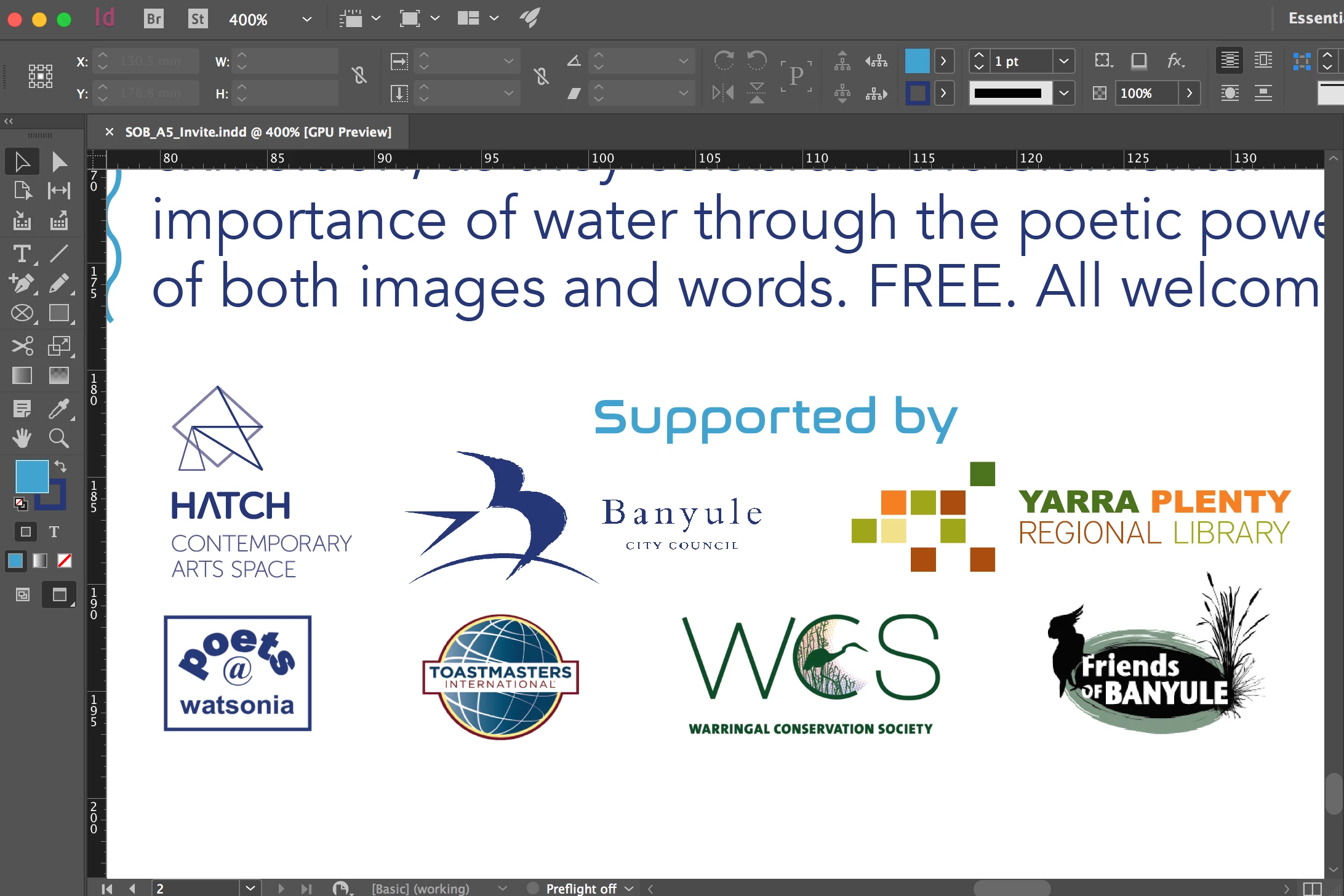
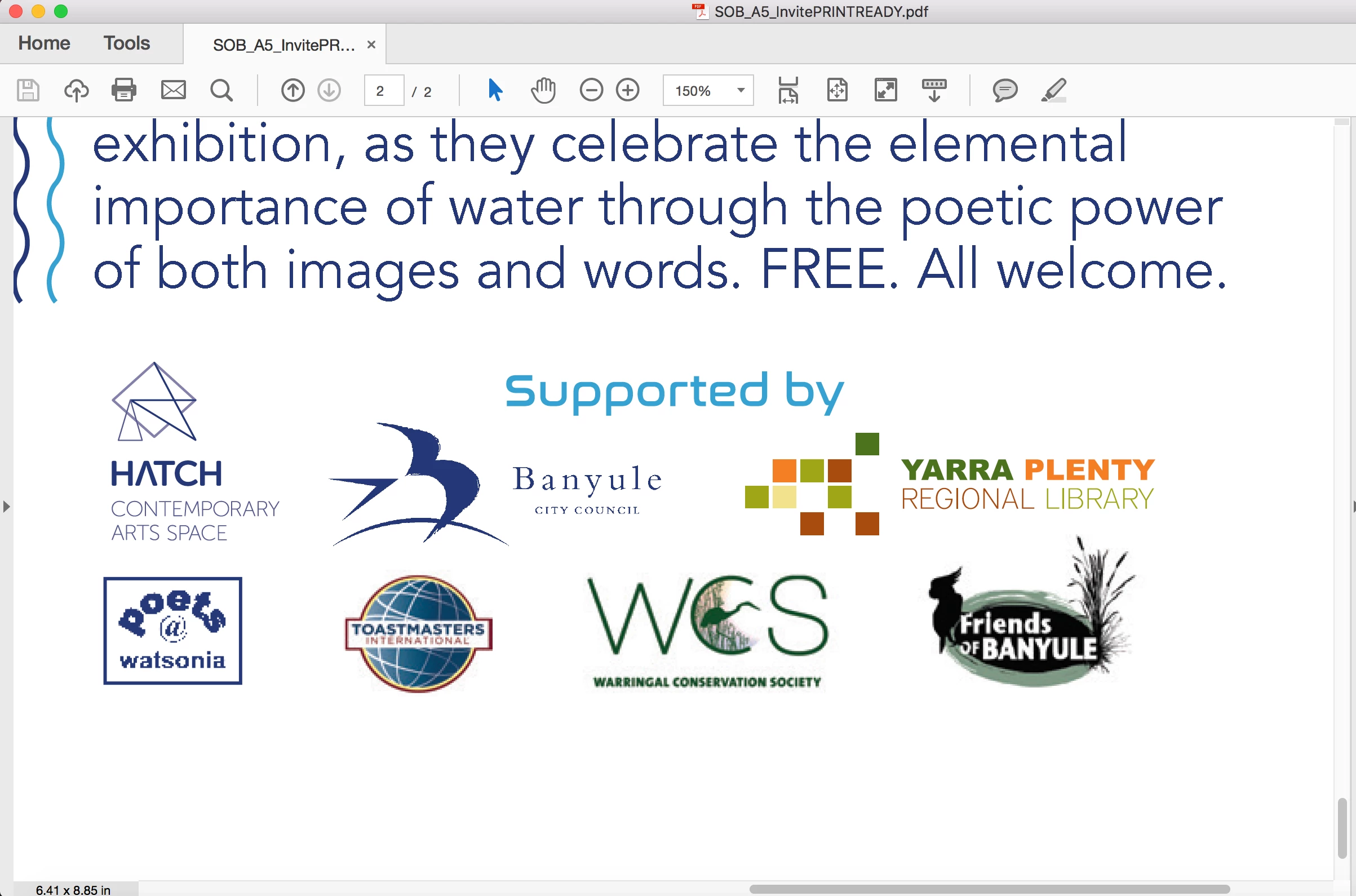
Print ready PDF jpegs pixelated - fine in InDesign

  • July 22, 2017
  • 3 replies
  • 4572 views

Hi guys, I am preparing a file for print and by exporting to a 'press quality' PDF (the only modification is selecting all printers marks). When I open the exported file to check it in Acrobat, the jpegs are pixelated although reading clear in the InDesign document. The files sizes range from 72dpi to 300dpi and are reduced significantly down to 10-20% of size. If it was simply the 72dpi jpegs pixelating I could understand but even the 300dpi file @17311199% is pixelated on the PDF. Any ideas? This problem has only started since the last update from my Adobe subscription.
    This topic has been closed for replies.

    3 replies

    Willi Adelberger
    Community Expert
    Community Expert
    July 22, 2017

    For thse logos and text and vectr graphics JPG is the wrong file type. You should use AI, PDF/X-4 or EPS (as it is not recommended anymore).

    JPGs are only good for images, never for text or verctor graphic. To get a similiar feeling like you would have with vector files you resulion must have 4 x so high resolution as an image file normally has, but this would be recalculated during PDF export, so you would not have any advantage here.

    If you have non-technical content, like images, you should always use RGB in InDesign, also for print. For technical stuff like logos, drawings, etc. use CMYK.

    rob day
    Community Expert
    Community Expert
    July 22, 2017

    For thse logos and text and vectr graphics JPG is the wrong file type. You should use AI, PDF/X-4 or EPS (as it is not recommended anymore).

    I'm guessing the logos were provided that way—happens to me all the time. Not much you can do about it other than keep them at the provided resolution.

    Willi Adelberger
    Community Expert
    Community Expert
    July 22, 2017

    Often the suppliers need only some education, in most cases they have their logos as EPS and don't know what to do with that file type. And as experienced (but not professionell) users they think for print it works the same way as it does with PowerPoint. (But even there, a PNG or EMF would be better.)

    rob day
    Community Expert
    Community Expert
    July 22, 2017

    The files sizes range from 72dpi to 300dpi and are reduced significantly down to 10-20% of size.

    If you scale a 72ppi image to 10% its output or effective resolution would be 720ppi.

    Both the Press Quality and PDF/X-4 presets use the same compression settings, so I doubt switching presets will change the quality of the logos because the setting is to down sample any image with a higher effective resolution than 450ppi. While for most images the 300ppi rule-of-thumb is adequate, you might want to turn off down sampling in this case because the logo's text would benefit from higher than normal resolution—small text needs more resolution.

    Thank you! I have always worked in CMYK if I know a job is going to 4 colour process print and RGB if inkjet. Your info is much appreciated as I'm always striving to be more technically correct.

    In a modern workflow the conversion to CMYK can happen with Photoshop, on PDF export, or at output. Assuming the destination profile is the same, all three produce the same result, so where you do it has more to do with efficiency than quality. Quality might suffer if you made the conversion to the wrong destination profile and the printer was forced to make another conversion, so in any case you want to know the destination profile for the press.

    Derek Cross
    Community Expert
    Community Expert
    July 22, 2017

    Check in the Links panel the "Effective PPI" of the images.

    By the way, unless you've been given a spec by your commercial printer, you should probably be exporting your InDesign document as a PDF/X-4.

    IllustratedLife
    Participating Frequently
    July 22, 2017

    Thanks for the reply Derek, interesting, I've always used the default press quality without issue or complaint. What is the difference? I'm not sure how/where 'Effective PPI' is on the links panel? Just now, by changing all the compression options to 'do not downsample' even though they were set by default to press quality (300dpi) the PDF is all clean. I've not had to do this before. I did try using PDF/X-4 with no change (this was suggested on another forum as a solution).

    Derek Cross
    Community Expert
    Community Expert
    July 22, 2017

    Re PDF, assuming you're working in RGB color mode (as you should be), PDF/X-4 converts correctly to CMYK and retains transparency. (If you were to be printing to a high end inkjet printer you would chose High Quality Print and this would allow your RGB images to use the Printer's conversion software and allow CMYK+, which has a much wider gamut than CMYK.)

    Here's a screen shot of the Links panel: