


Problem Changing Page Size In A Large Document
I am not a total newbie to InDesign or several other Adobe products. I have completed the Adobe sponsored tutorials in both InDesign and Photoshop (working on another one). However I am having and issue with changing the size of all the pages in an InDesign document. This is a family cookbook shared by many family members. The document in question is formatted for ½ page layout (4 ¼” by 5 ½”). I want to reformat them to 5” by 8”.
I have tried the File->Document Setup->Adjust Layout method. It did change the size of the page, but it shrunk the width of my text and picture boxes (these are the only ones I have in the document). The change in height did not seem to bother my elements. All the other methods appeared to be variations of the same Adjust Layout method
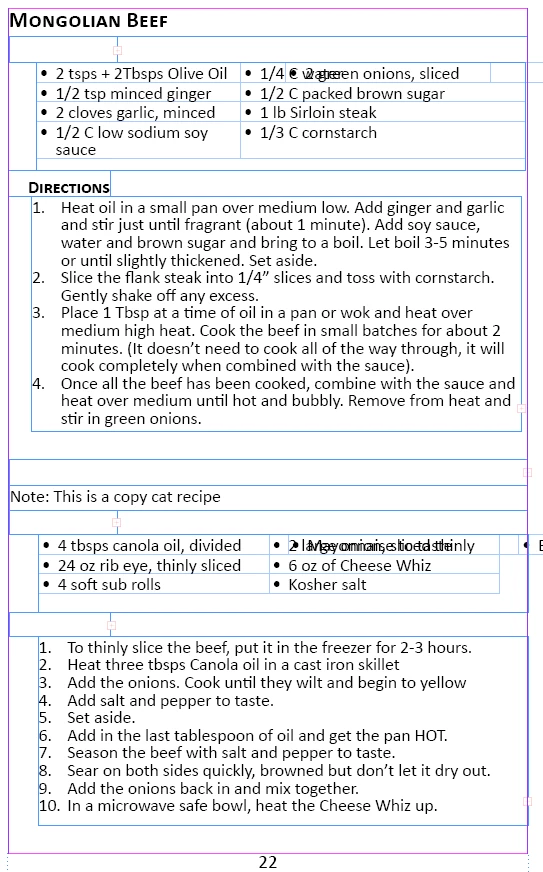
I found one here talking about using a Liquid Layout method. When I try to do this when I select Layout->Liquid Layout the panel that comes up does not have anything about deselecting page and select master text frames. Can you give me some more direction on this method. My ideal solution would be one where I do not have to change every text box I have manually (approximately 300+ pages with the same basic look as what is in Figure 3
Figure 1 : The box that comes up after selecting Liquid Layout.
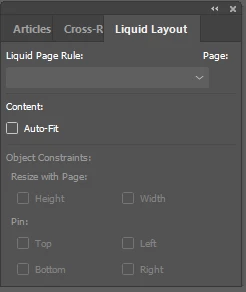
Figure 2: The box that comes up after selecting Adjust Layout.
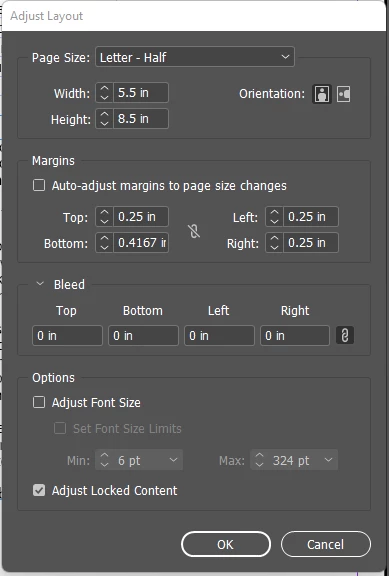
Figure 3: A page with my original layout settings
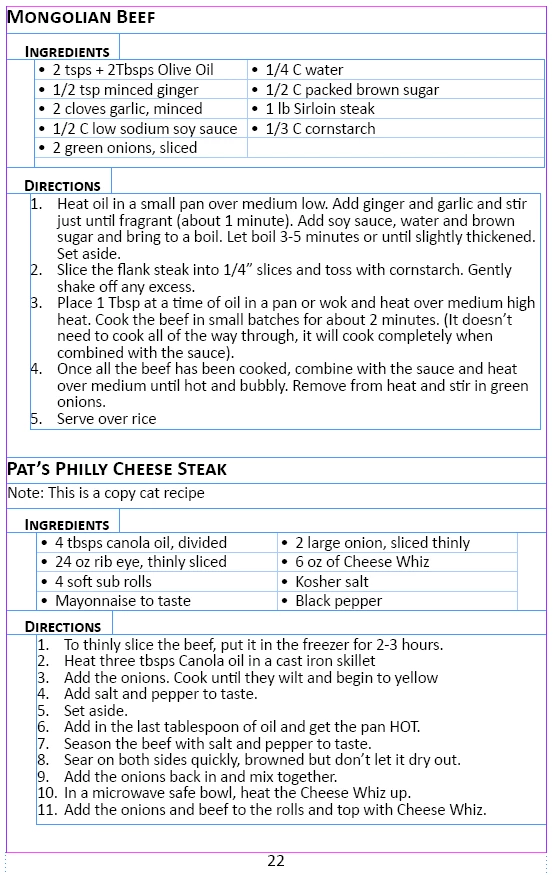
Figure 4: The same page after I change the page size. This is what I get no matter the method I choose to change the page size.
 AdChoices