


Inspiring
March 4, 2024
Question

Problem with pixelation of ONE image on an exported PDF

  • March 4, 2024
  • 2 replies
  • 1185 views

Hey everyone,


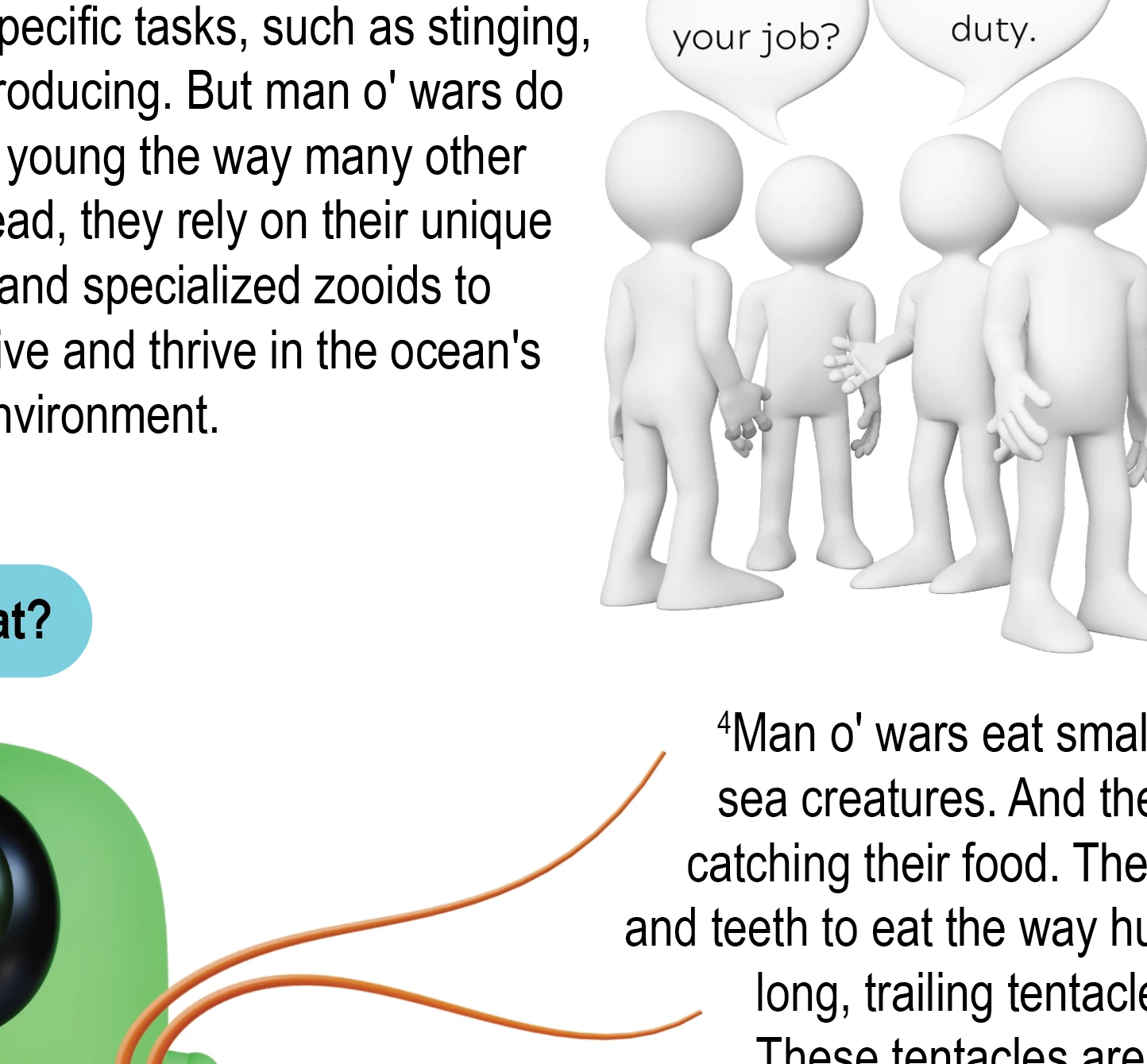
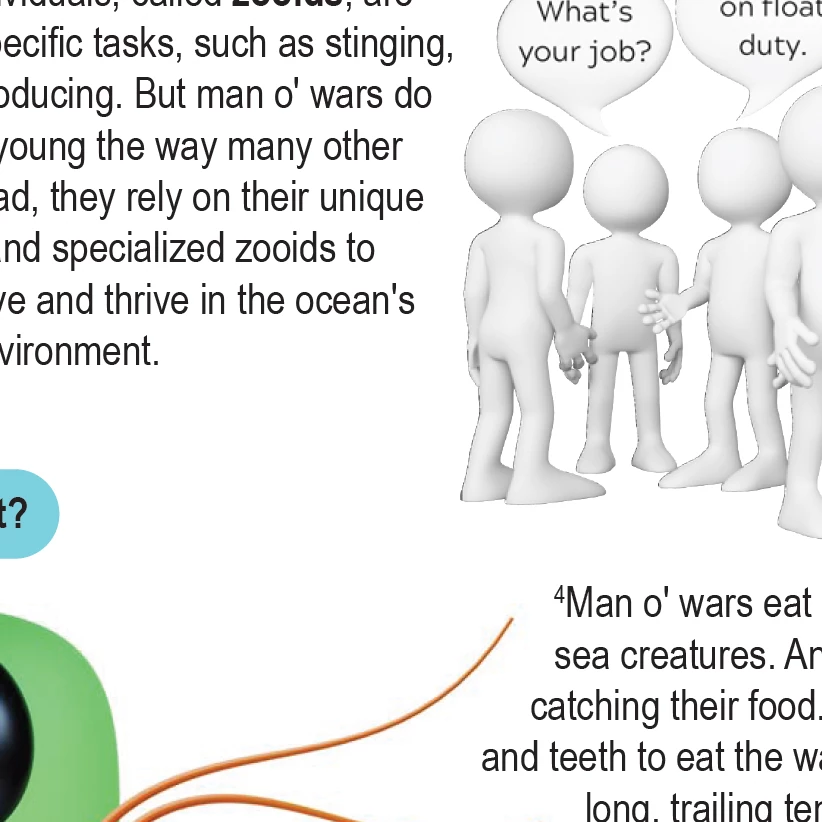
I am not a total expert when it comes to InDesign, so I'm sure there's just something I'm missing. I've been in charge of formatting lesson plans for work and haven't had this problem until now. I've got several hi-res graphics on all the pages of the document. When I first open the doc in InDesign, the image shows up pixelated, then I change the display setting to hi-res and get it fixed. But when I export, it slightly pixelates instead of remaining hi-res. None of the other images are doing it. You can see how the white figures are pixely while the green plankton and shrimp antennae are not. And the words on the speech bubbles also pixelate. This image is from Preview:
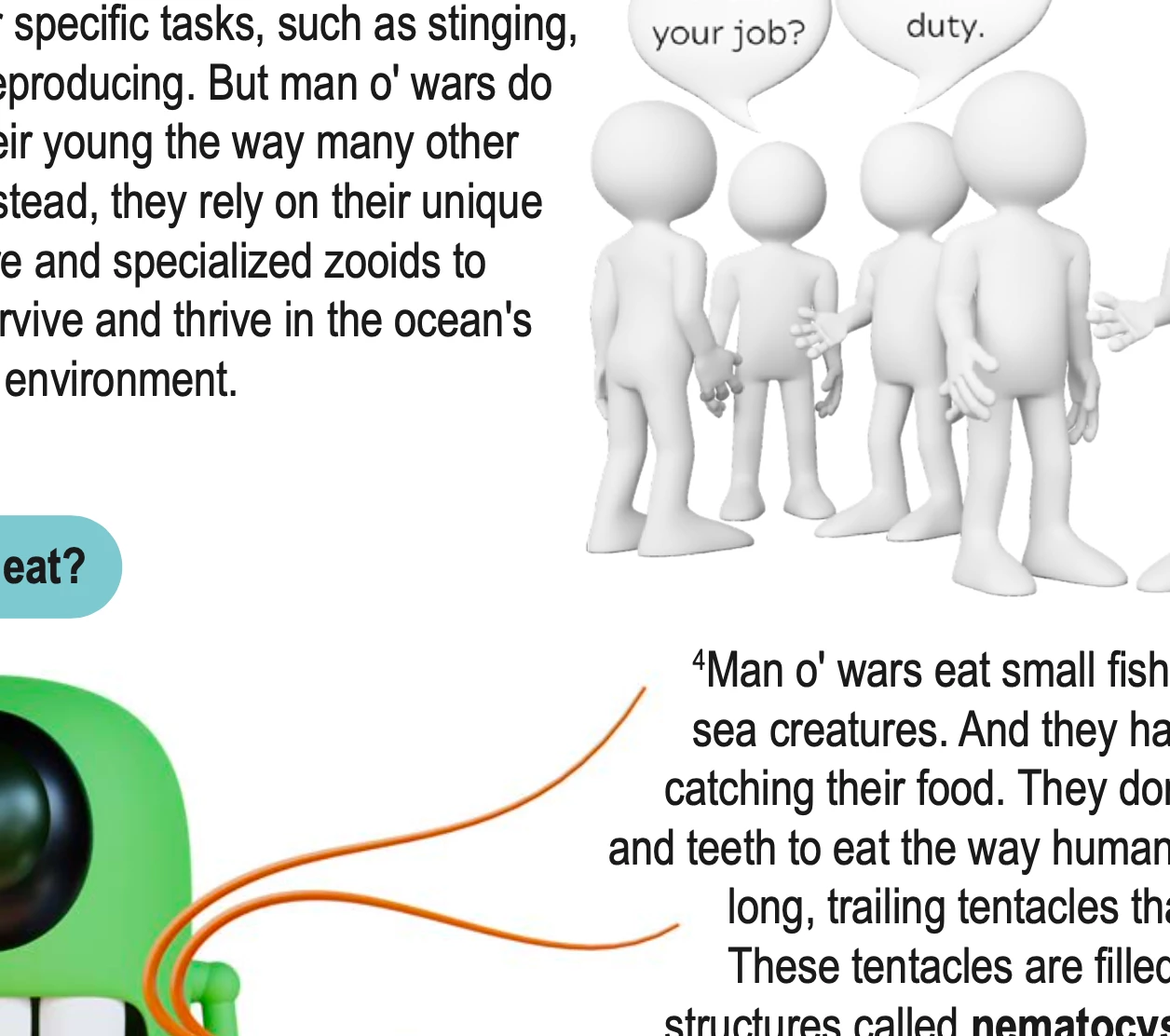
 

In InDesign, it looks like this:
 

And in Acrobat, it looks like this:
Any ideas on why this would happen? Should I just scrap the image entirely and try something else?

This topic has been closed for replies.

2 replies

Robert at ID-Tasker
Legend
March 4, 2024

@AJ12170409 


To be honest - BOTH of your images are pixelated in Acrobat - more than in the InDesign...


Left is InDesign - right Acrobat:


What are your PDF Export settings?


Inspiring
March 12, 2024

I'm not sure I've ever messed with the export settings in some time. I don't know what everything means, but I'm assuming you're talking specifically about compression? At least, that's the only place I found that might be affecting the export quality. (Again, I don't understand everything.) It's just weird that it only just happened to this one image. 

Robert at ID-Tasker
Legend
March 12, 2024

@AJ12170409 


But BOTH of your images are affected - the "legs" and the "antennae".


Community Expert
March 4, 2024

It's likely the image is not high enough resolution - so you could try something else - or reduce the size of the image in inDesign would increase the effective resolution.


I wrote on an article on this

https://creativepro.com/high-res-image-look-low-res/


Inspiring
March 4, 2024

I think you're right. Thanks for the help! I will replace the image with something better.