


Problems with baseline shift when editing text boxes
I've had this issue for ages now and still cannot find a solution that doesn't involve editing the Text Frame Options on every single text box on a page.
I am working with supplied artwork templates from a specific client in Germany. Whenever I select the text in a text box to edit it, the baseline shifts downwards, throwing off the templated text.
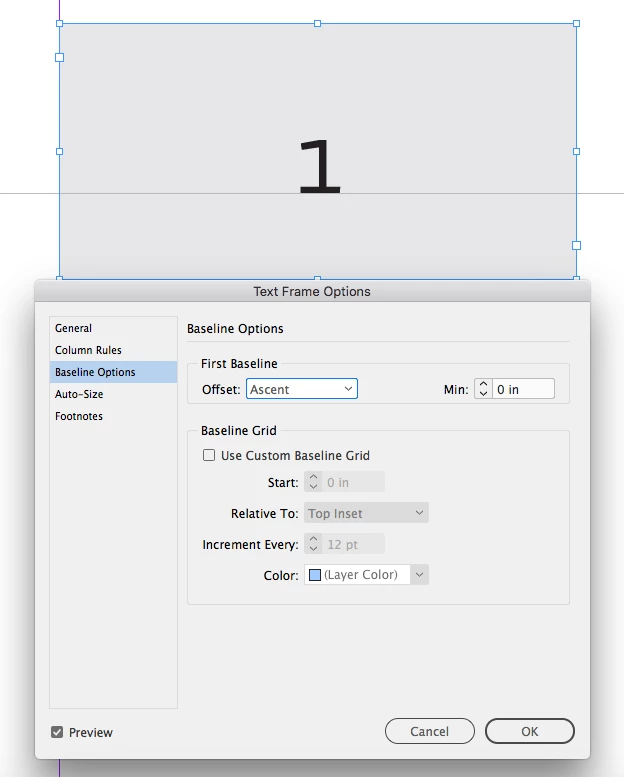
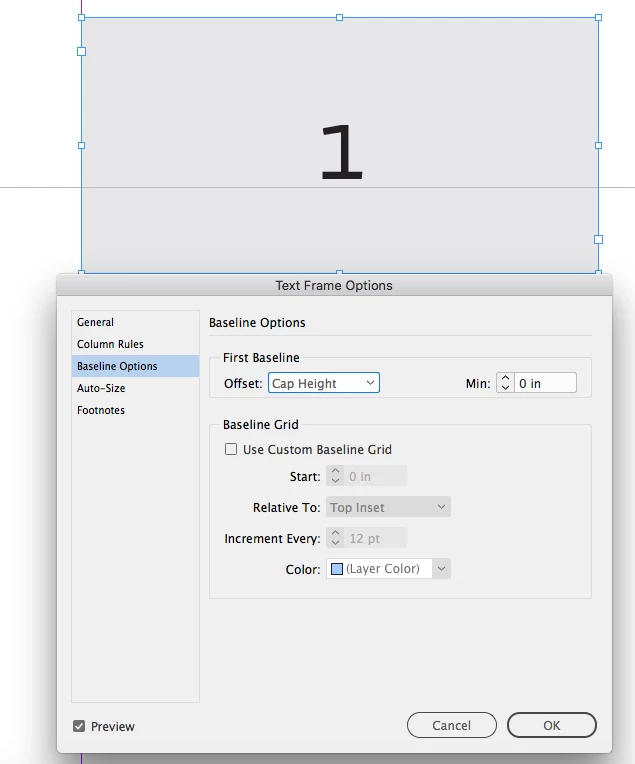
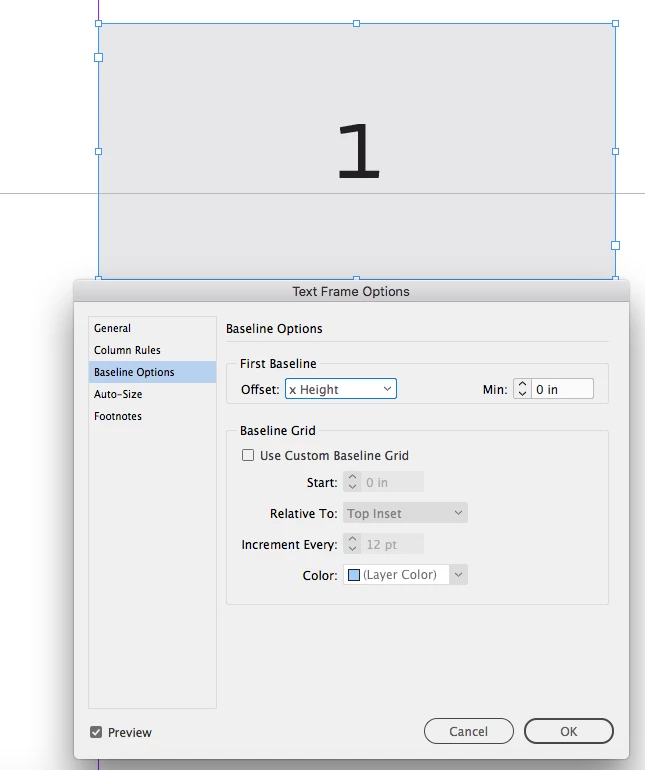
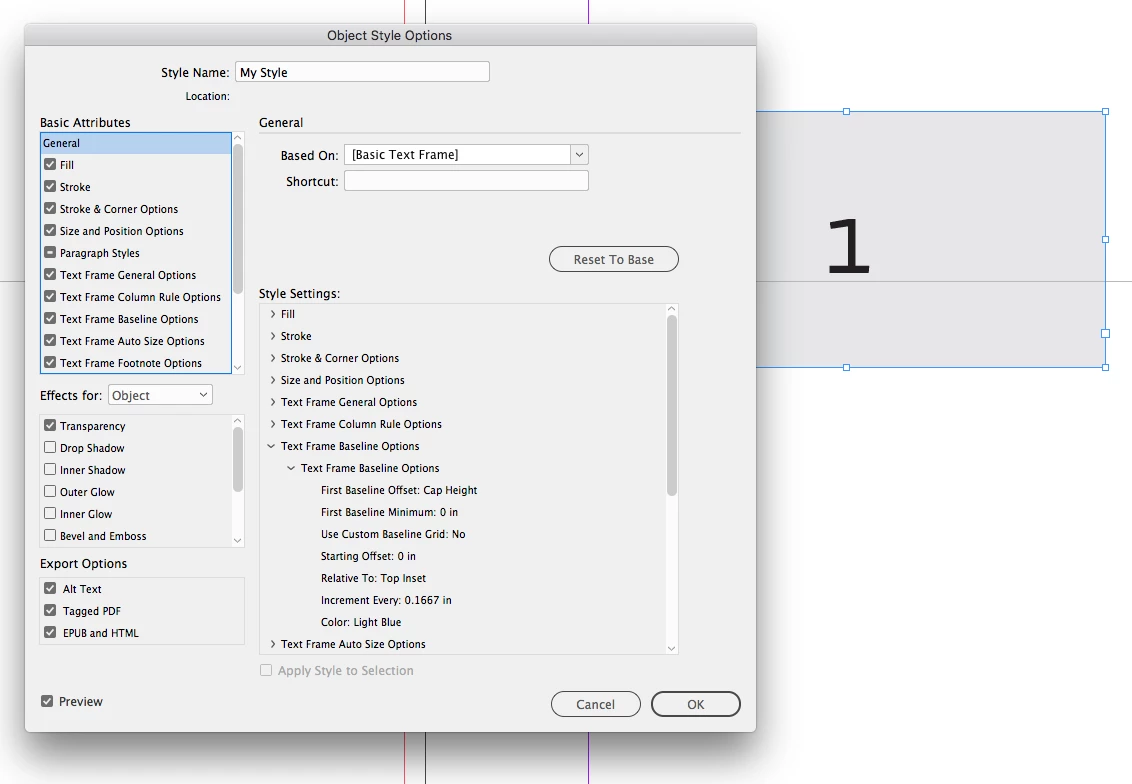
I have researched online and found, by trial and error, the only solution is to customise using Text Frame Options > Baseline Options, then select 'Use Custom Baseline Grid' and set Offset to 'Cap Height'. This re-sets the baseline again but I'm never confident it is exactly the same as the template I have been supplied as I am, essentially, tampering with a client's approved layout.
Is there a permanent solution to resolving this? I know this has been an issue going back quite a few versions of InDesign now and each update is supposed to have fixed this issue but it never has (and yes, I've used the old Preferences trash/re-set fob-off a number of times but this doesn't work, either).
Will this problem ever be resolved? It's not a good use of time to use the workaround every time I create a new file for this client as there are 20 - 30 text boxes on each artwork, which is a lot of extra unecessary editing that I can't bill onto the client.
I need to understand what is happening. Is it not retaining the custom preferences when I try to edit the text? I'm as at a loss as I was with this problem 2-3 years ago.
 AdChoices