



Question Color Management Policies Indesign
I think this wast´t a topic already. I have three questions conserning the Color Management Policies in Indesign.
Given that the color profile from a JPG placed into an Indesign dokument is different than the profile in the color settings:
- convert to working Space: The profile stays attached to the JPG
- preserve embedded profiles: The profile stays attached to the JPG
- off: The JPG profile is converted to the working space
- CMYK, Preserve numbers (ignore linked profiles): The JPG profile is converted to the working space
1.) Shouldn`t the profile under "convert to working space" be also converted?
2.) We have three, in case of CMYK, four different options, but only two different outcomes. What`s the difference between them?
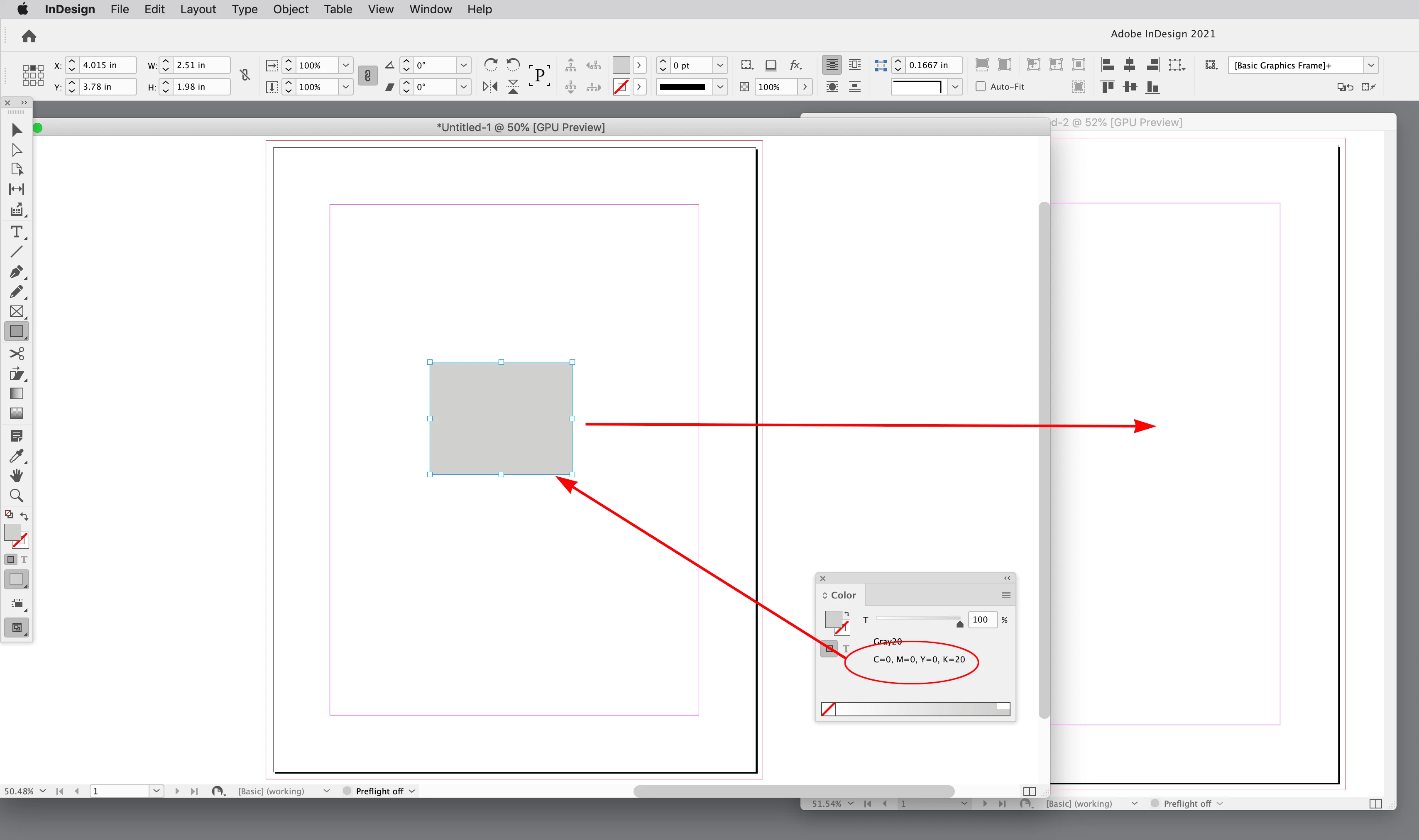
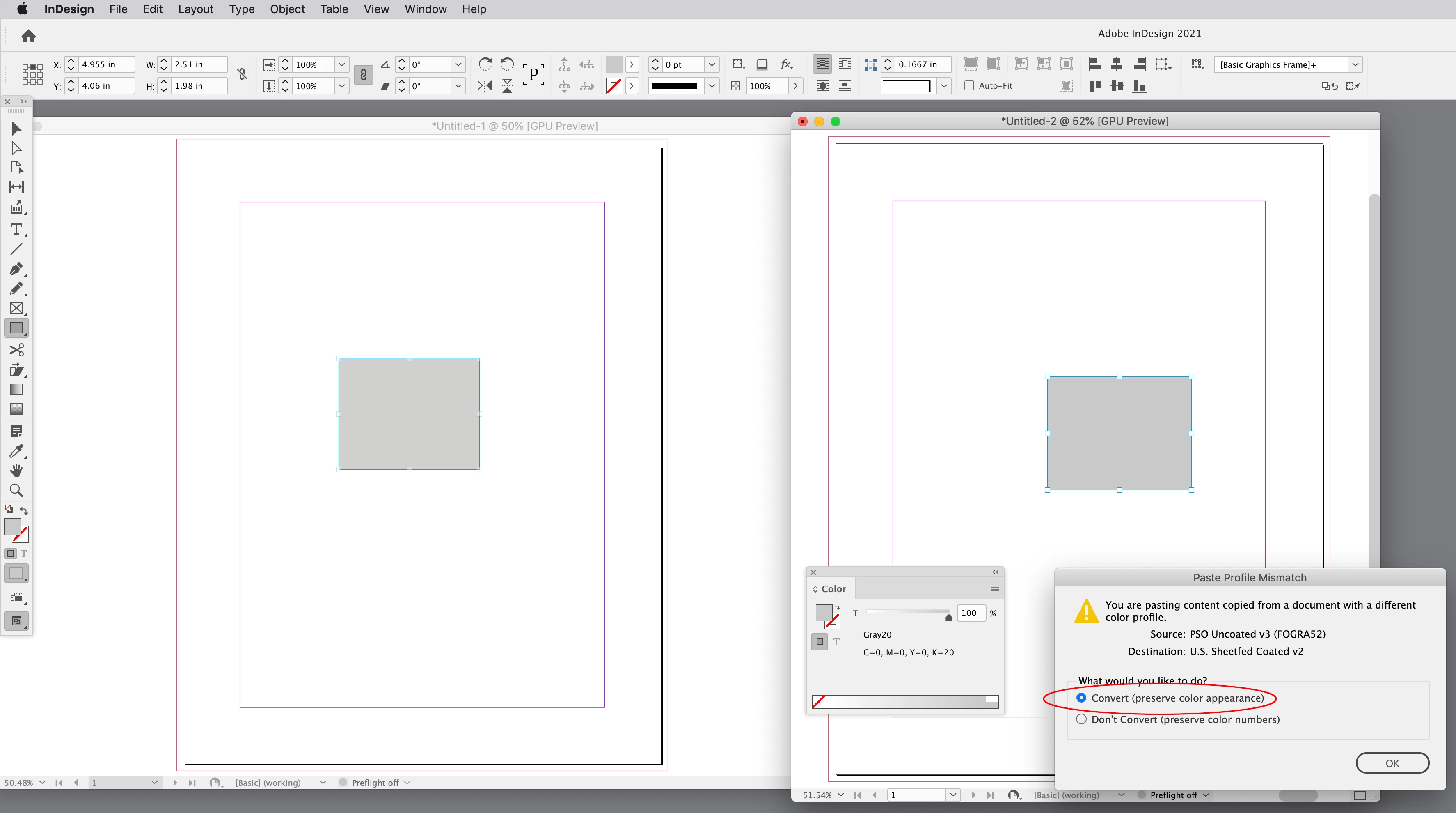
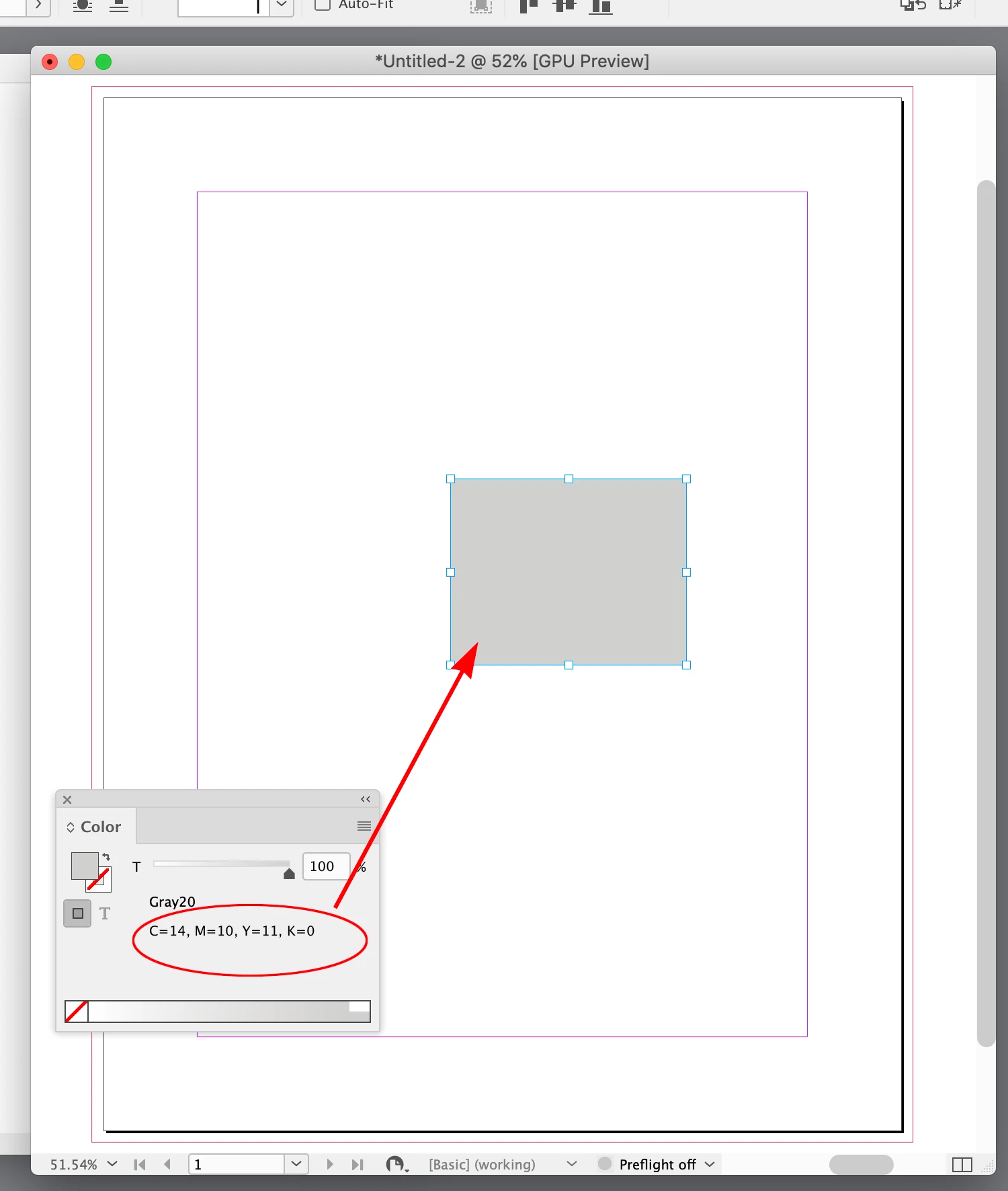
3.) When I check "ask when pasting" I don´t get a dialog when I drag and drop JPGs into Indesign. I thought that´s what it´s for.
Thanks for your help.
 AdChoices