


Exit
  • Global community
    • Language:
      • Deutsch
      • English
      • Español
      • Français
      • Português
  • 日本語コミュニティ
  • 한국 커뮤니티
0

Random frame appears around text box when I start to type!?!?

New Here ,
Aug 22, 2023 Aug 22, 2023

I'm having trouble figuring out how to get rid of a frame that had randomly started to appear around the text box when I start in insert text. 
There isn't a frame when I draw out the box but as soon as I start to add text, it appears. 

Any help would be greatly appreciated! Thanks in advance.
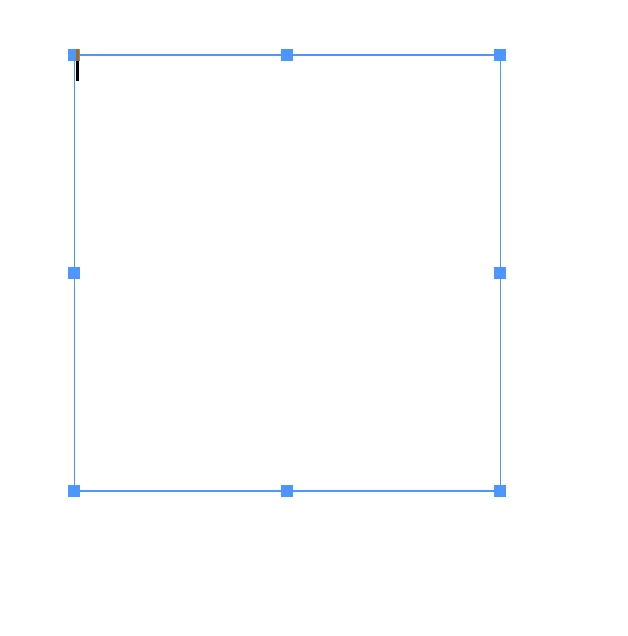
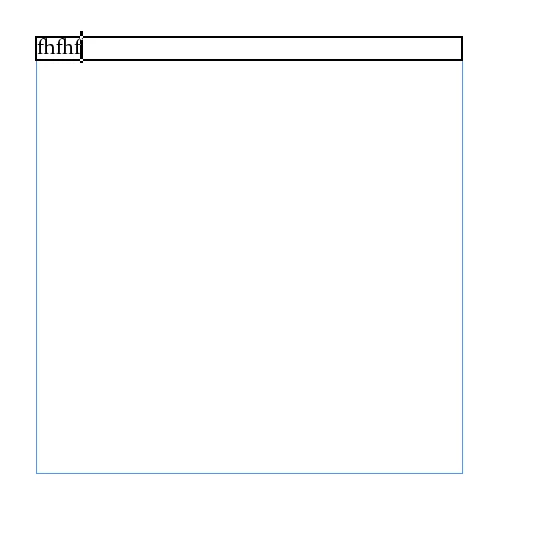
Screenshot 2023-08-22 at 12.19.31.pngScreenshot 2023-08-22 at 12.19.37.png

TOPICS
How to , Type
119
Translate
Report
Community guidelines
Be kind and respectful, give credit to the original source of content, and search for duplicates before posting. Learn more
community guidelines
Community Expert ,
Aug 22, 2023 Aug 22, 2023

It is part of the paragraph definition, probably a paragraph style. It is a paragraph frame as part of that definition/style. 
You should edit it in tbe style. 

Translate
Report
Community guidelines
Be kind and respectful, give credit to the original source of content, and search for duplicates before posting. Learn more
community guidelines
Community Expert ,
Aug 22, 2023 Aug 22, 2023
LATEST

If it's not what Willi suggested it may be that a custom object style was (inadvertedly) set as the default style. You can change the default style by unselecting everything and selecting the object style you want to use, or (the more roundabout way) in the fly-out menu of the +Object Styles panel:

PeterKahrel_0-1692708557483.png


Translate
Report
Community guidelines
Be kind and respectful, give credit to the original source of content, and search for duplicates before posting. Learn more
community guidelines