


Question
Replace color of SVG object in Indesign
I've a SVG file (heart shape) which I have imported in my project in Adobe Indesign.
I need to change the color of the heart to a specific color so the presser will add foil on that specific place.
How can I change the color of this heart object?
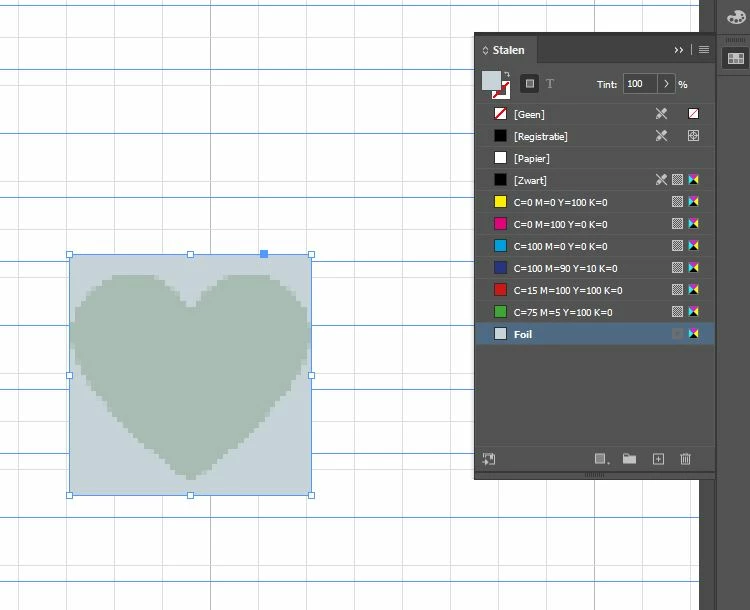
When I change the color of the object, the entire box will get the color instead of just the heart shape, see image below.
I tried adding a path to the existing heart but that is not exactly matching with the shapes and looks really messy.
The desired result is having a heart shape in the foil color without the bounding box.
 AdChoices