


Question
Replace not available fonts via script
Hi,
I'm trying to replace a not available font with another font but I fail.
As you can see in the image I have to versions of Soho Gothic font in my document, one of them is not available.
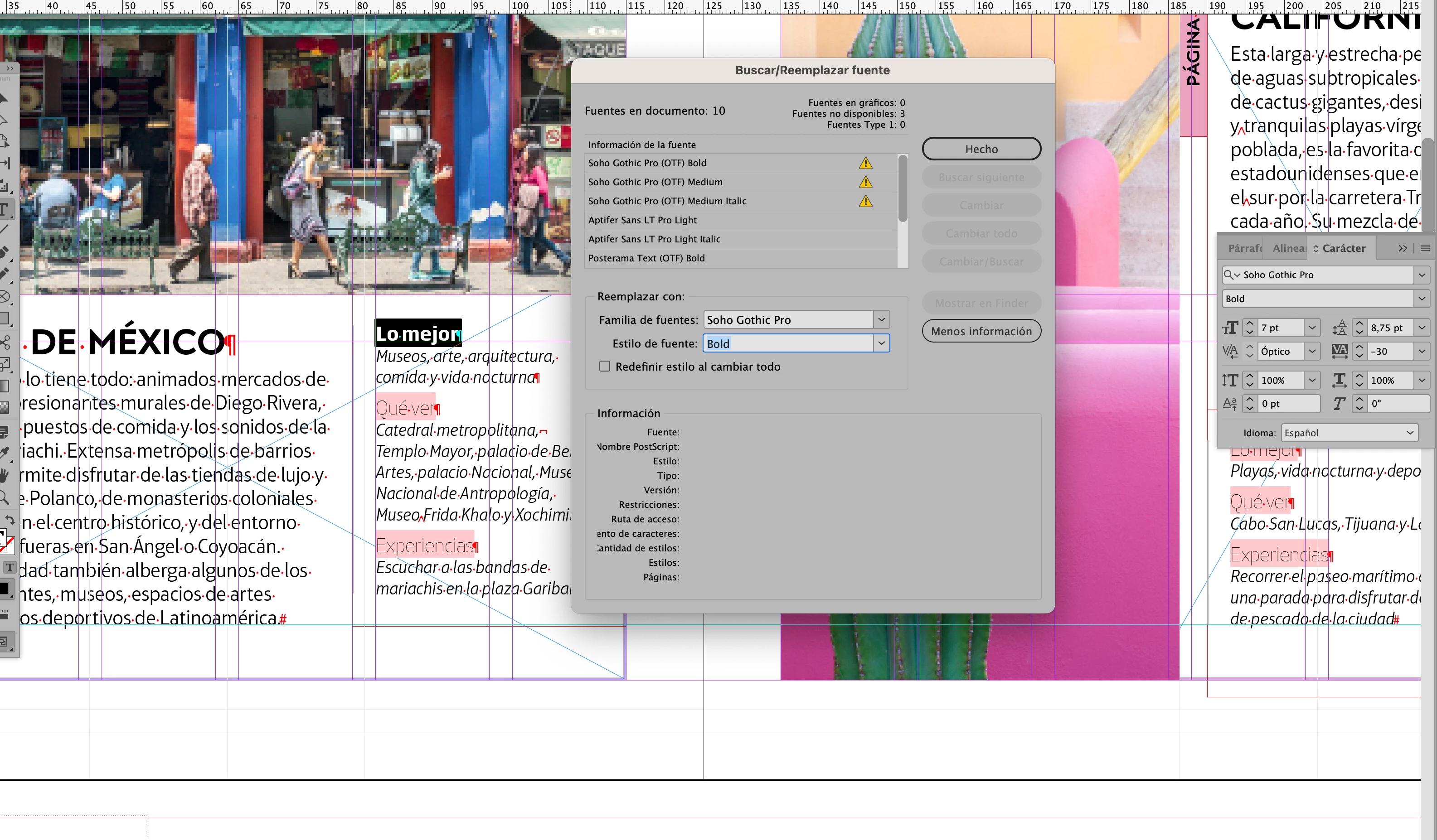
Here is my code
var myDoc = app.activeDocument;
var fonts = app.fonts;
var docFonts = myDoc.fonts;

replaceMissedFonts();


function notAvailableFonts() {
    var notAvailableFonts_arr = [];
    for (i = 0; i < myDoc.fonts.count(); i++) {
        if (myDoc.fonts[i].status == 1718832705) {
            notAvailableFonts_arr.push(myDoc.fonts[i])
        }
    }
    return notAvailableFonts_arr;
}

function replaceMissedFonts() {
    var notAvailableFonts_arr = notAvailableFonts();
    for (i = 0; i < notAvailableFonts_arr.length; i++) {
        if (notAvailableFonts_arr[i].isValid) {
            var font_txt = notAvailableFonts_arr[i].properties.name;
            var fontWeight = font_txt.split(/\t/);
            app.findTextPreferences = NothingEnum.nothing;
            app.changeTextPreferences = NothingEnum.nothing;
            app.findTextPreferences.appliedFont = notAvailableFonts_arr[i];
            app.findTextPreferences.fontStyle = fontWeight[1];
            var fuente = app.fonts.itemByName('Soho Gothic Pro');
            app.changeTextPreferences.appliedFont = fuente;
            app.changeTextPreferences.fontStyle = fontWeight[1];
            myDoc.changeText();
        }
    }
}
My code works fine if I try to replace an available font.
¿any help?
Thanks in advance
 AdChoices