Damir_S
Participating Frequently
September 29, 2017
Answered

Restarting numbering in ToC (or converting bullets to txt when extracting ToC)

  • September 29, 2017
  • 4 replies
  • 944 views

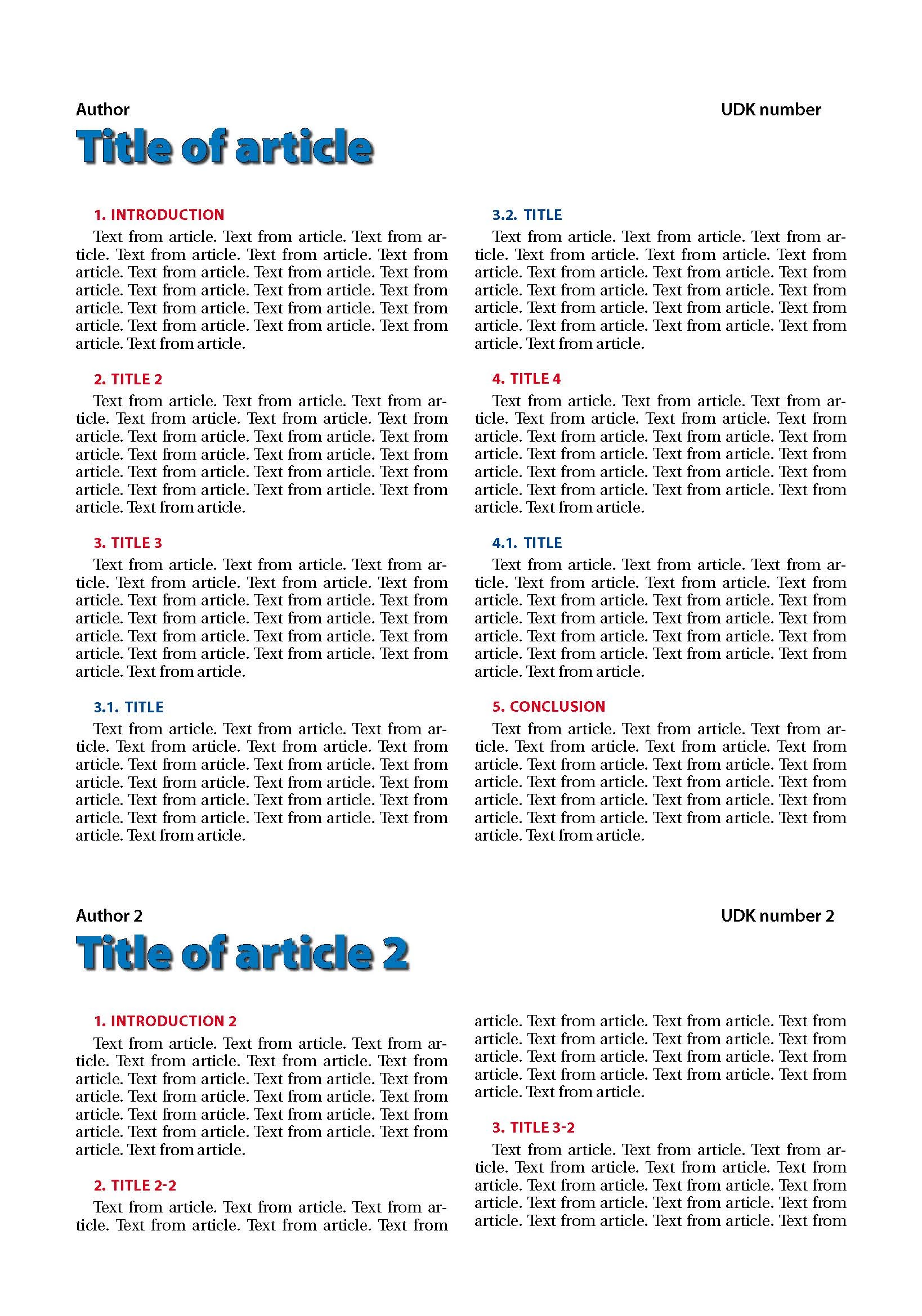
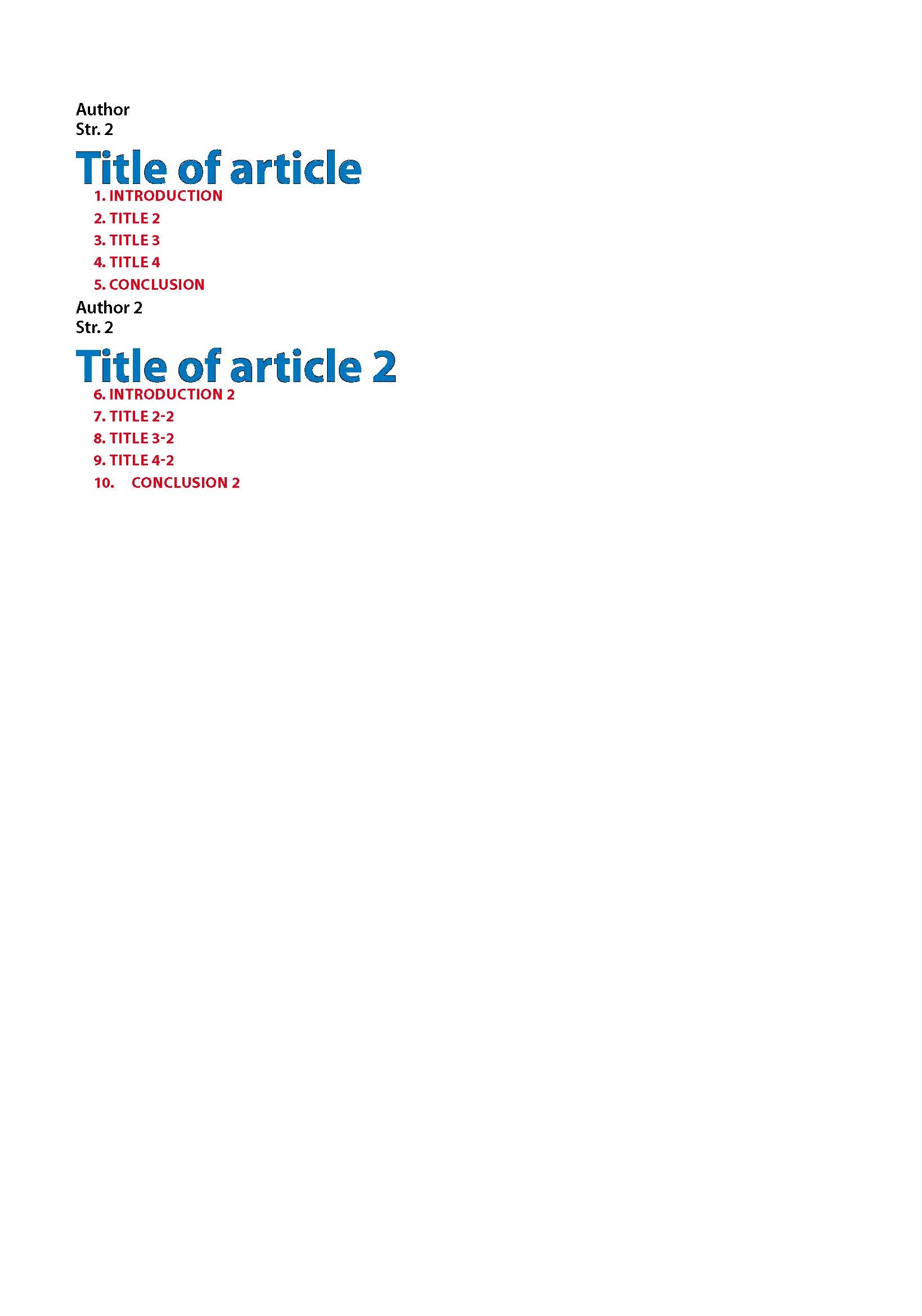
Hi. I've created Paragraph style for every element in the pictures. I need help with creating ToC - check numbering on the second picture. Although I've defined that numbering list resets with every story, when exporting to ToC numbering continues so I have to go through 20+ articles and reset first numbering in each article. Is it possible to create such ToC style which will keep numbering from the articlec? If not, how can I set up that numberings are converted to text when exported to ToC?
This topic has been closed for replies.
Correct answer vladan saveljic

In your TOC options in "Entry Style" don't choose [Same Style] but make a new paragraf style without automatic numbered list and choose that one.

4 replies

Damir_S
Damir_SAuthor
Participating Frequently
January 8, 2018

Thank you all for the assistance, you helped me a lot with both saving time AND what is more important, there are now no mistakes. My apologies for not being able to reply sooner, some big things in personal life happened. I've tried things suggested in replies and it worked. Including full paragraph at the bottom of the TOC style worked and solved my problems

Barb Binder
Community Expert
Community Expert
October 2, 2017

That is the issue. As per my original response (see my first bullet) you need to create ¶ styles for the TOC paragraphs with numbering turned off. Then map them in the TOC dialog box and then update the TOC.

~Barb at Rocky Mountain Training
Barb Binder
Community Expert
Community Expert
September 30, 2017

Numbering is confusing to set up, but works great once you figure it out. You didn't give us a lot to go on, so I'll make some guesses and you can confirm or correct.

Do the numbers in the articles work because they are in separate threaded frames in a single document and are set to not continue across stories? If you aren't sure, click in a top level heading and pick Type > Bullets & Numbered Lists > Define Lists. Pick your named list and then Edit.

If I guessed correctly, I think there are two issues at play:

  • The TOC is getting numbered with your paragraph style and;
  • The TOC isn't including the full paragraph (with numbers)

So...

Before you update the TOC, make TOC styles for the TOC text and turn off any automatic numbering for the TOC styles.

Then, in the Table of Contents dialog box, map the source styles to the TOC styles. In my example, Subhead 1 maps to a new style called TocSubhead 1. Repeat for the other levels. Also, be sure set Numbered Paragraphs to Include Full Paragraph before you regenerate the TOC.

Once the styles are defined correctly and you include full paragraphs, you can edit the source files and update the TOC, and it all works.

~Barb at Rocky Mountain Training
Damir_S
Damir_SAuthor
Participating Frequently
October 2, 2017

Yes, numbering in the articles works because every article is in separate thread frame in a single document (I also use several documents in a book, depending of the size of the document and where I end article.).

When I include full paragraph, I do get numbers converted to text.

In the first picture there are two sets of numbers. One is Numbering of a paragraph style and second is bullet converted to text by "include full paragraph" option. Still can't figure out how to match those numbers.

Is it possible to get numbering extracted to ToC not as text but as bullets?

Srishti Bali
Community Manager
Community Manager
November 20, 2017

Hi Damir_S,

I would like to know if the steps suggested above worked for you, or the issue still persists.

Kindly update the discussion if you need further assistance with it.

Thanks,

Srishti

vladan saveljic
Inspiring
September 30, 2017

Can we see the screenshot of your TOC options?

Damir_S
Damir_SAuthor
Participating Frequently
October 2, 2017

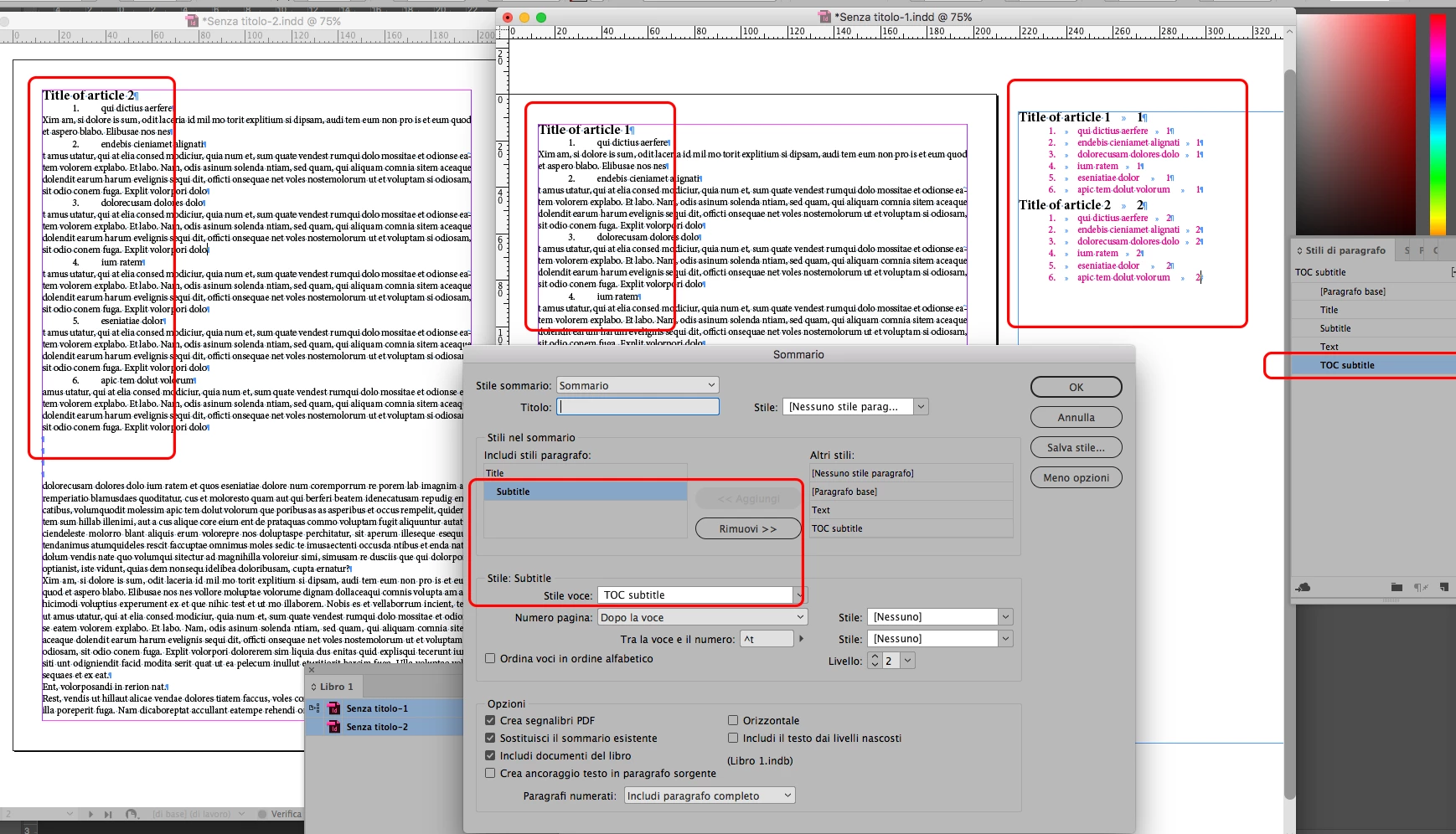
Is this what You had in mind?

vladan saveljic
vladan saveljicCorrect answer
Inspiring
October 2, 2017

In your TOC options in "Entry Style" don't choose [Same Style] but make a new paragraf style without automatic numbered list and choose that one.