Known Participant
June 4, 2023
Answered

run script only on pages specified in array

  • June 4, 2023
  • 1 reply
  • 908 views

How run the above script only in page specified in myArr

var myDoc = app.activeDocument;
var tfs = myDoc.allGraphics;
var myFrames = myDoc.textFrames;
var myArr = [15,16,20,22]

var A = -5
var B = 0
var C = 120
var D = 175

for (var i = 0; i < tfs.length; i++) {
    try { 

	var myPage = tfs[i].parentPage;
  	
tfs[i].parent.geometricBounds = [A, B, C, D];
tfs[i].geometricBounds = [A, B, C, D];
}
    } catch(e){}
}
 
Thanks
This topic has been closed for replies.
Correct answer rob day

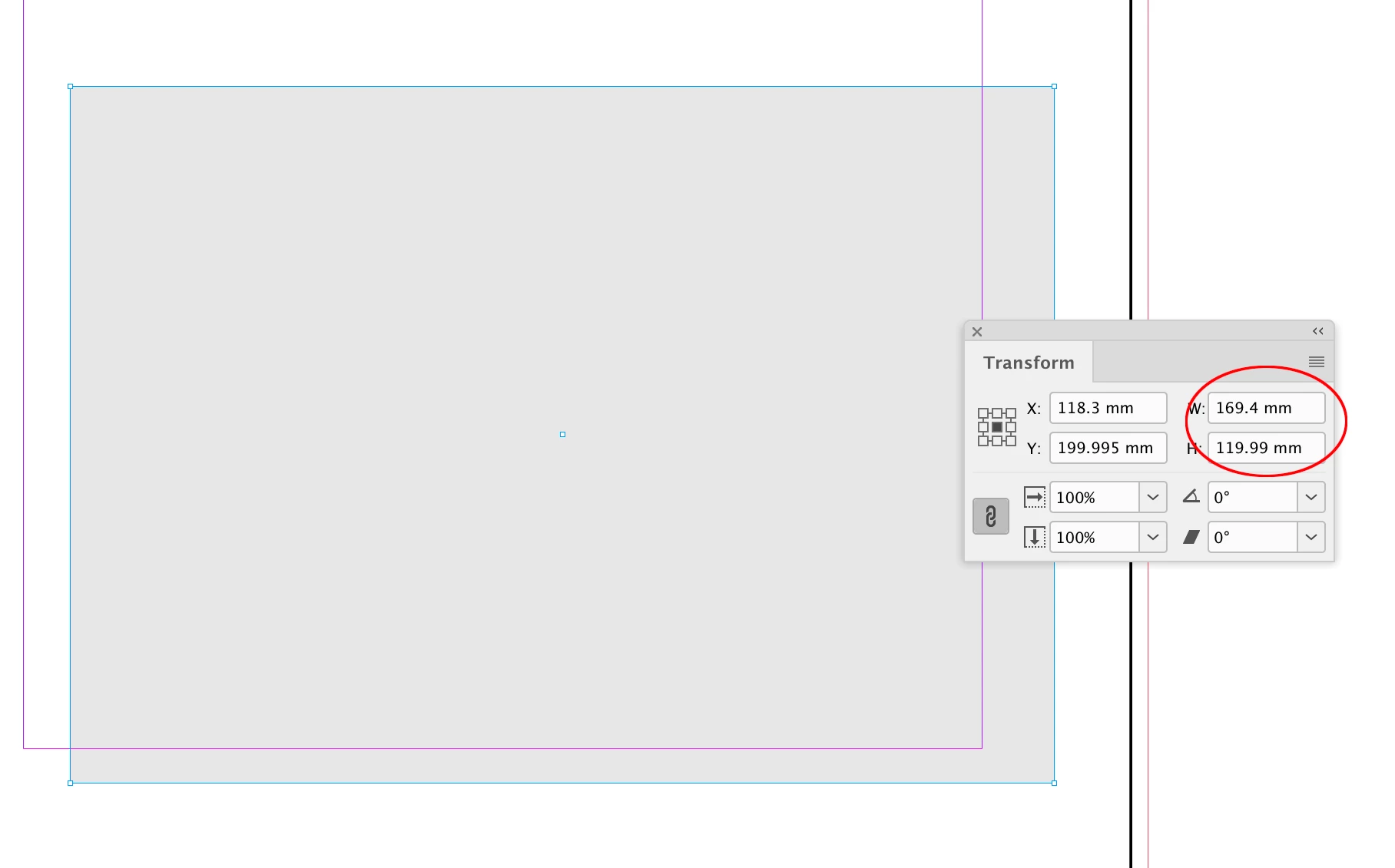
I place vector pdf generated from indesign, like the attached.


Looks like a rounding difference on the conversion from the PDF’s size in inches to millimeters. If I inspect the PDF Acrobat reports the trim dimension as 6.693" x 4.724"
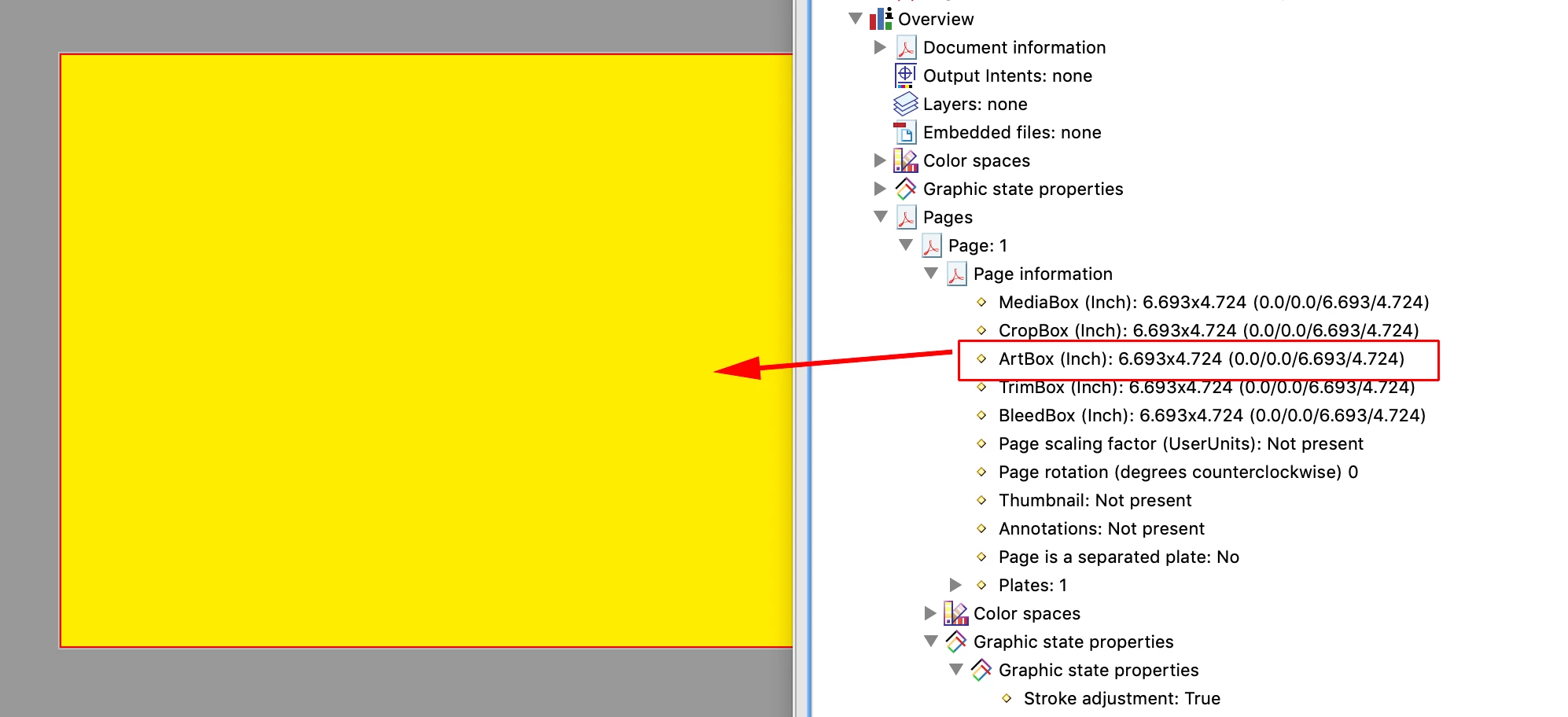


Those inch dimensions don’t convert to exactly 170mm x 120mm:
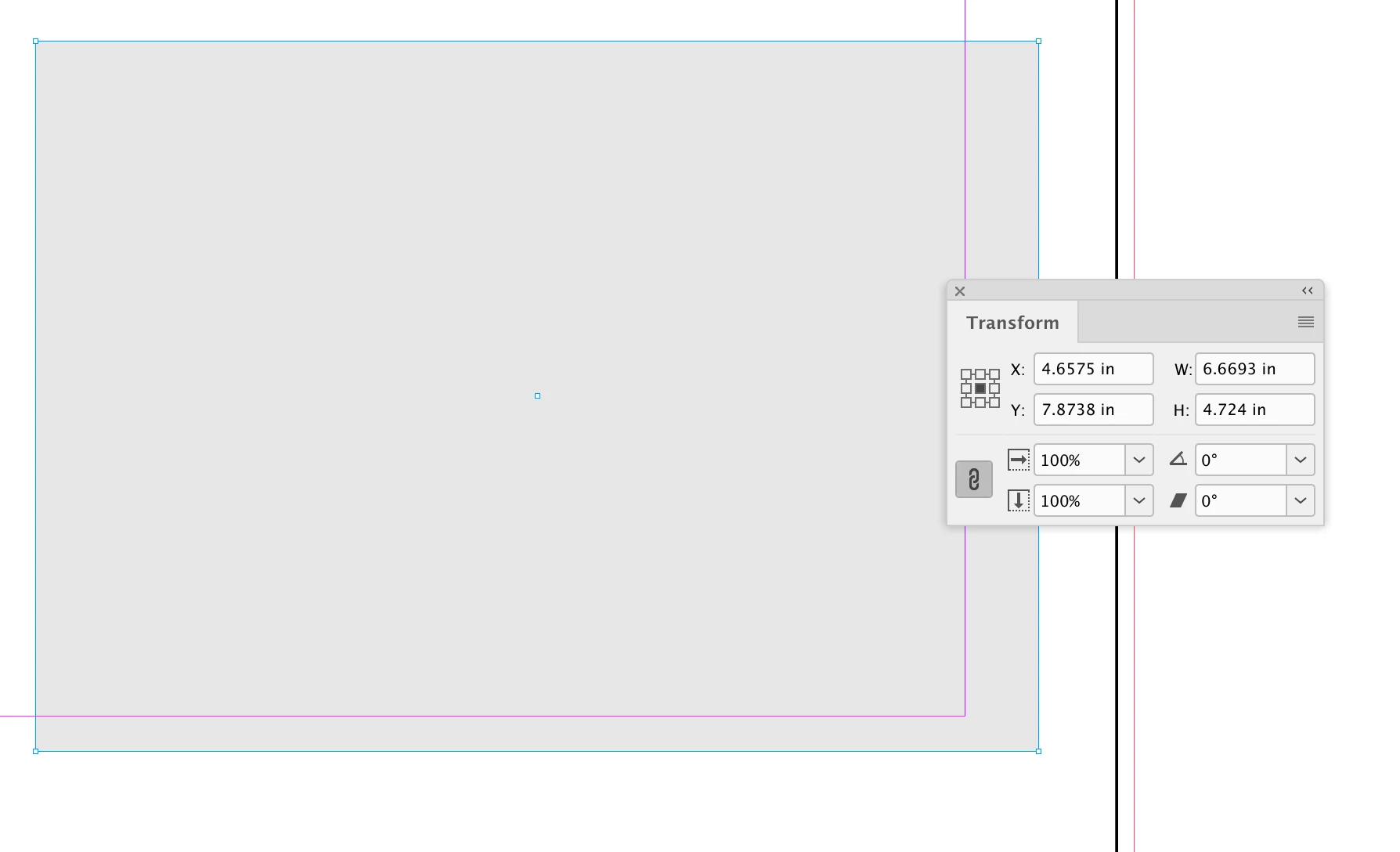


The script could force the scale of the graphic to 100%:


var myDoc = app.activeDocument;
//an array of page names
var pa = [1,16,20,22]
//the bounds to use
var ba = [-5,0,115,170]
//set units for bounds—points?
app.scriptPreferences.measurementUnit = MeasurementUnits.MILLIMETERS;
//the target page
var p;

for (var i = 0; i < pa.length; i++){
    //get the target page by name
    p = myDoc.pages.itemByName(pa[i].toString())
    //if the page exists run the function
    if (p.isValid) {
        setBounds(p,ba)
    } 
};   

app.scriptPreferences.measurementUnit = AutoEnum.AUTO_VALUE;

/**
* Sets the bounds of all the graphics on the specified page 
* @ param target page object
* @ param the bounds to set 
* @ return void 
*/
function setBounds(p,b){
    var tfs = p.allGraphics;
    for (var i = 0; i < tfs.length; i++) {
        tfs[i].parent.geometricBounds = b;
        tfs[i].geometricBounds = b;
        tfs[i].horizontalScale = 100;
        tfs[i].verticalScale = 100;
    }
}




1 reply

rob day
Braniac
June 4, 2023

Hi @lux65 , Maybe wrap your bounds setting in a function, then loop thru your page array to set the graphic bounds—something like this?


var myDoc = app.activeDocument;
//an array of page names
var pa = [15,16,20,22]
//the bounds to use
var ba = [-5,0,120,175]
//set units for bounds—points?
app.scriptPreferences.measurementUnit = MeasurementUnits.POINTS;
//the target page
var p;

for (var i = 0; i < pa.length; i++){
    //get the target page by name
    p = myDoc.pages.itemByName(pa[i].toString())
    //if the page exists run the function
    if (p.isValid) {
        setBounds(p,ba)
    } 
};   

app.scriptPreferences.measurementUnit = AutoEnum.AUTO_VALUE;

/**
* Sets the bounds of all the graphics on the specified page 
* @ param target page object
* @ param the bounds to set 
* @ return void 
*/
function setBounds(p,b){
    var tfs = p.allGraphics;
    for (var i = 0; i < tfs.length; i++) {
        tfs[i].parent.geometricBounds = b;
        tfs[i].geometricBounds = b;
    }
}


lux65Author
Known Participant
June 4, 2023

Thank you rob day.

It's quite perfect.

It's possible make it works only on visible or unlocked layers? or specific named layer?

lux65Author
Known Participant
June 8, 2023

Perfect!

Thank you!


Due to a Indesign approximate conversion from points to mm, despite bounds of graphic and container are the same measures, the percentage shown in Indesign it's never 100% but always with many decimals (99,99999 or 100,00001). There isn't a workaroung to get more accurate conversion?