Inspiring
September 30, 2021
Question

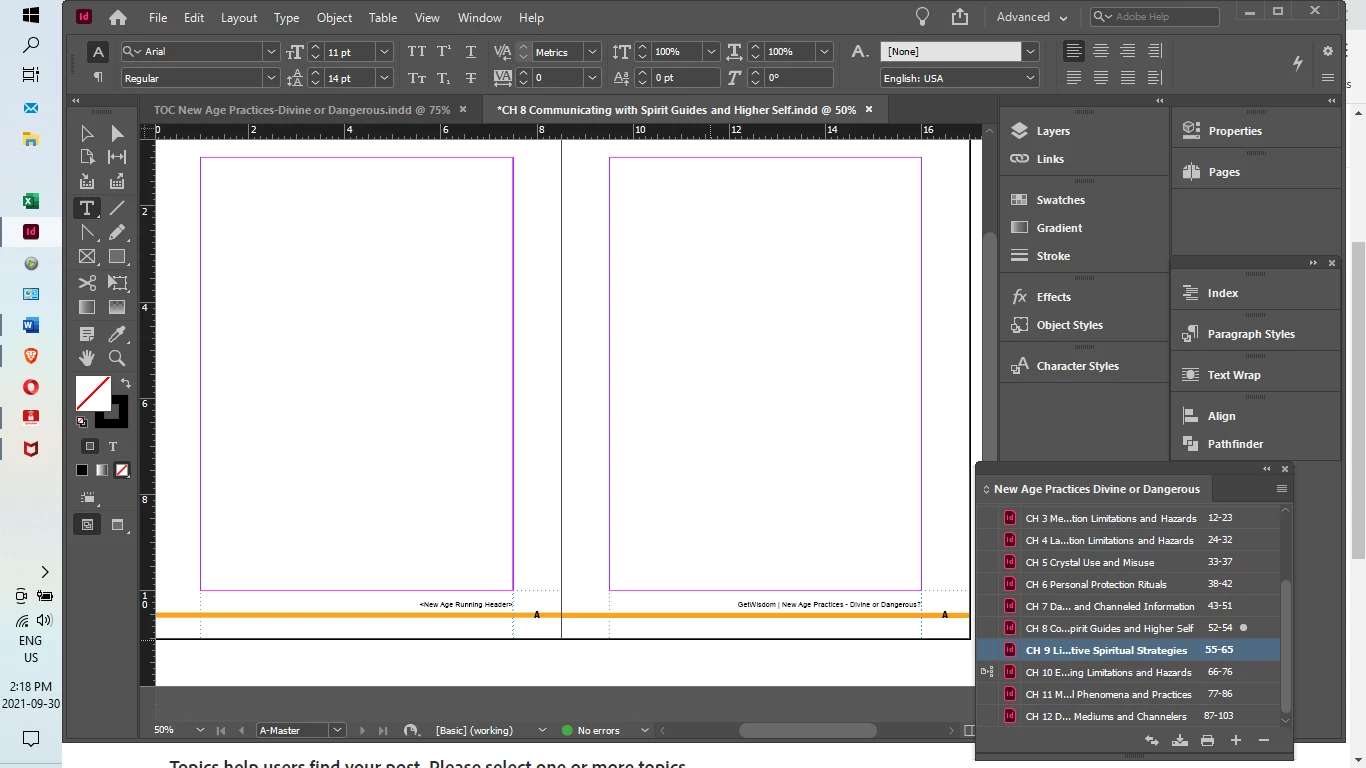
Running headers are missing on 3 chapters, working fine on others.
  • September 30, 2021
  • 1 reply
  • 2327 views


I have used a previous book template for a new book. So I have updated the text variables to the new book title. I have gone through each A-Master in each chapter and inserted the new title. If there's an easy way to do this for all chapters at once, please let me know. Three of my twelve chapters will not display a running header even though it is in the A-Master. What has gone wrong and what should I do? Thank you.

1 reply

Joel Cherney
Community Expert
September 30, 2021

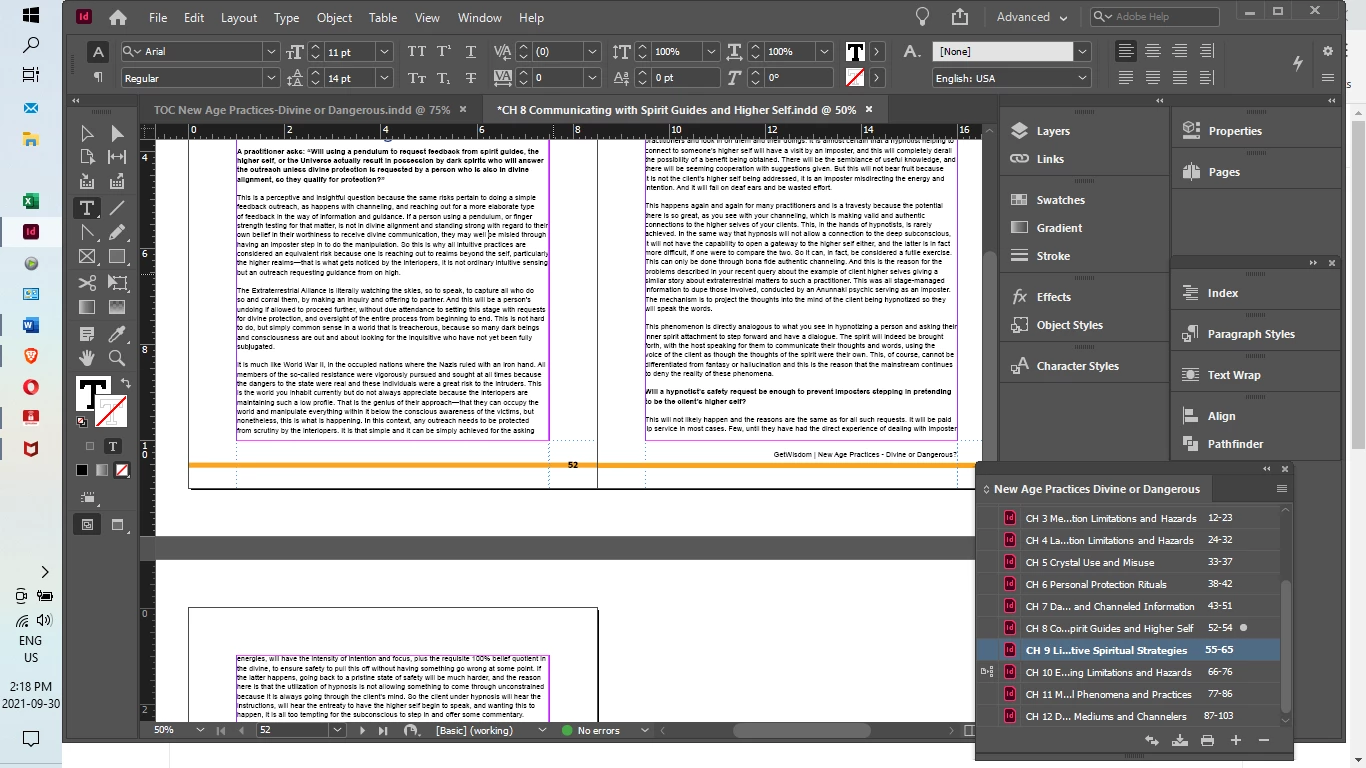
If you reapply the A-master to page 52, does the running head appear? I once discovered that I was accidentally control-shift-clicking items off the master page and on to the document page (which is not what I imagine is happening to you, unless you are also running Autohotkey and forgetting about your fancy shortcuts) and, to fix it, I simply had to reapply the master pages to get 'em back.


I also see that you're using Chapter 10 as your sync source, so I'd suggest that you look at both your Chapter 10 to make sure that its master page has your running heads, and likewise you should check your Synchronization Options to make sure that your master pages are being synced. (Or, alternately, you could make sure that they're not being  syncedd, so you can then go through and manually insert your running heads, or manualy import your master pages that have the right running heads.)

Inspiring
October 1, 2021

Hi Joel,

I found that I was unable to do as you suggest. Strangely the A-master that was applied did contain the running header. What I observed was that in each of the three chapters that the running header would not display the chapter title was in two lines. I added this manually to each. Can you tell me how the double-line title impacts the running header?  Is there some way to overcome this?

jane-e
Community Expert
October 1, 2021

Hi @kareng6591 

I've skimmed this, so I may have missed something. In your first post you said you used text variables and later you said the long ones (two lines) don't work. A text variable in InDesign is treated a one character, so if the text frame isn't large enough, it will squish the text instead of wrapping it. Is that what is happening?


If so:

  • You can convert the variable to text: Type menu > Text Variables > Convert Variable To Text
    or
  • Create and use a new style for the three long headings. Create an anchored text frame with 1pt white type and use the original style. Type shorter text for these three headings.


~ Jane