



Answered
Same color looks different in different InDesign files
The attached 'Correct.indd' file displays the correct color (#2DC3D0) in the circle, but when I open a new Indesign file and try to use the same exact color, they look very different (as shown in the 'Incorrect.indd' file). I have checked that both color settings are exactly the same, as seen in this screenshot:
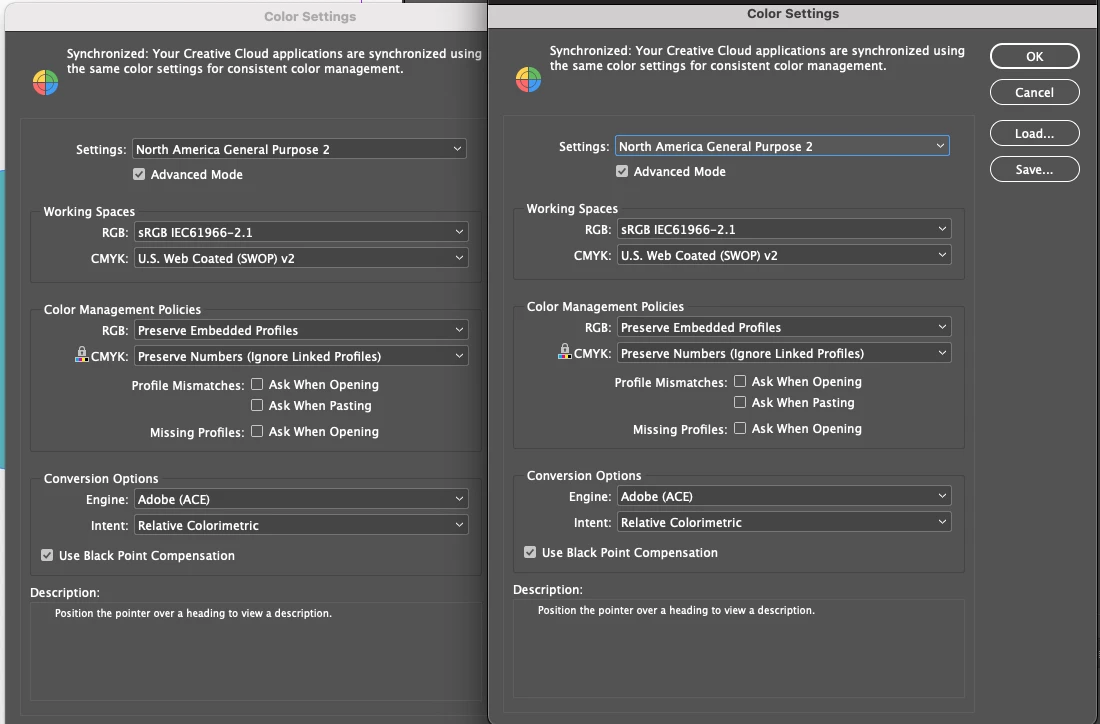
I have also checked that the Transparency Blend Space is set to "Document RGB" in both files. Why do they look different??? Please help!
Thank you

 AdChoices