


Answered
Script to change Object Layer Options of a placed PDF
Is there some trick to writing a script to change to the object layer options of a PDF placed in an InDesign file? I have no trouble doing it with placed INDD, PSD, or AI files, but placed PDFs do not work.
For example, here's just a simple script to turn off the second layer of a placed graphic, selected in the active INDD document:
app.selection[0].graphics[0].graphicLayerOptions.graphicLayers[1].currentVisibility = false;
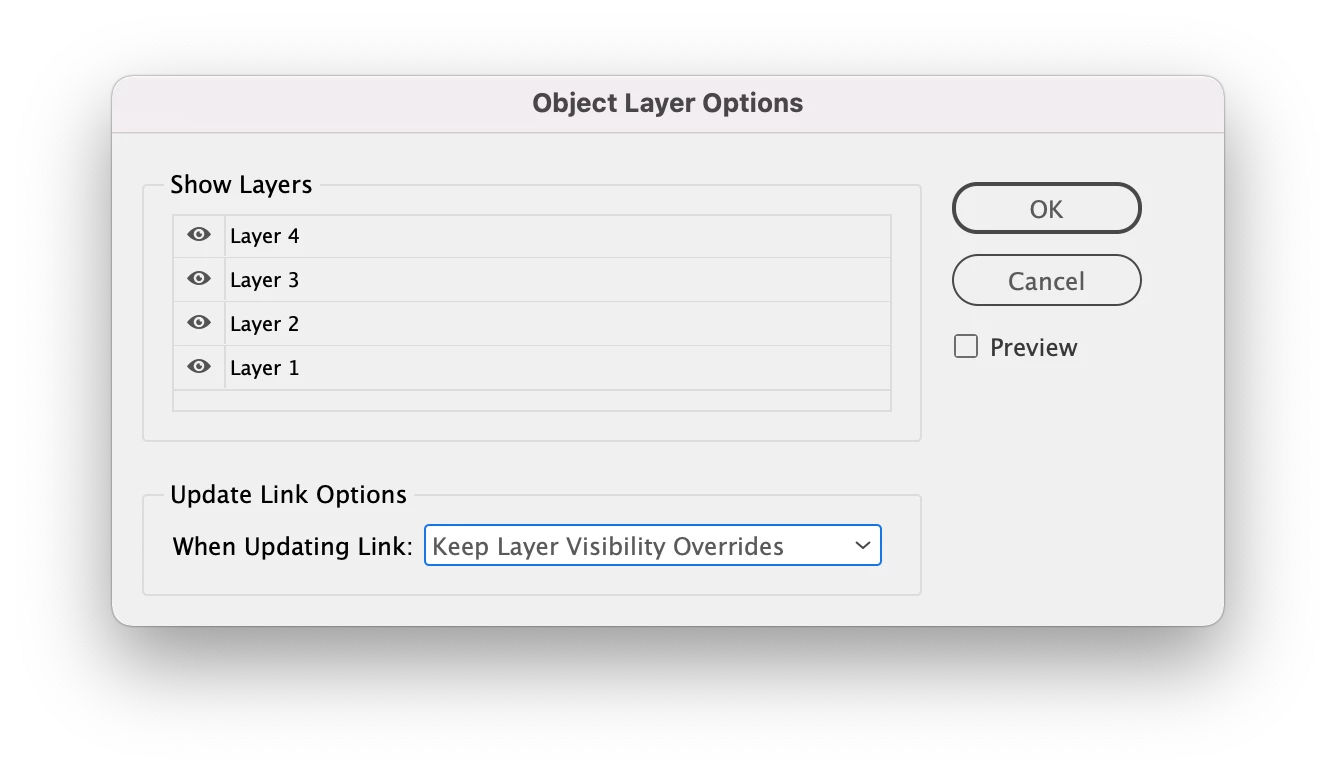
I've found that this works just fine for INDD, PSD, and AI files, but running it on a PDF selected returns the error "Object is invalid". I believe this is due to the layers of a PDF appearing under a sort of "folder" containing the name of the file that originally generated the PDF. For example:
Object layer options of a placed INDD file:
Object layer options of a placed PDF (made from the above INDD file):
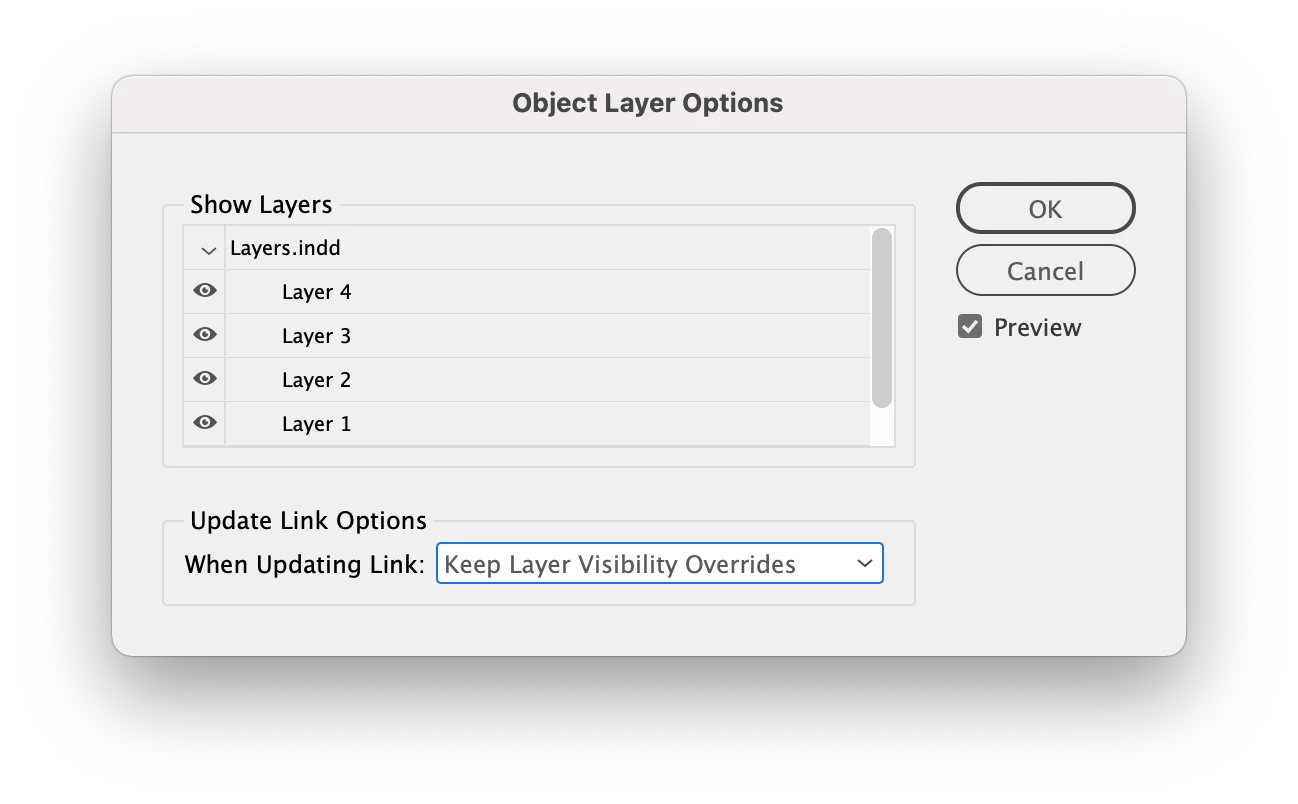
I also found that if I refer to "graphicLayers[0]", the script does not fail, but it doesn't really do anything. This is why I'm pretty sure it's seeing that Layers.indd "folder" as the only layer in the PDF.
Is there some special way we're supposed to refer to the layers of a placed PDF which is different from other placed graphics? Ultimately, I need to be able to reference the PDF layers by name, because I can't be sure of their order.
Thanks for any help.
 AdChoices