LynxKx
Inspiring
December 31, 2021
Answered

Script to copy clipboard contents into Object Export Options of selected image?

  • December 31, 2021
  • 4 replies
  • 1278 views

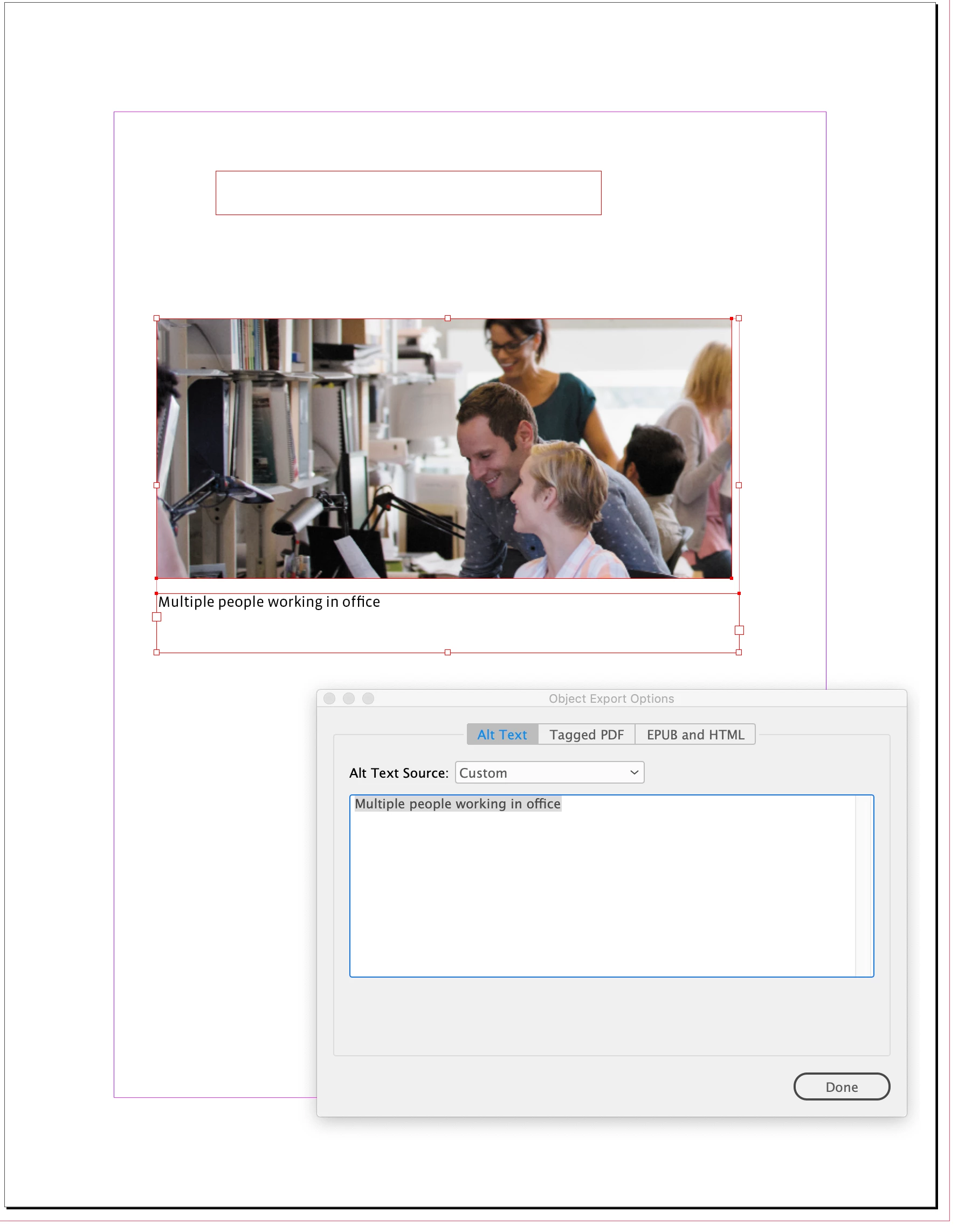
I'm trying to find a script that will automate an alt text process.

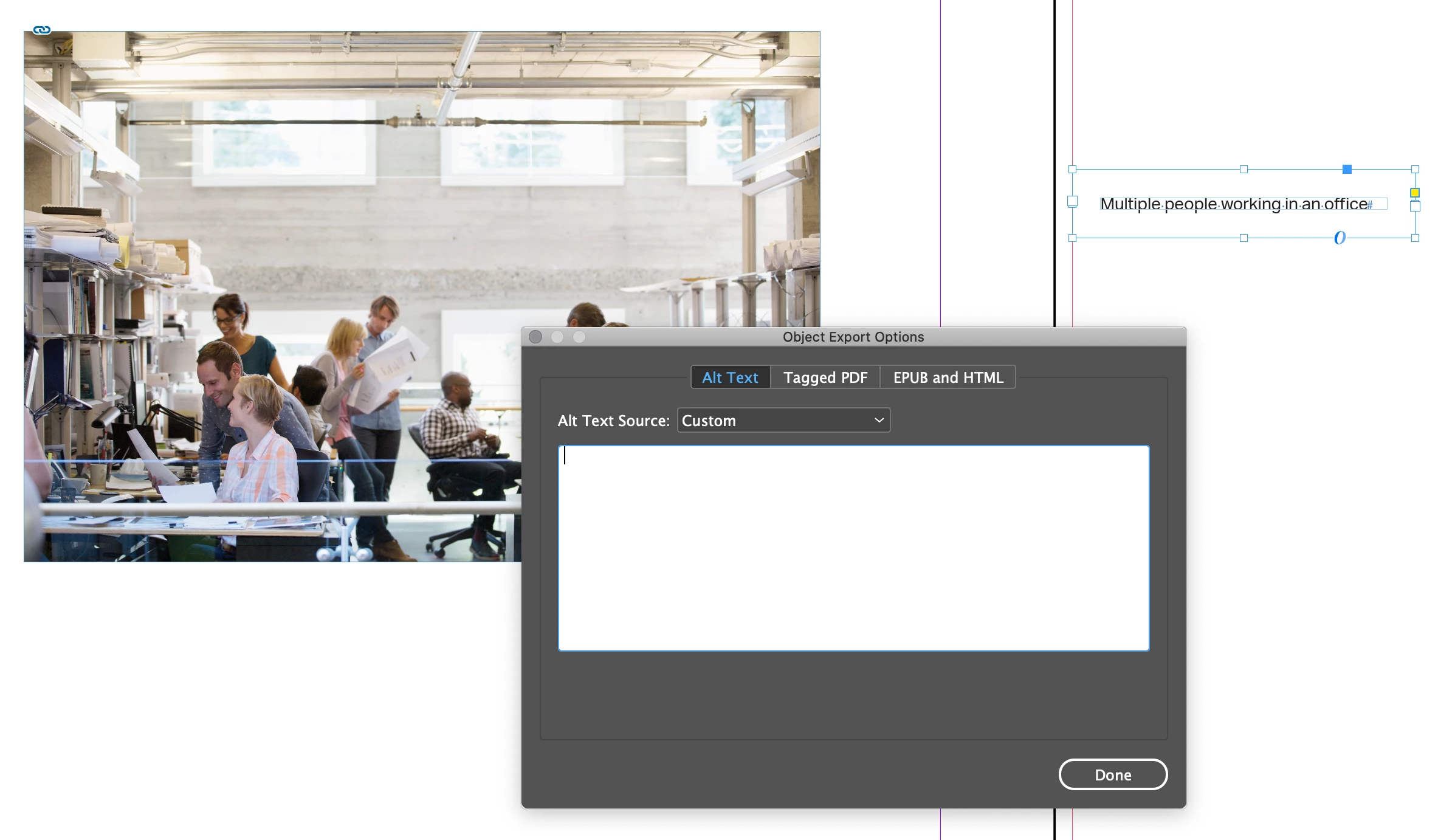
Once I've selected the Image I'm wanting to affect, access an items 'Object Export Options',  change the Alt Text Source to 'Custom' and then insert clipboard contents (text i've copied) in the window.

I know its just eliminating a couple clicks, but If i can just copy text and select an image and then click the script when i'm going through mulitple photos in a document, that would be cool.

Is this possible?
This topic has been closed for replies.
Correct answer rob day

Hi @LynxKx , Could you skip getting the clipboard contents, and run the script with the text frame and image selected? Something like this gets the text from the text frame:


var s = app.documents.item(0).selection;
var t, obj;
for (var i = 0; i < s.length; i++){
    if (s[i].constructor.name == "TextFrame") {
        t=s[i].contents;
    } else {
        obj=s[i]
    }
};   


if (t != undefined && s.length ==2) {
    try { var objectExportOptions = obj.objectExportOptions;
        with (objectExportOptions) {
            altTextSourceType = SourceType.SOURCE_CUSTOM;
            customAltText = t;
        }
    } catch(e) {}
} else {
    alert("Select a text frame and object")
}


4 replies

rob day
Community Expert
rob dayCommunity ExpertCorrect answer
Community Expert
January 1, 2022

Hi @LynxKx , Could you skip getting the clipboard contents, and run the script with the text frame and image selected? Something like this gets the text from the text frame:


var s = app.documents.item(0).selection;
var t, obj;
for (var i = 0; i < s.length; i++){
    if (s[i].constructor.name == "TextFrame") {
        t=s[i].contents;
    } else {
        obj=s[i]
    }
};   


if (t != undefined && s.length ==2) {
    try { var objectExportOptions = obj.objectExportOptions;
        with (objectExportOptions) {
            altTextSourceType = SourceType.SOURCE_CUSTOM;
            customAltText = t;
        }
    } catch(e) {}
} else {
    alert("Select a text frame and object")
}


LynxKx
LynxKxAuthor
Inspiring
January 1, 2022

That would actually be perfect!! I'm anxious to get to my computer and try it out! Will let you know! Thank you SO MUCH!!

brian_p_dts
Community Expert
Community Expert
December 31, 2021

Listen to Mike, not me. Alt Text isn't available to the DOM for hyperlink objects. That's where I was getting confused. 

Legend
December 31, 2021

Hello @LynxKx,


Give the below script a try, I know the code could be refined a bit more but it does what you're looking for...


 function Main() {

  function GetClipboard(){  
    var clipboard;  
    if(File.fs == "Macintosh"){  
        var script = 'tell application "Finder"\nset clip to the clipboard\nend tell\nreturn clip';  
        clipboard = app.doScript (script,ScriptLanguage.APPLESCRIPT_LANGUAGE);  
    } else {  
        var script = 'Set objHTML = CreateObject("htmlfile")\r'+  
        'returnValue = objHTML.ParentWindow.ClipboardData.GetData("text")';  
        clipboard = app.doScript(script,ScriptLanguage.VISUAL_BASIC);  
    }  
    return clipboard;  
} 

myCustomAltText = GetClipboard();

	try { var objectExportOptions = mySelObject.objectExportOptions;
	  with (objectExportOptions) {
     altTextSourceType = SourceType.SOURCE_CUSTOM;
     customAltText = myCustomAltText;
		}} catch(e) {}
}
  
 if (app.selection.length == 0) {
		 alert("Error!\nNothing is selected.");
	}

  else if (app.selection.length > 1) {
    alert("Error!\nThere's more than one object selected.");
  }

  else if (app.selection.length == 1 && app.selection[0].hasOwnProperty("baseline")) {
		alert("Error!\nSome text is selected.");
	}

  mySelObject = app.selection[0];
  Main();	


Regards,

Mike

LynxKx
LynxKxAuthor
Inspiring
January 3, 2022

Totally works! and will be so helpful when I have repeat graphics with the same alt text! Thank you so much for your help! 

brian_p_dts
Community Expert
Community Expert
December 31, 2021

I don't believe Alt Text is available to the scripting DOM, unfortunately.