colinrogger
Inspiring
July 2, 2024
Answered

Section numbering in book does not reset

  • July 2, 2024
  • 2 replies
  • 591 views

Hi,

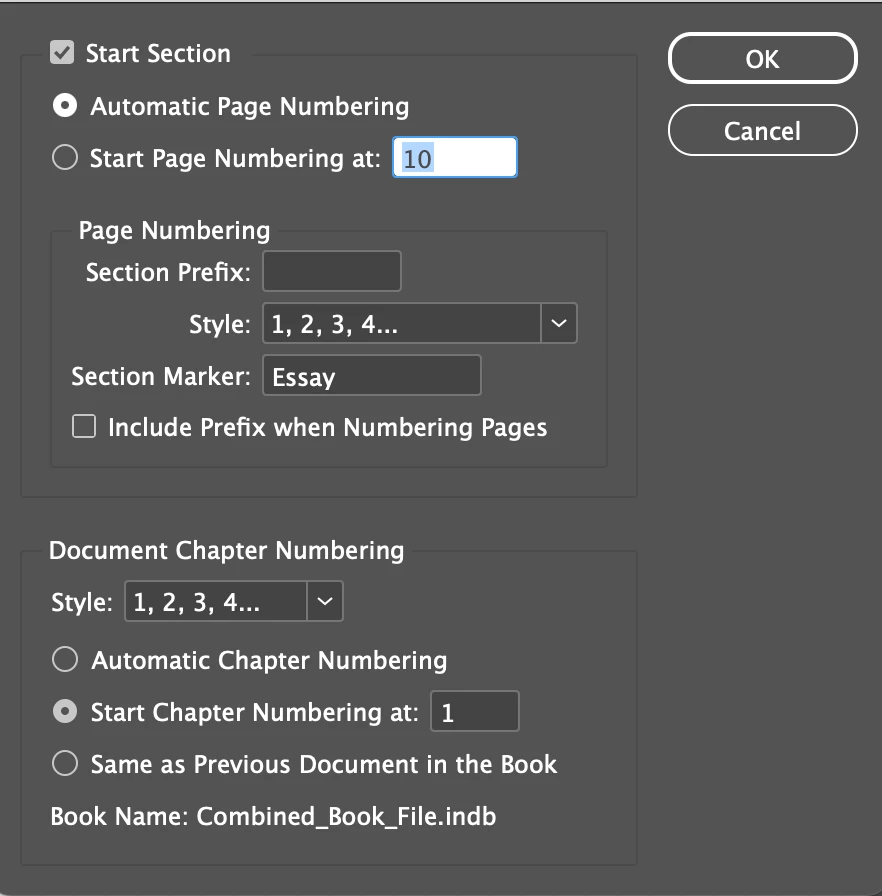
I have 10 seperate indesign files I am trying to combine into one book. The first number of the section number starts correctly in each page, but the second number is not reseting. 

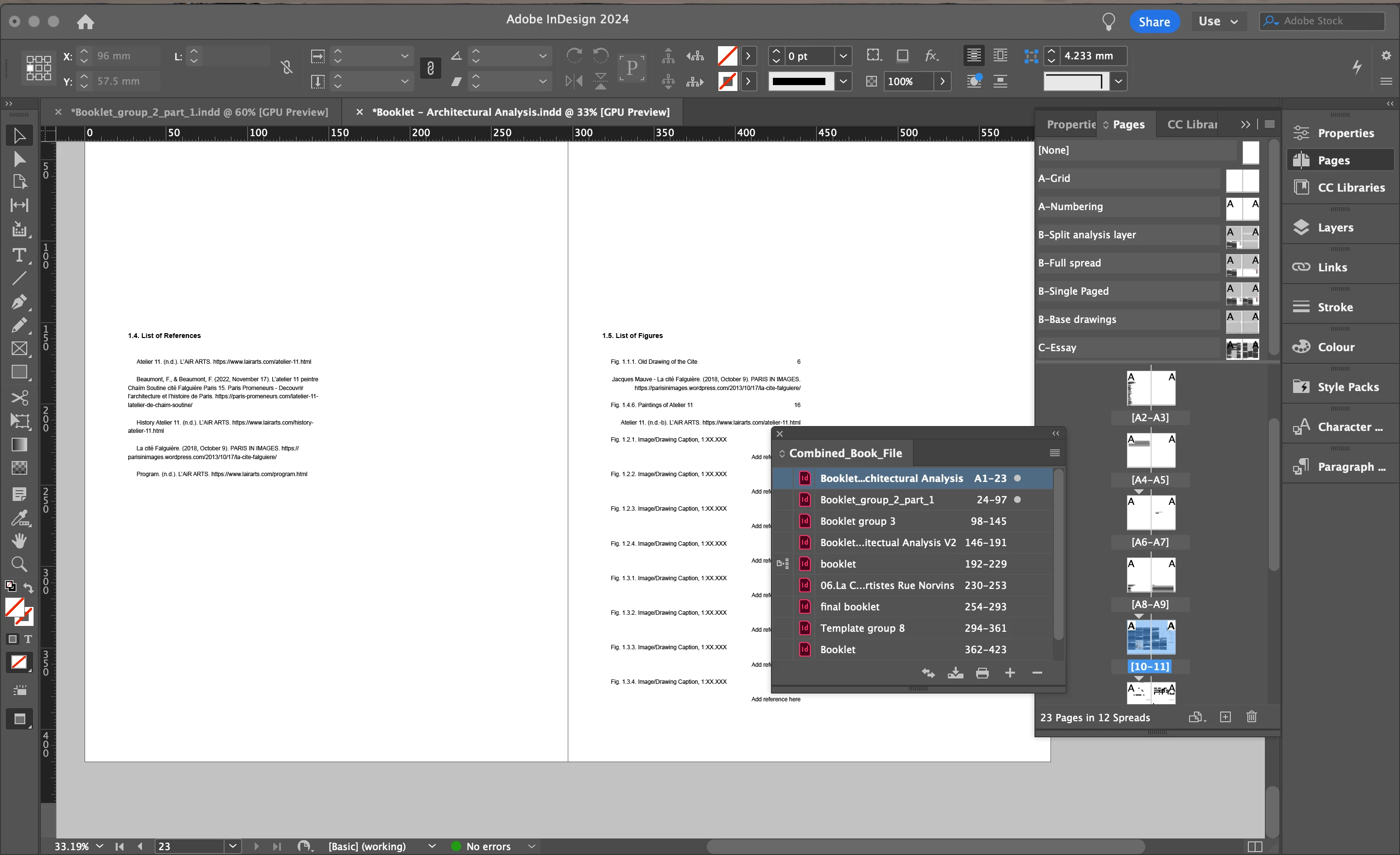
For example, currently in file 1, the section numbers go 1.1, 1.2, 1.3, ..., 1.5

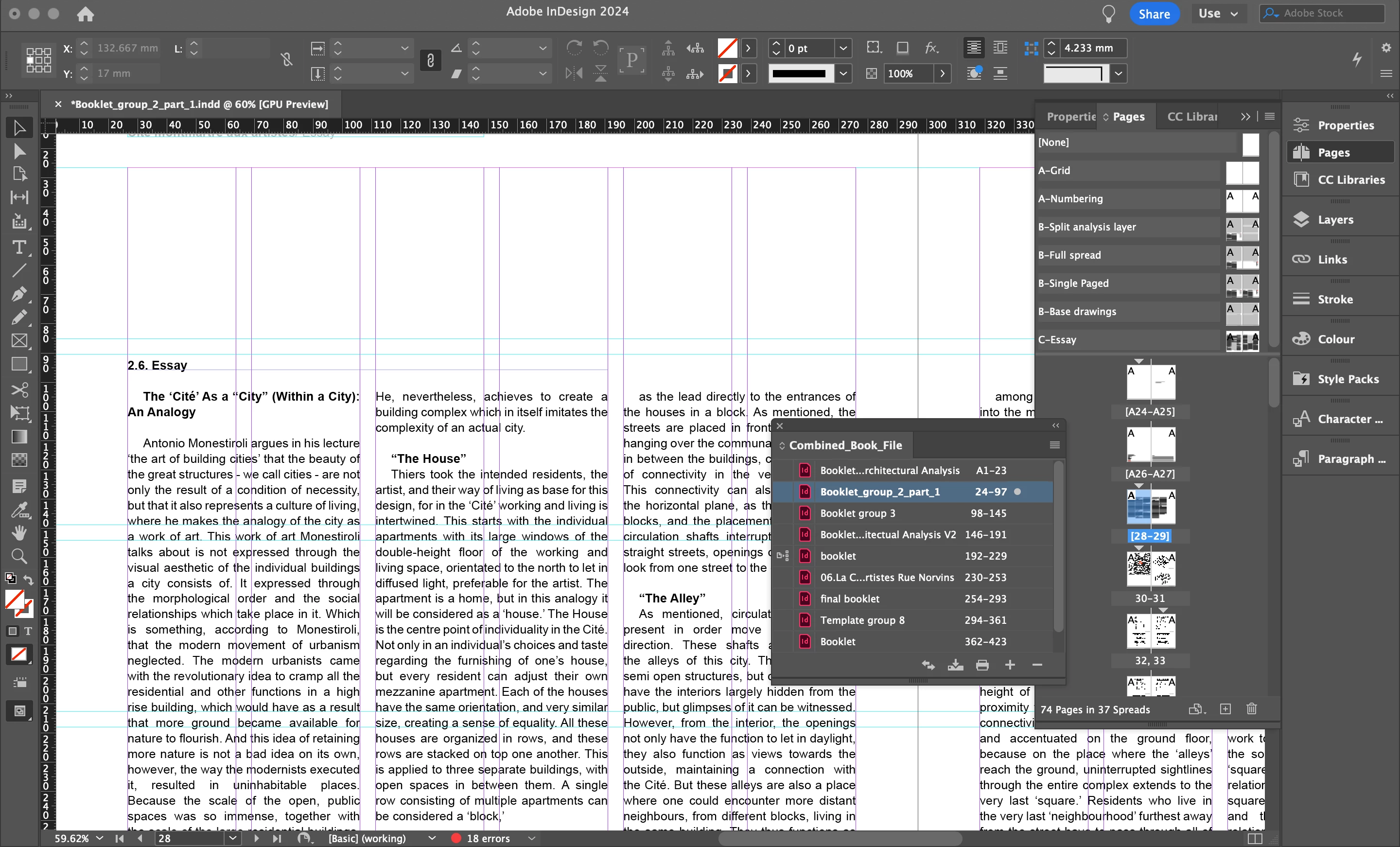
Afterwards in file 2, the section numbers go 2.6, 2.7, 2.8, ... 2.11 and then in 3, 3.12, 3.13, etc.


However, I want the section numbers to start at x.1 in each chapter. so in file 2, it should start at 2.1, 2.2, 2.3, etc..


Is this possible and how can I can this?

Thanks
This topic has been closed for replies.
Correct answer Robert at ID-Tasker

@colinrogger


https://youtu.be/5pjK95sMk6k?si=RZGtoKOU9SrJJSCJ


Around 1:55 - 2nd option in the custom list dialog box. 


https://community.adobe.com/t5/indesign-discussions/section-numbering/m-p/10974294#M178573


2 replies

Robert at ID-Tasker
Robert at ID-TaskerCorrect answer
Brainiac
July 2, 2024
colinrogger
Inspiring
July 2, 2024

@Robert at ID-Tasker, perfect solution, Thank you!


Robert at ID-Tasker
Brainiac
July 2, 2024
quote

@Robert at ID-Tasker, perfect solution, Thank you!


By @colinrogger


You are welcome. 


Willi Adelberger
Adobe Expert
July 2, 2024
  1. Select all files in the book panel
  2. In the book panel menu > Update Numbers > Update all numbers
    (maybe the wording is different as I have it translated from German backward to English here).
colinrogger
Inspiring
July 2, 2024

Hi Willi Adelberger,


Ich kann auch auf Deutsch posten, ich hatte das probiert, aber es hat leider nichts verändert, und die Zahlen nach dem punkt gehen immer noch durch das ganze Buch durchgehend durch.