


Question
Smart Text Reflow Out of Order and Blank Text Boxes
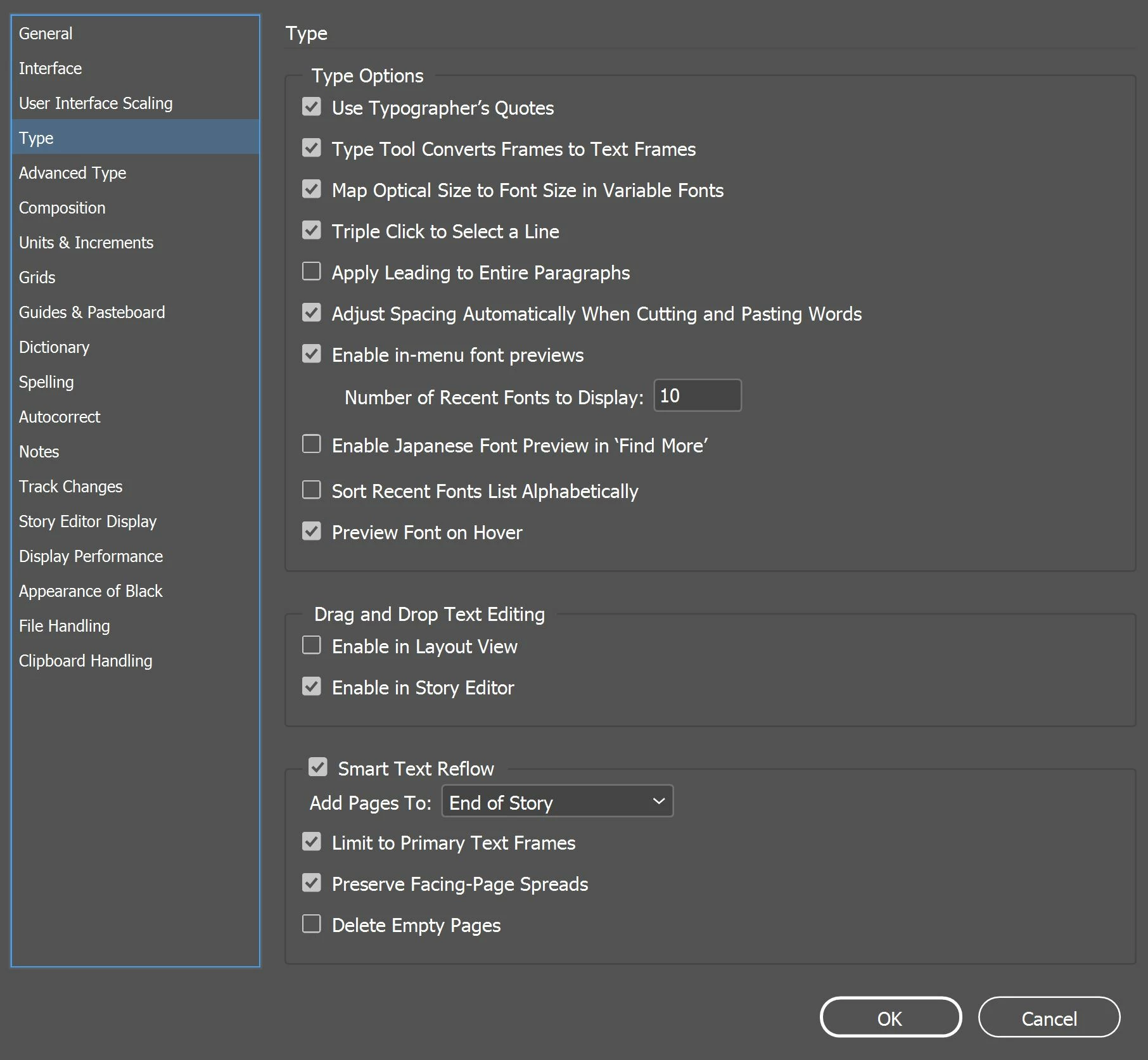
I'm having a problem with smart text reflow. I've set up a face spread master with a thread to the text box on the other page. It's been reflowing just fine until recently. Now when I drag and drop a Word document into the left text box, it skips a page, essentially populating the left pages first and then the right. It also is leaving several of the text boxes blank and not including all the content. These are my current Type settings but I've played with all sorts of different combinations to see if it fixed the problem and it hasn't so far. I've restarted InDesign, tried different Word Documents (other documents have the misordered pages but not the blank text boxes), switched between enabling and disabling primary text flow. Help?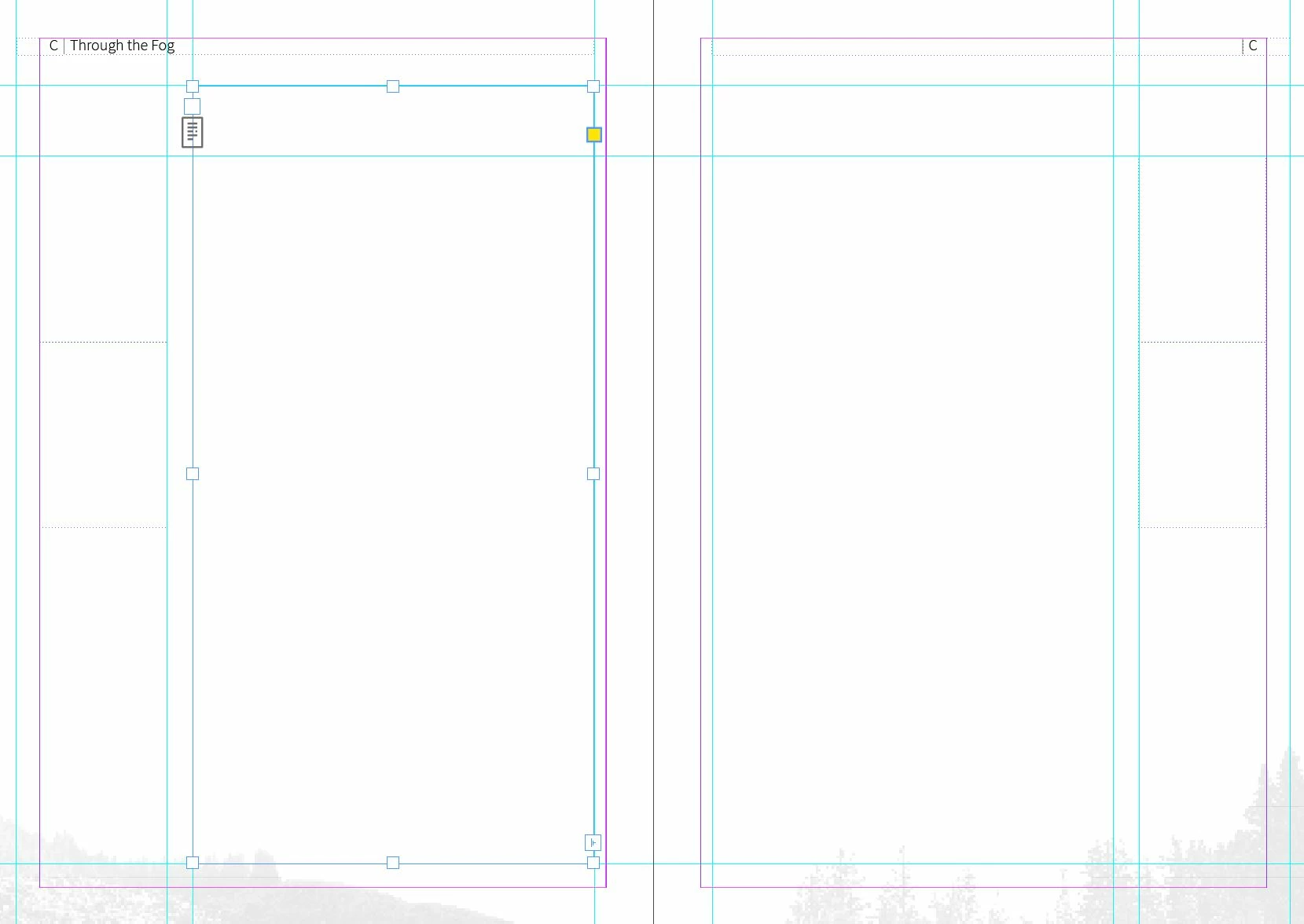
 AdChoices