


Participating Frequently
November 21, 2019
Question

Span columns not working properly in 15.0

  • November 21, 2019
  • 3 replies
  • 2212 views

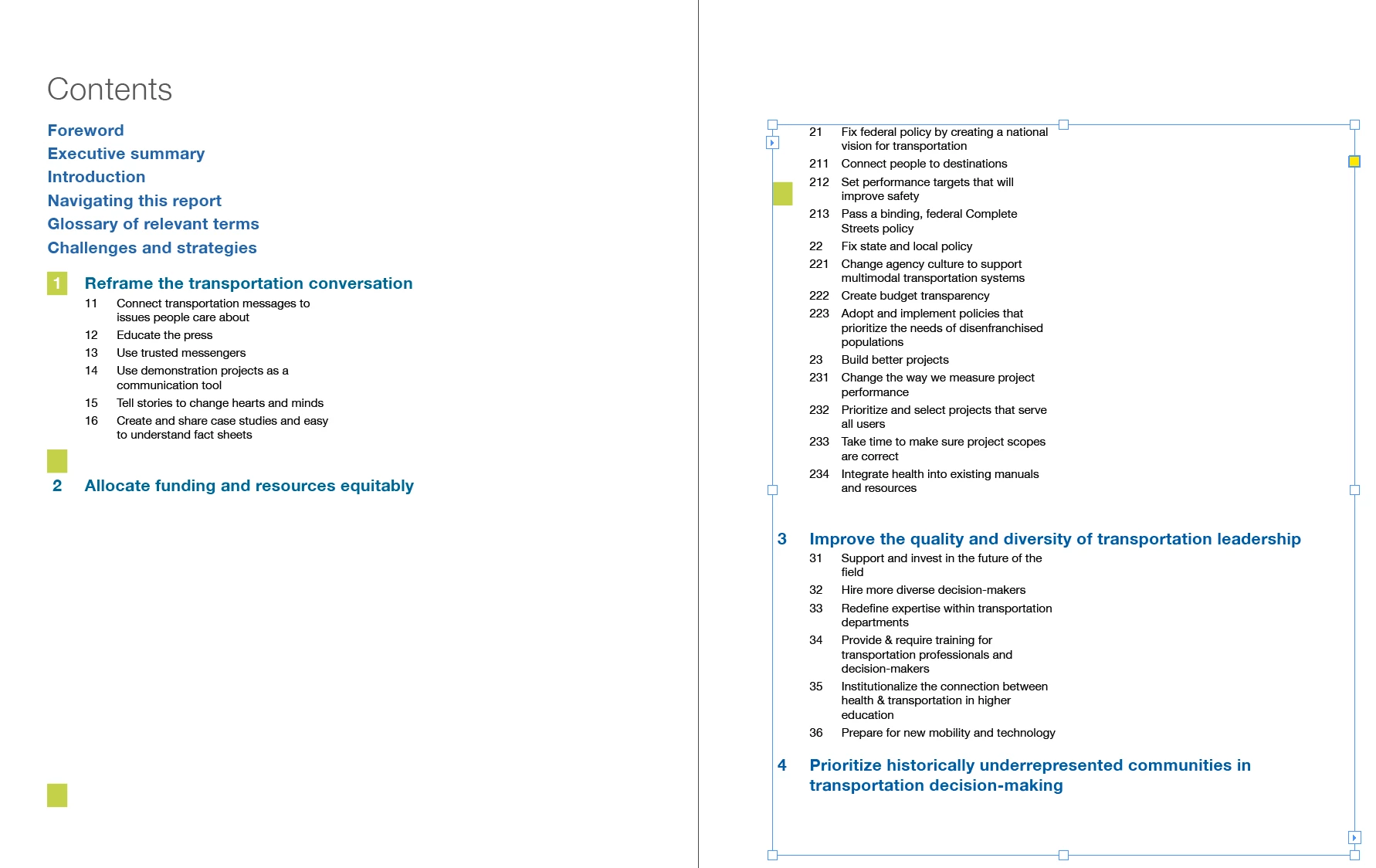
I recently updated to the most recent InDesign and now am finding that I have very little control over the text under a spanned column headline. ID will bump the 2 column text to the next page even though the spanned column headline is only halfway down the first page, and I can't get the text to come back under its heading where it should be, nor can I identify why it's doing this. Also the split column text is not flowing into two columns beneath spanned headings. It flows in the column on the left, but the right hand column is empty. Previously, if I set a heading to span columns, it would make 2 column text above it flow neatly into two columns, as one would expect. Help! Very frustrating!
This topic has been closed for replies.

3 replies

vladan saveljic
Inspiring
May 5, 2020

Indeed, this option still doesn't work properly in InDesign CC 2020 (15.02)

RaviKiran
Adobe Employee
Adobe Employee
November 22, 2019

We've identified a fix for this issue and working on making it available to all InDesign 2020 users shortly.

We appreciate your patience.


- Adobe InDesign team

screed1234
New Participant
May 4, 2020

Soo, I have 2020 and the problem is still here. What is the fix?

Participating Frequently
September 8, 2021

What exact version of InDesign do you have (not "latest" or "updated")?


I am running  InDesign 16.4 on Windows and I have the same kind of issue with spanned text.
It looks like there is a "breack column" special caracter above and below the spanned text.   
This happend on flowing text on primary text flow. With a long text flow (55 pages) placed from a Word document.
It doesn't happens on "classic" text frames.

vladan saveljic
Inspiring
November 22, 2019

Unfortunatly it is one serious bug already reported here:

https://indesign.uservoice.com/forums/601180-adobe-indesign-bugs/suggestions/38987725-split-column-doesn-t-work-correctly

we have to wait that adobe's ingeneers fix this issue