

Answered
Swatch Options - Script to set all swatch Name with Colour Value
Hello,
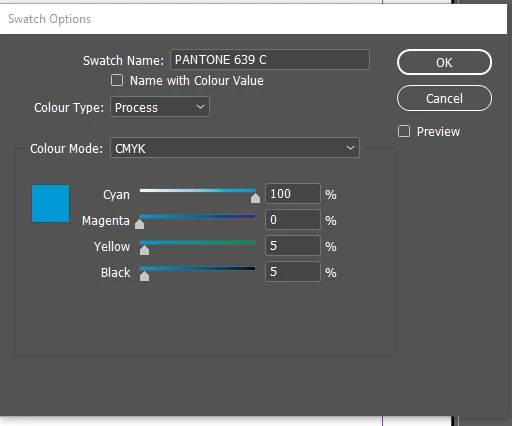
I need to code a script to do the same thing as its done with the Swatch Options Name With Colour Value check option.

Hello,
I need to code a script to do the same thing as its done with the Swatch Options Name With Colour Value check option.
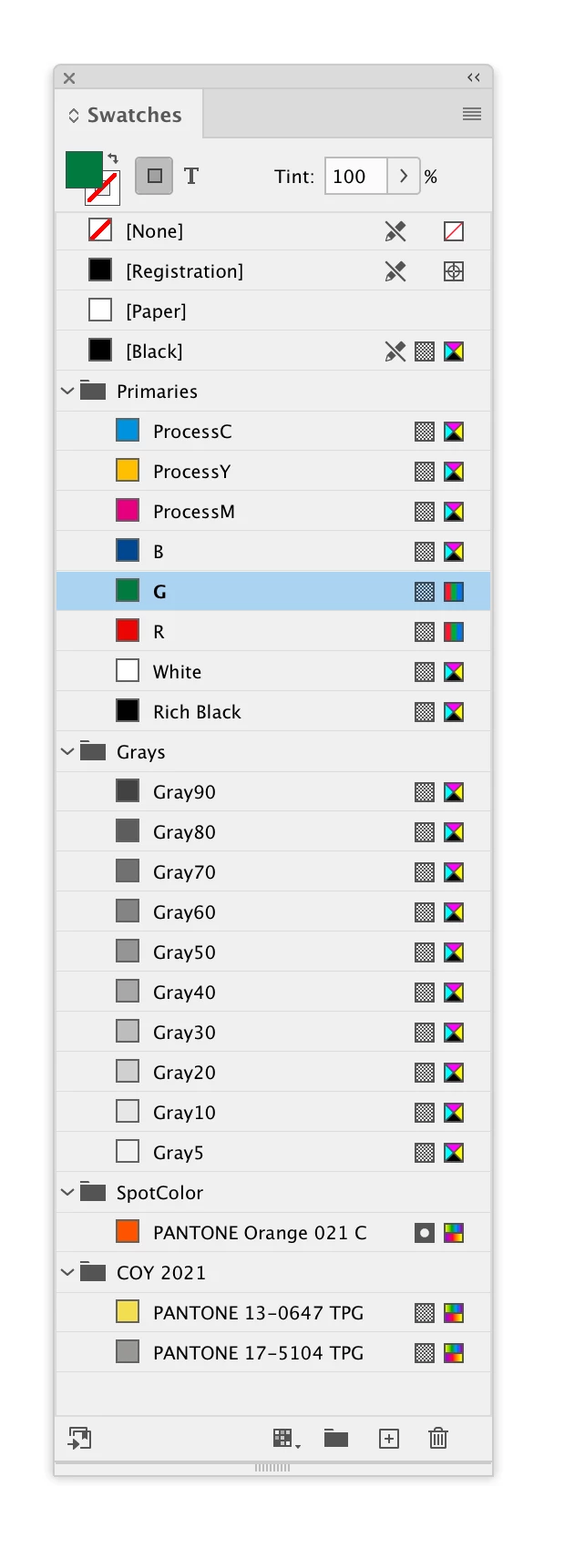
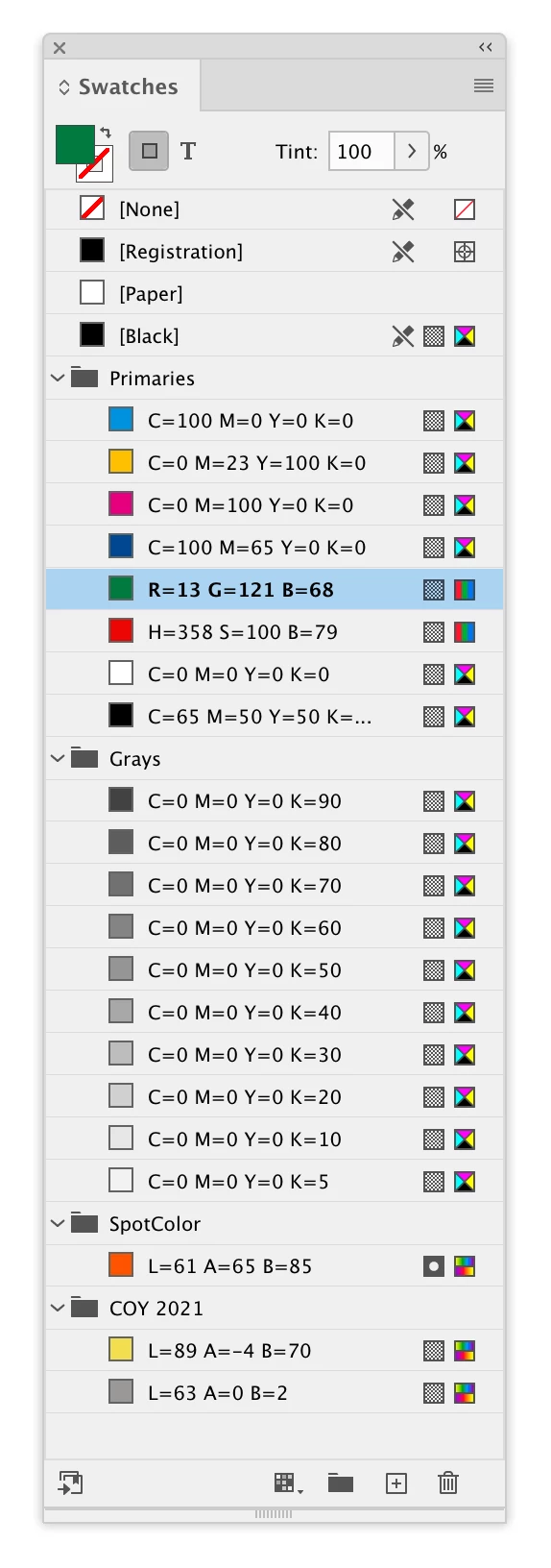
Hi @Amine9 , I don’t think there is a built-in method that will name a swatch with its color value, so you would have to write a function. Try this:
var s = app.activeDocument.swatches

for (var i = 0; i < s.length; i++){
    try {
        setNameAsValue(s[i])
    }catch(e) {}
};


/**
* Sets the swatch name to color values
* @ param the swatch
* @ return void
*
*/
function setNameAsValue(s){
    var va = s.colorValue;
    var ns;
    if (s.space == ColorSpace.CMYK) {
        ns = "C=" + Math.round(va[0]) + " M=" + Math.round(va[1]) + " Y=" +Math.round(va[2]) + " K=" + Math.round(va[3])
    }
    if (s.space == ColorSpace.RGB) {
        ns = "R=" + Math.round(va[0]) + " G=" + Math.round(va[1]) + " B=" +Math.round(va[2])
    }
    if (s.space == ColorSpace.LAB) {
        ns = "L=" + Math.round(va[0]) + " A=" + Math.round(va[1]) + " B=" +Math.round(va[2])
    }
    if (s.space == ColorSpace.HSB) {
        ns = "H=" + Math.round(va[0]) + " S=" + Math.round(va[1]) + " B=" +Math.round(va[2])
    }
    s.name = ns
}
Already have an account? Login
Enter your E-mail address. We'll send you an e-mail with instructions to reset your password.
 AdChoices