LaurentDesignbureau
Inspiring
November 25, 2022
Answered

Table of Contents - More inputs in one row in specific order

  • November 25, 2022
  • 3 replies
  • 941 views

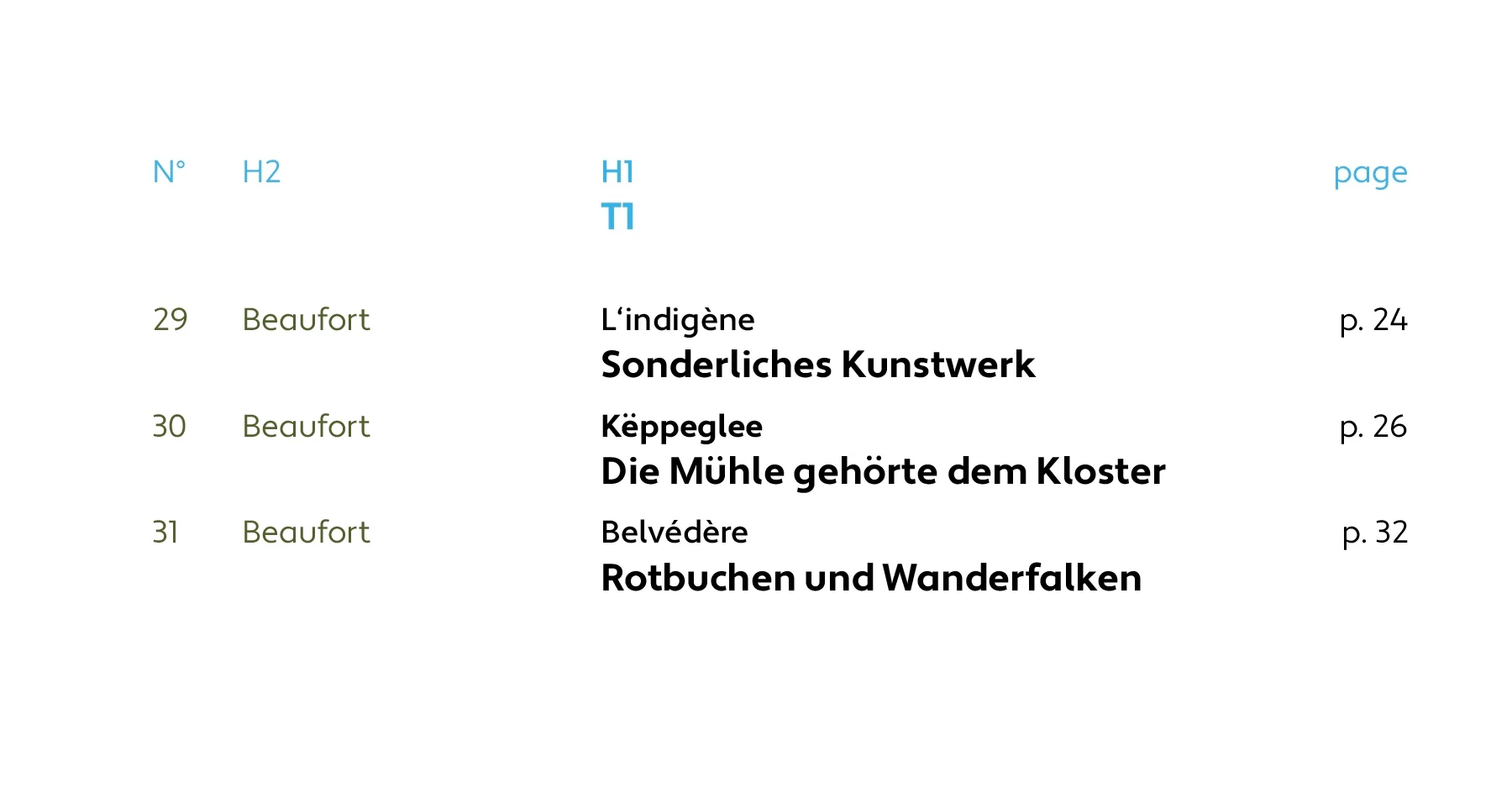
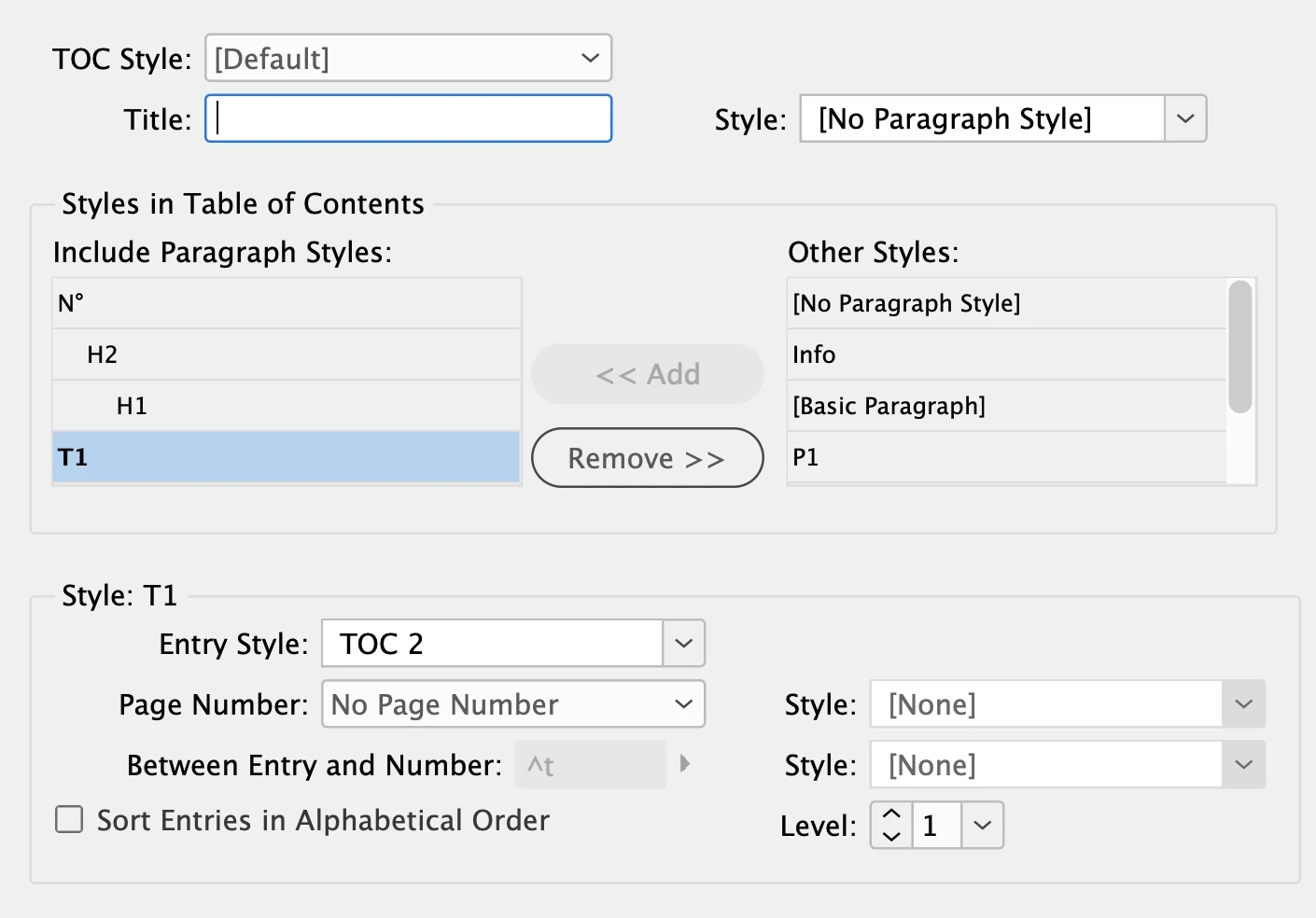
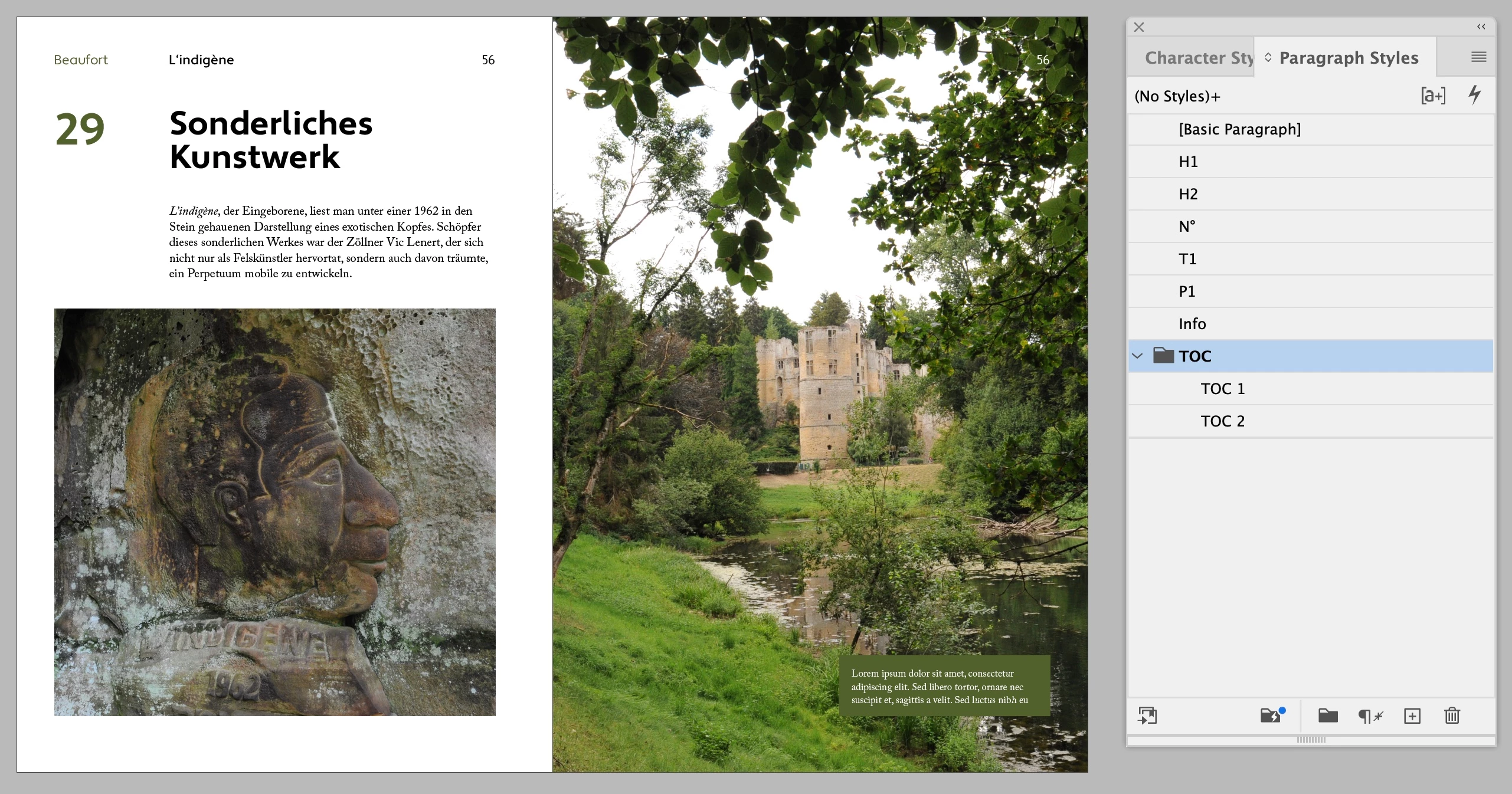
I Have 4 Pargraph Styles I want to Organise in my Table of Contents. In the TOC they should appear in a different order than on the page itself. And I want 3 of them to fit in one row (followed by the page number).

Is this possible? (I am quite familiar with styling the TOC but can't get them in the right order and in one line)

Here are some screenshot of the page itself and how I want the TOC to look like.
Thanks
This topic has been closed for replies.
Correct answer Eugene Tyson

For a complex TOC like this it might be an option to set it up as Cross references and not use the TOC feature.


3 replies

James Gifford—NitroPress
Legend
November 27, 2022

Overall, as already suggested, something this complex may be best set up as a manual layout, with only the page numbers automated. The Cross Reference feature would work better for that, but a TOC might be an option with enough tweaking.


Eugene TysonCommunity ExpertCorrect answer
Community Expert
November 27, 2022

For a complex TOC like this it might be an option to set it up as Cross references and not use the TOC feature.


LaurentDesignbureau
Inspiring
November 28, 2022

Hallo,
I will read about Cross References, I never used that feature...

Community Expert
November 28, 2022

It will work fine - it's a more manual setup. But one setup it will be good for what you need.

Barb Binder
Community Expert
Community Expert
November 25, 2022

Hi @LaurentDesignbureau:


You are up against two separate limitations of a InDesign generated table of contents:

  1. InDesign can type up the TOC in chronological order or alphabetical order. Yours is neither.
  2. InDesign can't put multiple paragraphs on a single line.


Separately, are Beaufort and L'indegène on a parent page? InDesign can't collect content for a generated TOC from a parent page.


The options as I see are:

  1. Forgo the generated TOC and do this manually
  2. Add "Beaufort[tab]L'indegène" to the page, either in a text frame that is mostly on the pasteboard and slightly overlapping the page (or on a non-printing layer) and collect that content for the first line. Add the leading numbers with a numbering list to the TOC style, and add the page numbers at the end.
  3. Call in the other heading normally.


~Barb

~Barb at Rocky Mountain Training
LaurentDesignbureau
Inspiring
November 27, 2022

Thank You!
1. is a miss understanding, my TOC is chronological. (I was talking about the order the different paragraphs appear in the TOC. I had problems controling it. It looked like the first paragraph on a page appeared as first line in the TOC)

2. Pitty InDesign can't put multiple paragraphs on a single line.

it looks like I have to do it manually

Community Expert
November 27, 2022

Hi @LaurentDesignbureau,

this is a job for a script.

Only Question is: How extensive is that book? And is it a one-time job?

How much time will you have to spend on this doing it manually? How often will you redo that TOC?

And so: Are the costs of a script-solution worth it?


Best

Stephan