

New Participant
October 31, 2022
Answered

Table Styles

  • October 31, 2022
  • 2 replies
  • 819 views

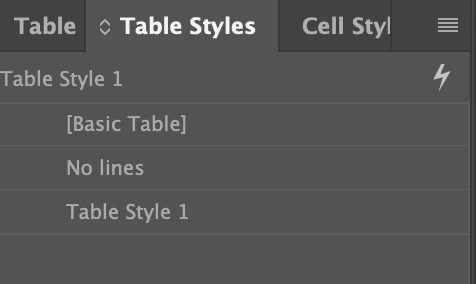
The table styles window is grayed out and I cannot click on it. How do I make it where I can select a table option?

This topic has been closed for replies.
Correct answer Steve Werner

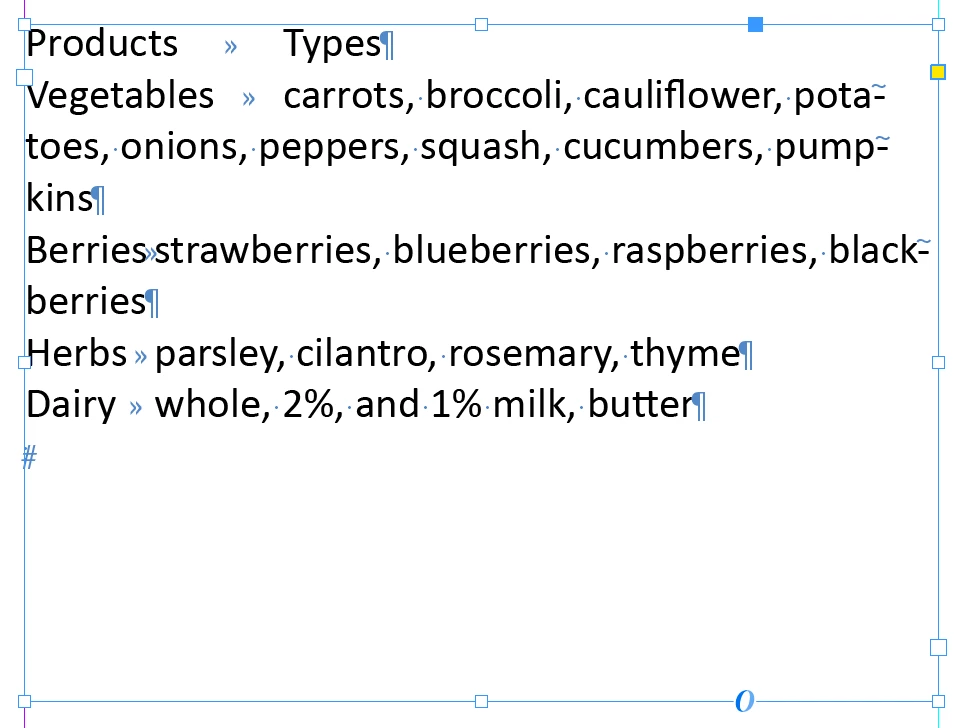
You must use Table > Convert Text to Table because it's the only way to take tabular text and do the conversion. It's really very easy. Here's a simple Word document with tabular text:
 

Choose Table > Convert Text to Table:
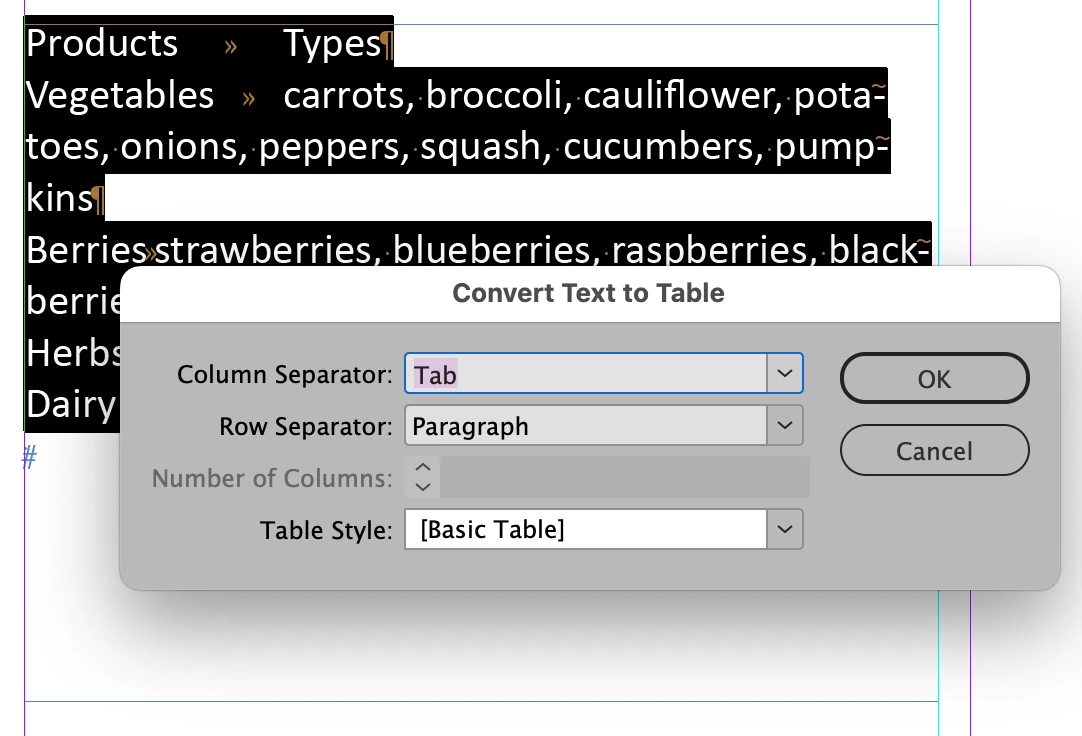
I usually just accept the default unless a Table Style has already been created in which case it can be selected. Click OK.


Voila!
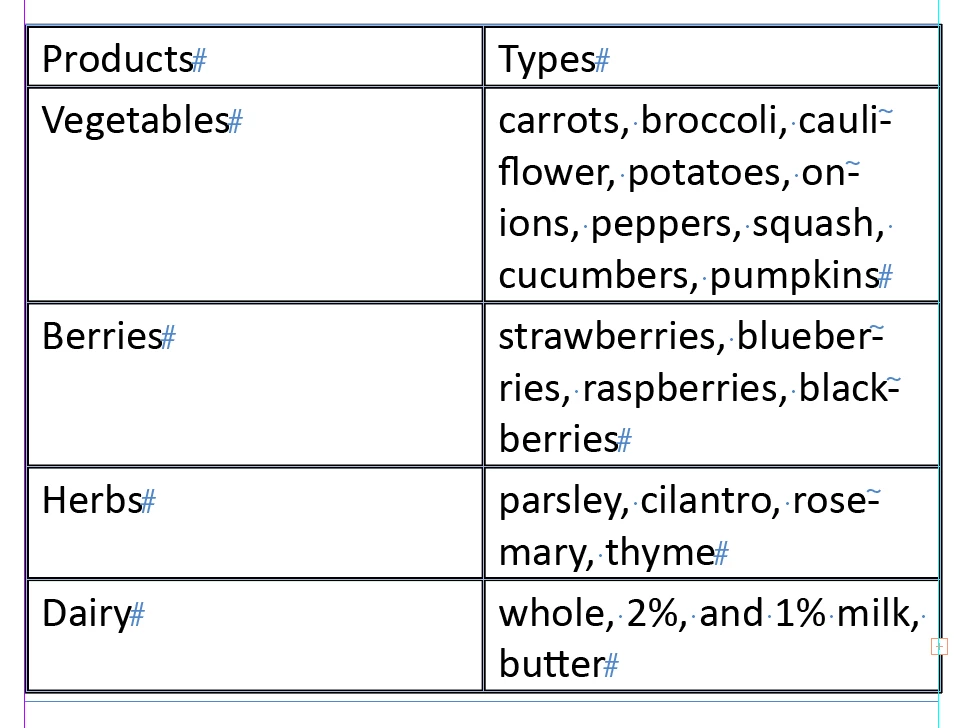
Then you begin editing the table.


2 replies

Steve Werner
Brainiac
October 31, 2022

I'm not having such a problem in InDesign 2023 on my MacBook Pro 2021


Please provide more information about your system: Please tell us what operating system (exactly) you're running. Please tell us (exactly) what InDesign version you're using. Is this happening in all files or just in one file?


If all files, you may need to restore InDesign preferences and caches:


https://www.rockymountaintraining.com/adobe-indesign-rebuilding-preferences-cache/


If just one file, you may have a corrupted file: Choose File > Save As > InDesign CS4 or Later [IDML] and save an IDML file which can remove corruption. Open the IDML file in InDesign,

Steve Werner
Brainiac
October 31, 2022

My assumption was that you had encountered this with nothing selected or were in a table. 

Brainiac
October 31, 2022

These styles will be grayed out is when the Story Editor is active or the text cursor is inside a text frame. 

n19005336Author
New Participant
October 31, 2022

Thank you! Do you know if there is any shortcut to convert text to table than to go through the table tab?

Steve Werner
Steve WernerCorrect answer
Brainiac
October 31, 2022

You must use Table > Convert Text to Table because it's the only way to take tabular text and do the conversion. It's really very easy. Here's a simple Word document with tabular text:


Choose Table > Convert Text to Table:

I usually just accept the default unless a Table Style has already been created in which case it can be selected. Click OK.


Voila!

Then you begin editing the table.